ORIGINAL PRINTABLE ACTIVITY · OCTOBER 3, 2026
Custom coloring pages: one garden, three detail levels
Keep the same main subject and change the surrounding detail, rather than making everyone color a different picture. Our three free garden sheets share one flower, two leaves, a pot, and a sun. Choose open, balanced, or detailed; then draw something from your own garden in the blank space to make the page personal.
This is a prepared set of original drawings, not a claim that the AI generator has a difficulty slider. You can use the sheets directly or use their differences to plan a new scene on the generator.
Choose the sheet by what you want to color
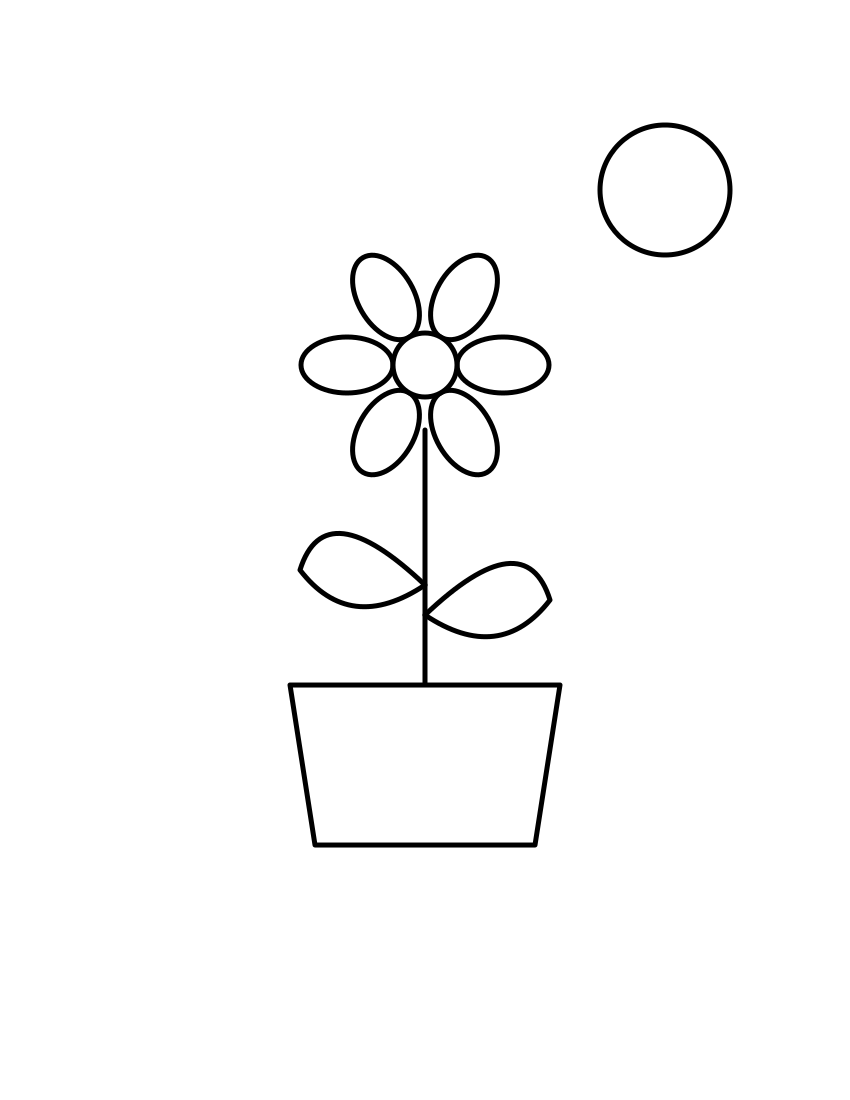
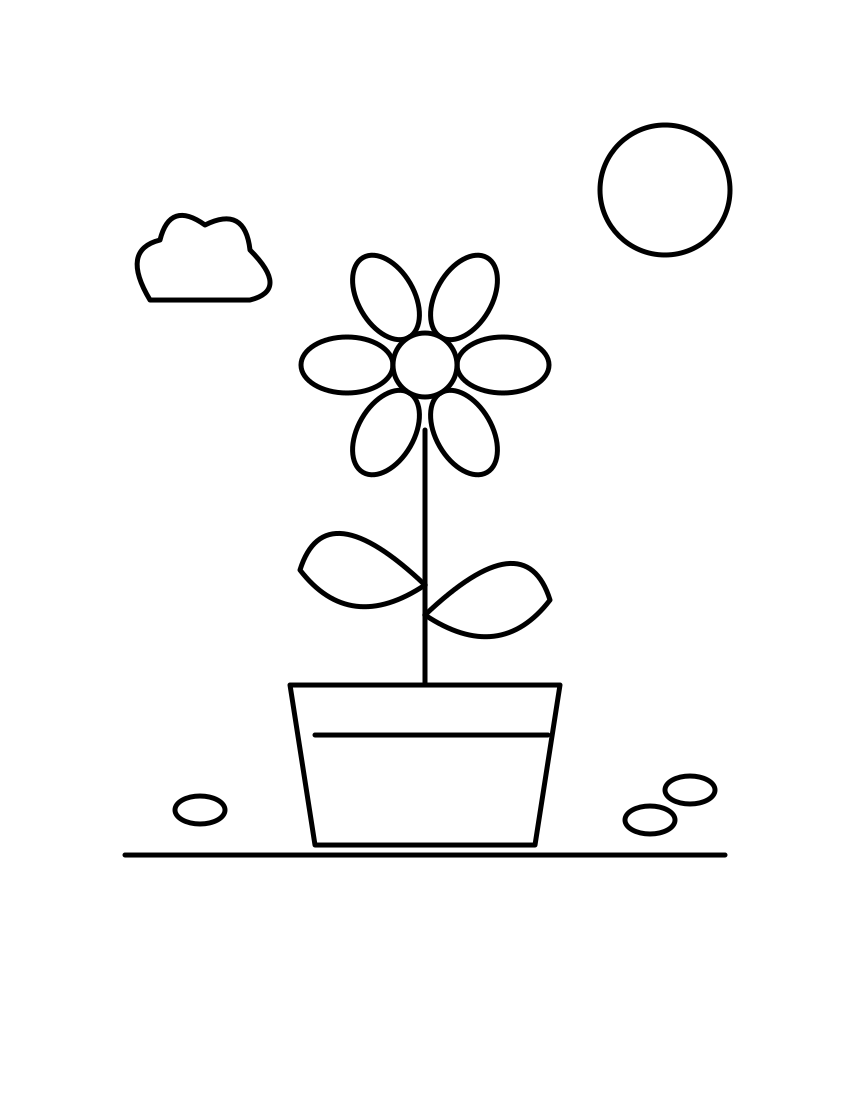
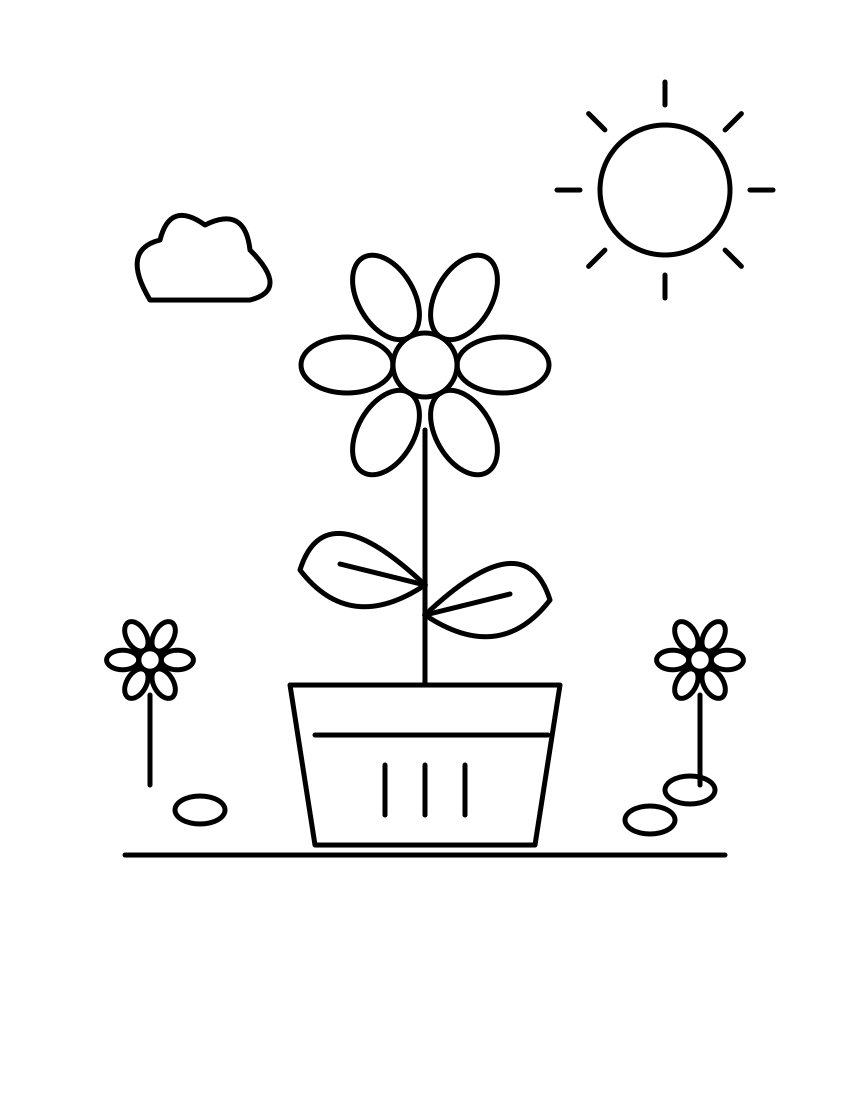
Choose by the spaces and marks you actually want to work on. “Open” is not an age rating, and “detailed” is not a test of ability. A person who likes decorating empty space may prefer the open sheet; a person who wants a scene already filled with small features may prefer the detailed one. We have not tested these preferences with children or a classroom.
What we kept fixed, and what we changed
In our source drawing, every sheet uses the same page coordinate system, the same central flower position, the same pot outline, and the same line thickness. We changed the extra objects and internal marks instead of shrinking the main subject. This gives you a concrete comparison: the detailed version offers more small features, while the large flower remains available on every sheet.
The open sheet has two unmarked leaves and one unmarked pot. The balanced sheet divides the pot with a horizontal band but leaves the flower intact. The detailed sheet adds veins inside the leaves and three short marks inside the lower part of the pot. These are deliberate design changes you can inspect in the pictures, not measurements of how long coloring takes.
Make the blank space yours
- Pick one real detail. Think of a leaf, a watering can, a seed packet, or a garden creature you have actually seen. Use your own memory or an image you have permission to use.
- Sketch it below the pot. The lower portion of each sheet is blank. A single object is enough; keeping it separate from the pot makes your added shape easier to inspect.
- Give it one personal decision. Choose the petal colors from a familiar plant, decorate the pot with a pattern you invent, or draw the shape of a leaf you collected.
- Compare the finished pages. Ask which part each person chose to customize. The shared flower provides a common starting point without requiring identical results.
If you are organizing the activity, offer the three previews before printing. Let people choose rather than assigning a version from an assumed age or skill level. You can also start with the open sheet and add the cloud and stones by hand, making a fourth version from your own choices.
Use the same idea for an AI-generated custom scene
Write down a fixed subject first, then a short list of optional background objects. For a garden scene, the subject could be “one large flower in a pot with two broad leaves.” Keep that part of the description unchanged while deciding whether you want a plain background, a cloud and stones, or extra small plants.
One starting prompt is: “One large flower in a pot, two broad leaves, black outlines on white, open background, no lettering.” For a busier scene, add the particular objects you want. The generator can interpret the prompt differently on each run: it does not lock a composition or guarantee the same flower across attempts. Use our downloadable set when matching the central drawing exactly matters.
Need readable lettering? Our separate custom name coloring page uses typed outline text. Need to assemble several sheets into a book? See printing your own coloring book. Neither is necessary for this single shared garden activity.
Download and check before printing
The downloads are SVG drawings with a white background. They contain line geometry, not an uploaded personal photo or generated name. Open the saved file in a browser and use its print command. Choose your paper and inspect the print preview; if the drawing extends outside the printable area, select a fit-to-page option.
The original drawing canvas is 850 by 1100 units. That ratio matches US Letter proportions; fitting it onto A4 may leave different margins. We leave empty space around the scene, but printer hardware and settings still control the physical margins. We have not printed these sheets on paper and do not claim a tested result for a particular printer.
Quick answers
Are these custom coloring pages free?
Yes. The three garden SVG files on this page can be downloaded without an account or purchase. The advertised photo-editing service is separate and is not needed to use these sheets.
Can I change a sheet after downloading?
You can add your own drawing after printing, or edit the SVG in a compatible vector editor. The central flower is our original line drawing; there are no third-party characters in the set. You may print these sheets for personal or classroom activities; this permission does not cover repackaging them for sale.
Will the AI reproduce the exact same three sheets?
No. These matching versions were built from the same original vector source. A text prompt does not provide that exact composition control. Download these files if you want the fixed set.
Which version should I choose first?
Look at the preview and choose the amount of detail you want today. Start with open if you want to invent a background; choose balanced or detailed if you want more provided objects. There is no required sequence.