Choose a mode
Describe a new scene or upload a clear photo with one main subject.
AI COLORING PAGE GENERATOR
A thought, a photo, a small spark.
Turn it into a page that’s yours to color.
Text or photo · Printable line art
Describe a scene or bring a photo.
Give your idea a little space.
LIVE PREVIEW
HOW IT WORKS
Describe a new scene or upload a clear photo with one main subject.
Photo mode traces the subject in your browser and turns it into clean outlines.
Download an unwatermarked PNG or PDF.
MAKE IT YOURS
Describe one subject and a few important details. Text mode creates a new image with Workers AI; it may interpret the same description differently on each attempt.
Choose a clear JPG, PNG or WEBP with one main subject. Photo mode processes it locally in your browser. Read our photo workflow before using a busy or blurry image.
Download PNG for an image or PDF for a single printable page. Choose portrait, square, landscape or A4, then check margins and orientation in your printer preview.
Start with one main subject, its pose and a simple setting. For example, describe a small garden with one flower in a pot and open space around it. Ask for black outlines on a white background and leave out textures that would fill the sheet with marks. A short, concrete description is easier to inspect than a list of unrelated objects. The model can still add unexpected details, so look at the preview before saving a copy.
Use text mode when you want a new scene rather than a faithful copy of a photograph. It does not guarantee exact spelling, matching characters across several images or identical results from repeated prompts. If a name is the important part of your activity, use the typed name-sheet page instead of asking an image model to draw the letters.
Photo mode keeps its starting point in an image you choose. Select a sharp subject, avoid strong shadows and crop distracting objects before opening the file. Light and Bold provide different outline treatments; compare the actual preview rather than assuming one style suits every photo. Background removal is optional and is not a manual editing brush. A hidden edge or blurred feature may remain difficult to recognize.
Keep a copy of a result you like before starting another attempt. The preview is a working area, not a saved account library, and closing the page should not be treated as a way to archive your artwork. Choose PNG when you need a normal image file to place in another document; choose the single-page PDF when you want to open a page in a PDF viewer. Prepared printable collections use SVG instead, so their download instructions differ from the generator. Follow the format shown on the particular page rather than expecting every activity to offer the same buttons.
A parent can prepare one familiar scene for a quiet activity. A teacher can use an original printable as a drawing prompt, with children adding their own setting. For a party, prepare a few different sheets rather than assuming every guest wants the same detail level. These are suggested uses, not a claim that a classroom or party trial has been completed.
Download one page as PNG or PDF and open it before printing multiple copies. Select A4 or US Letter in the printer dialog, check orientation and keep the drawing within the printable margins. The paper-shape control sets the output canvas; it does not control your printer driver. We have not performed physical print tests. Start with one proof sheet on your own printer and adjust its scaling if the border is clipped.
No sign-in is required to use the tool. Text generation is rate limited to protect availability; there is no account-based saved gallery.
The photo workflow on this page reads and processes the selected image in your browser. Model and code files may be downloaded, but this workflow does not send your selected photo to the generation endpoint. Text descriptions are sent to Workers AI. See our privacy policy.
The tool downloads one page at a time, not a bound book, cover or multi-page manuscript. Our book planning guide explains how to assemble separate pages yourself.
No. Blur, shadows and a busy background can add unwanted lines or hide the subject. Choose a cleaner input and inspect the result before printing.
Yes, open the PDF or PNG in a suitable viewer and use its print command. Choose your paper and inspect fit-to-page and margins. We have not tested a physical printer; its settings control the paper result.
An image model may draw incorrect letters. Use the separate typed name-sheet tool when spelling needs to match your input.
Need a hand with prompts, photos, or print sizes? Read the practical guide. Making several pages? Print your own coloring book.
Choose an original prepared drawing: Halloween, pumpkins, Christmas, gingerbread, snowmen or a 24-box Advent calendar. Each page has actual PNG or SVG downloads and activity instructions.
For file preparation, see photo to line art and our KDP manuscript preparation guide.
If you save your chosen picture as a PDF, Adobe’s guide to PDF page size and fit settings explains the print-dialog options. Settings differ in other viewers and printer drivers.
For a separate drawing activity, explore the National Gallery of Art’s lesson on drawing everyday objects. It offers mark-making ideas rather than instructions or an endorsement for this generator.
ORIGINAL PRINTABLE ACTIVITY
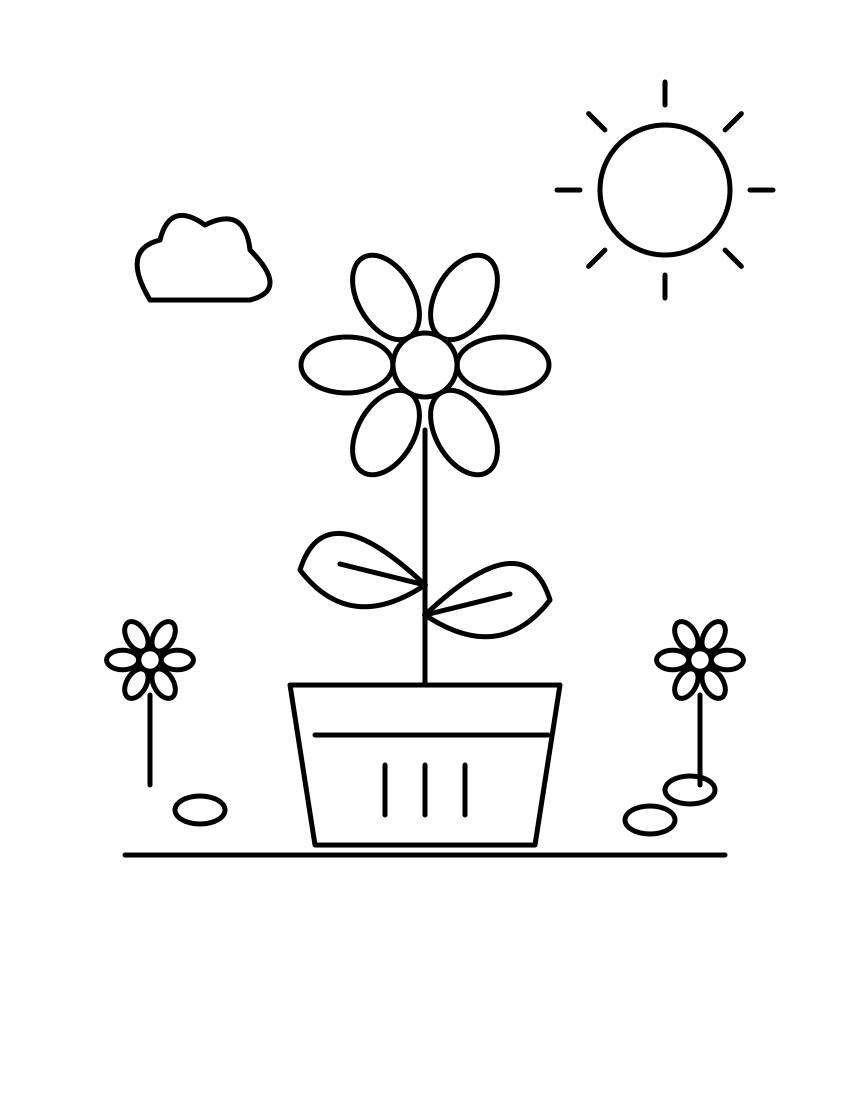
The same flower, a different amount of detail. Pick your starting point and add a little of yourself.
Explore the activity ↗Prefer a prepared sheet? Browse our original printable collections.