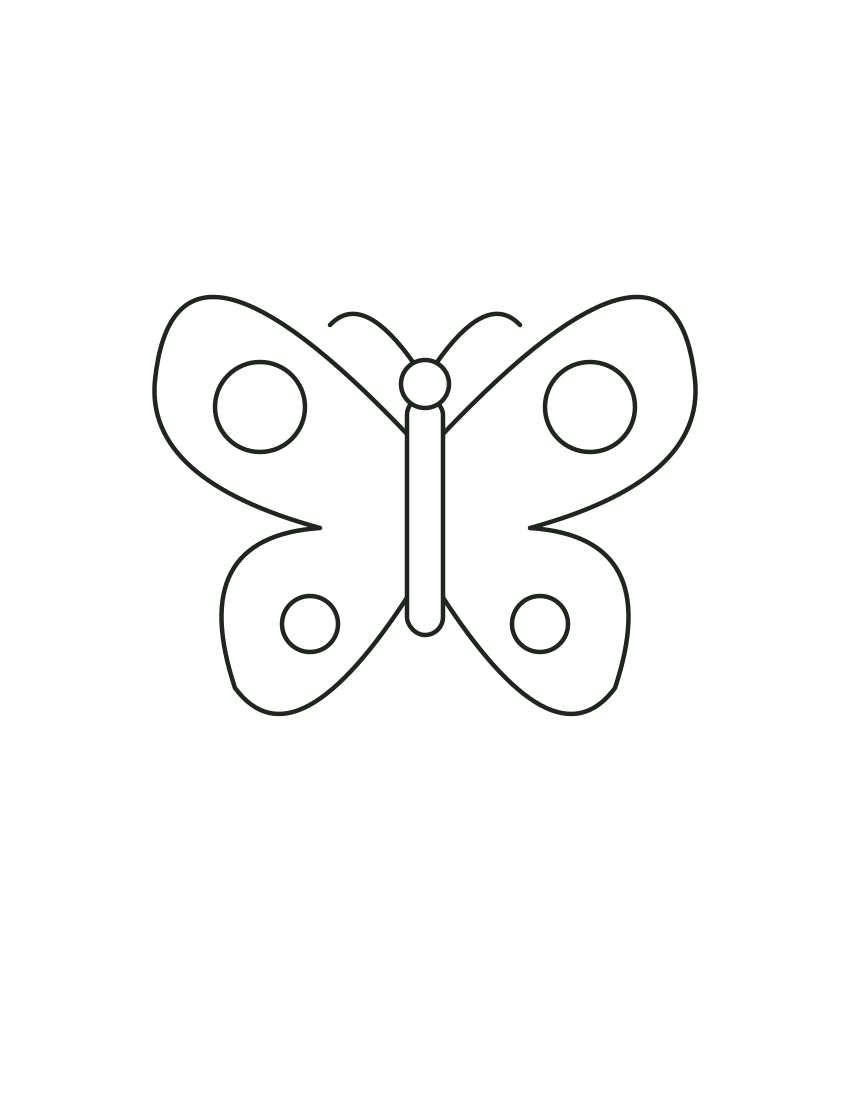
Butterfly: open sheet
Keep the surrounding area clear for your own additions.
ORIGINAL PRINTABLE COLLECTION
Explore symmetry with 15 original butterfly coloring sheets. Choose star, stripe or flower wing patterns, then try a garden scene, a flight path or a pair inside a message panel. Download the previewed SVG and decide whether matching shapes share the same colors.
CHOOSE / DOWNLOAD / PRINT
Selected: Butterfly: open sheet
Download the original file, or print just the selected picture. Inspect paper size and scaling in the browser print preview. Save as PDF depends on your browser. Physical printing has not been tested.
Keep the surrounding area clear for your own additions.
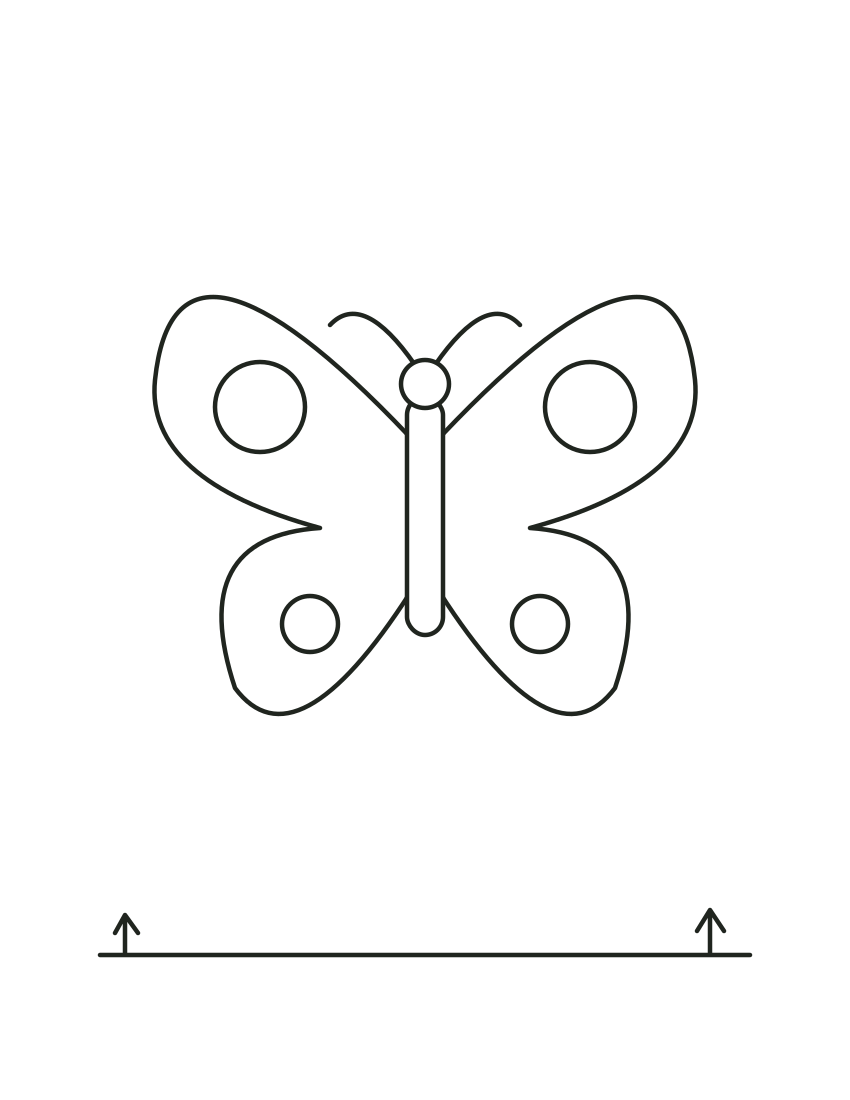
Use the ground line as a starting point for a setting.
The large wing designs make pattern differences easy to see. Pairs and garden scenes add another subject; the curved flight path offers an optional tracing activity beside the coloring.
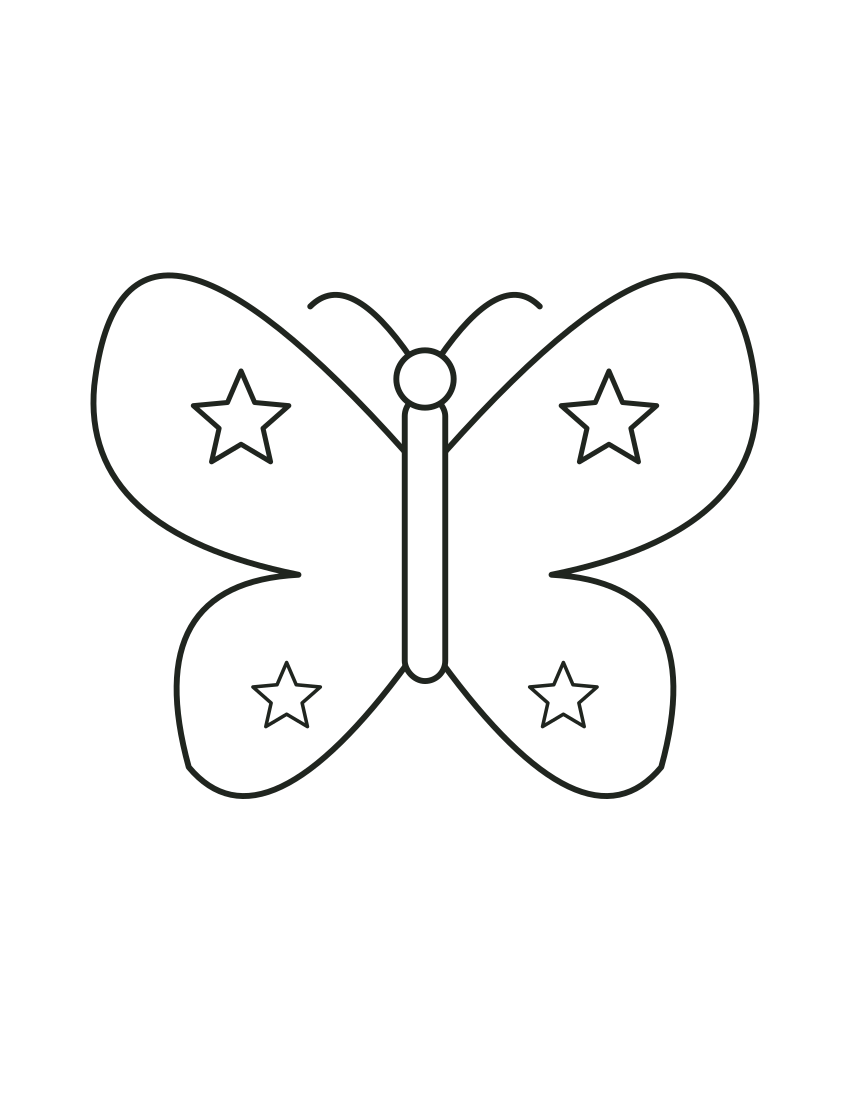
Match stars across the left and right wings.
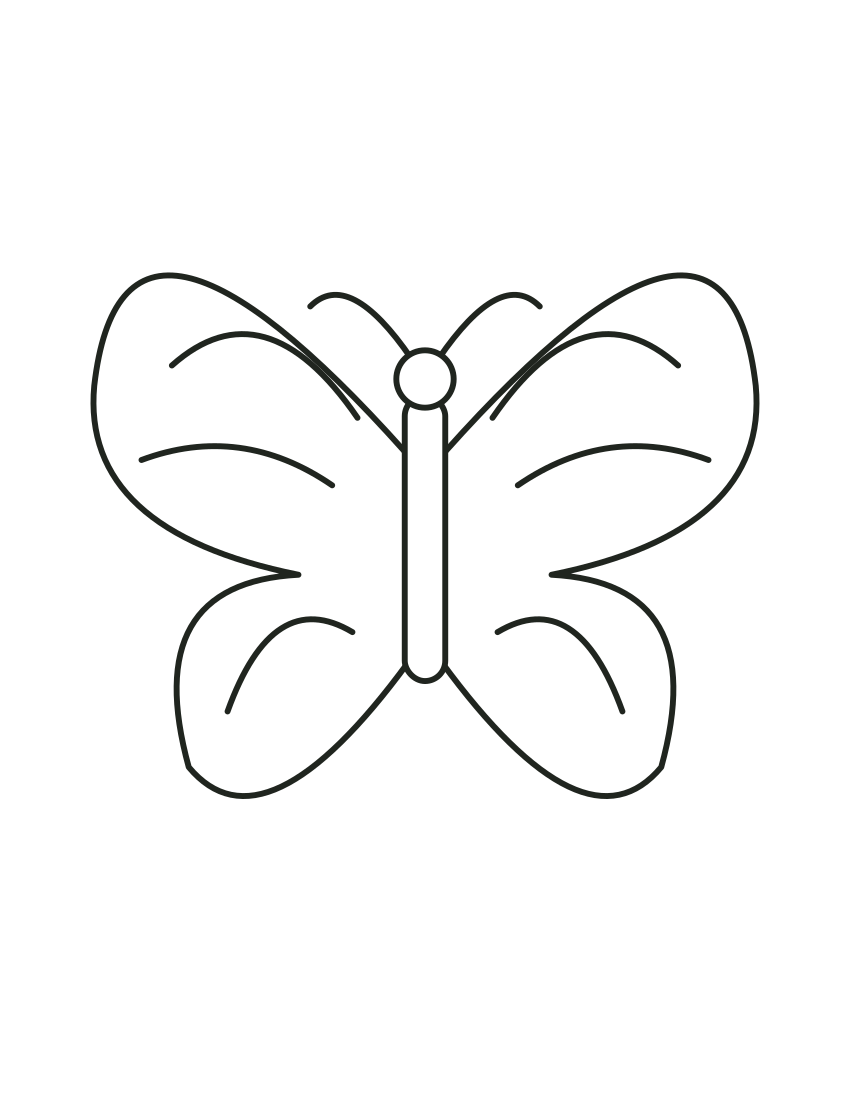
Alternate colors between the curved wing bands.
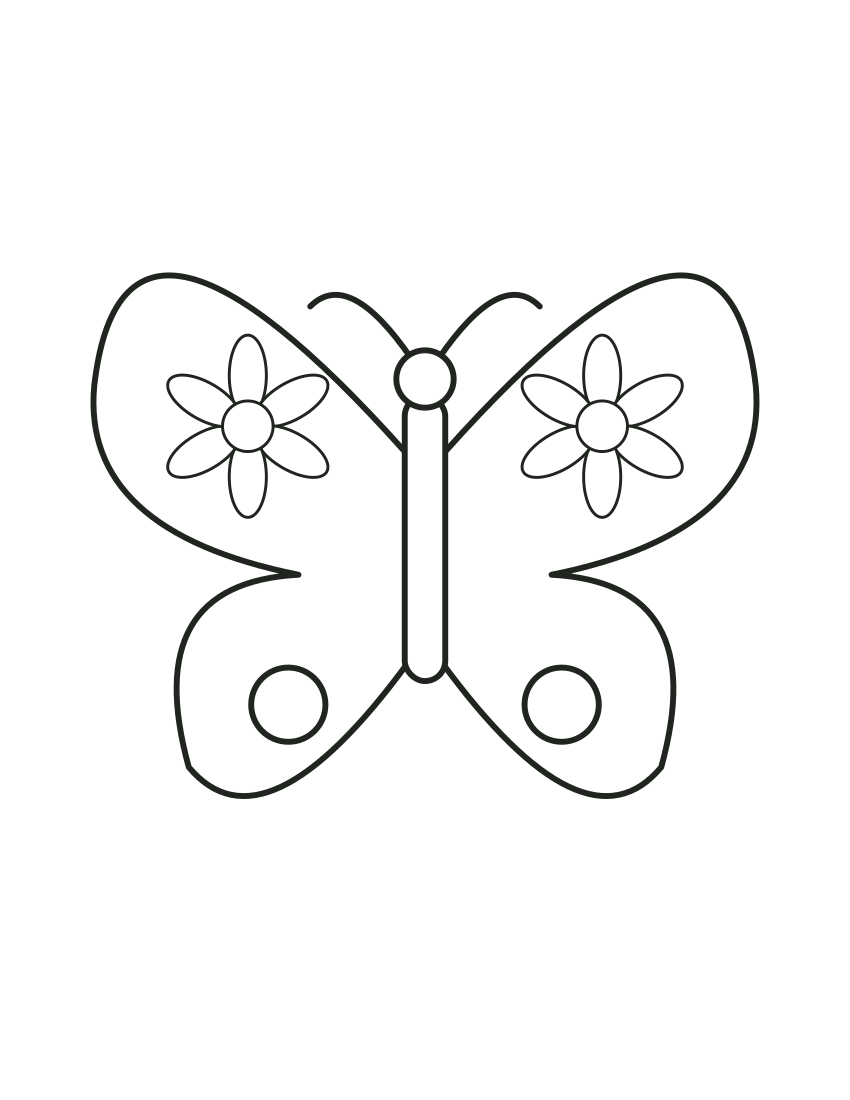
Color the small flower motifs before the larger wing panels.
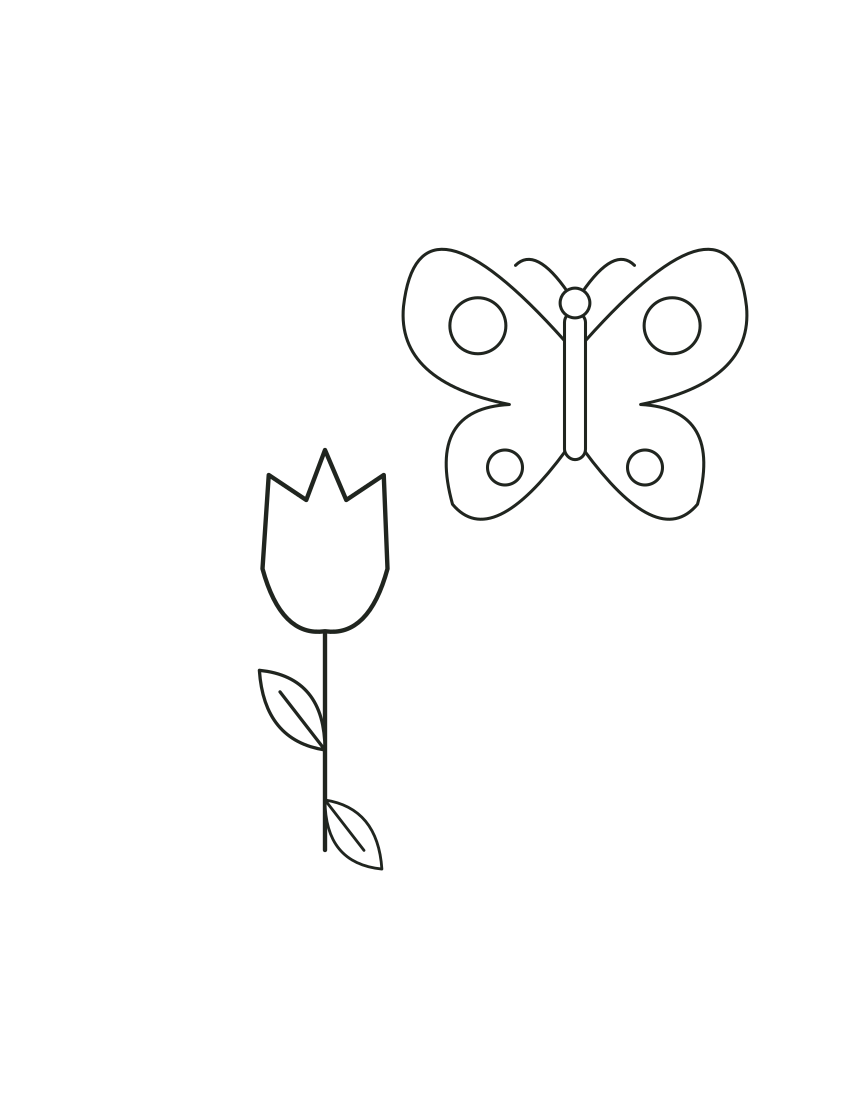
Choose one accent color shared by the tulip and wings.
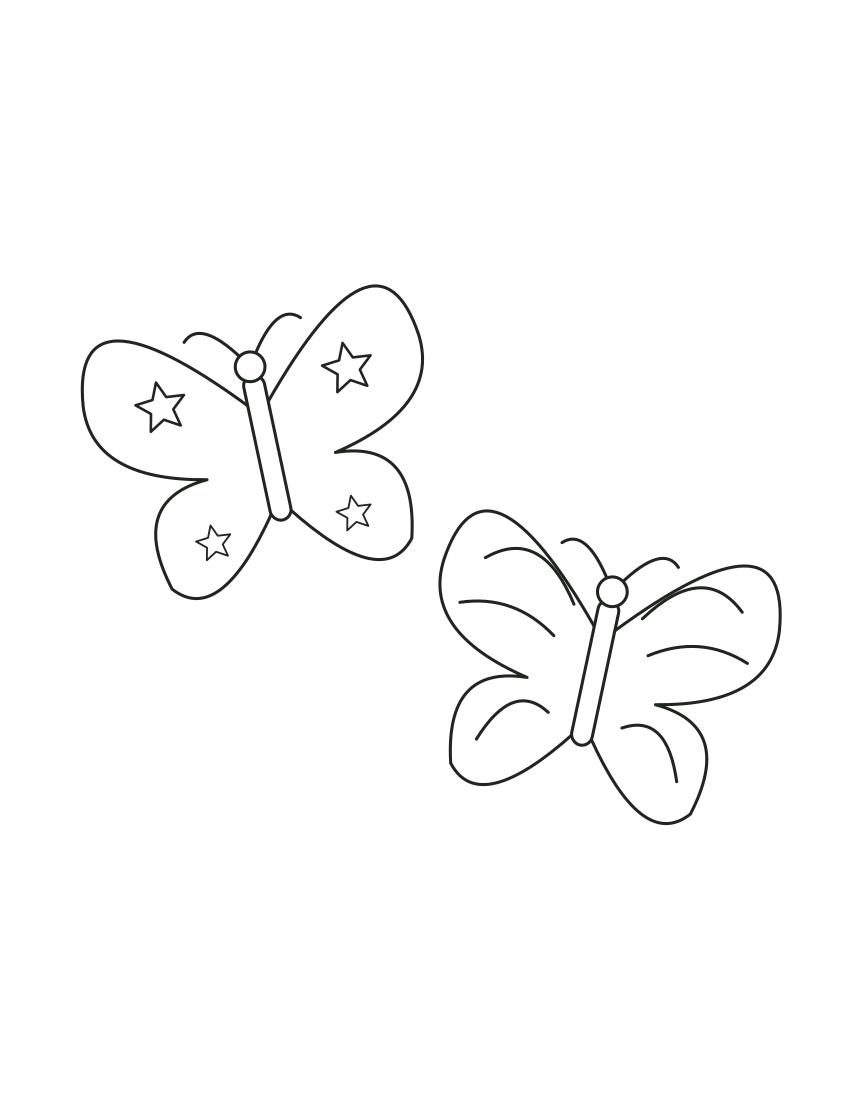
Compare two wing patterns using the same palette.
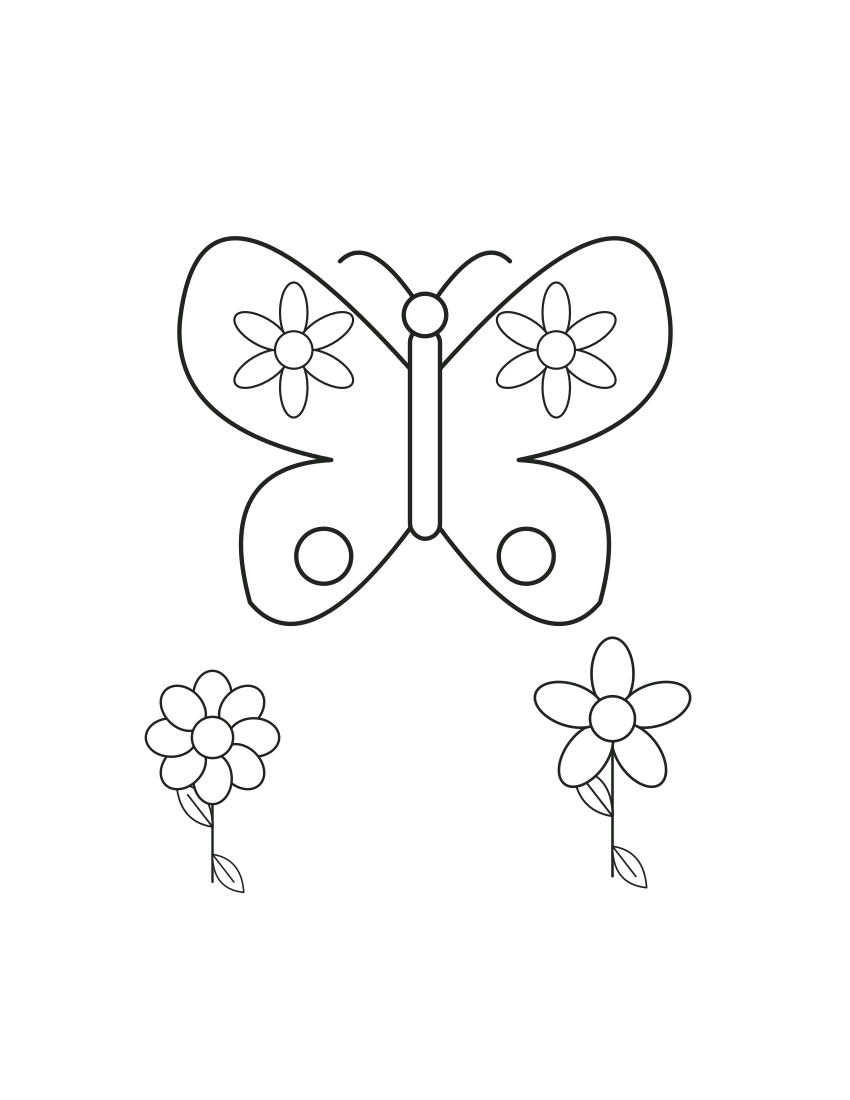
Keep the broad wings distinct from the smaller flowers.
Trace the leaf vein lightly before decorating the wing stripes.
Use a different pattern rule on each butterfly.
Color the window frame separately from the wing stars.
Keep the circular border light and decorate the inner wings.
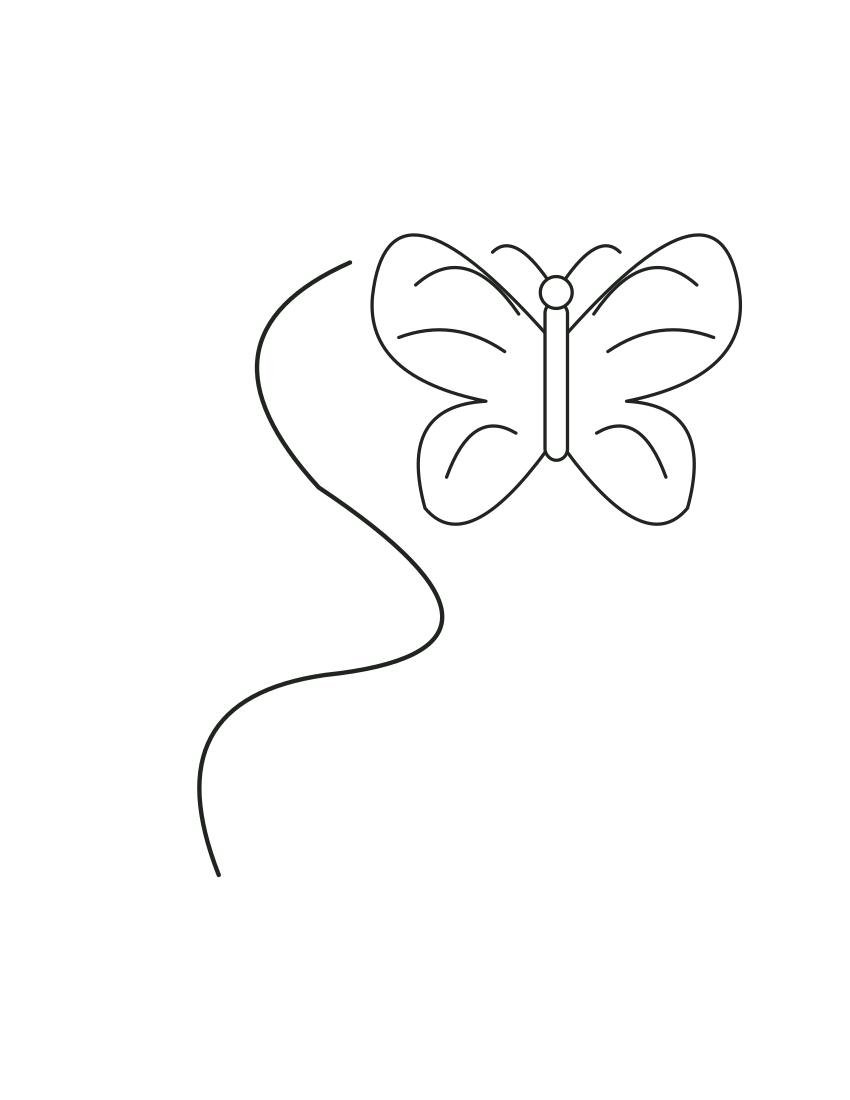
Trace the curved route in a contrasting color.
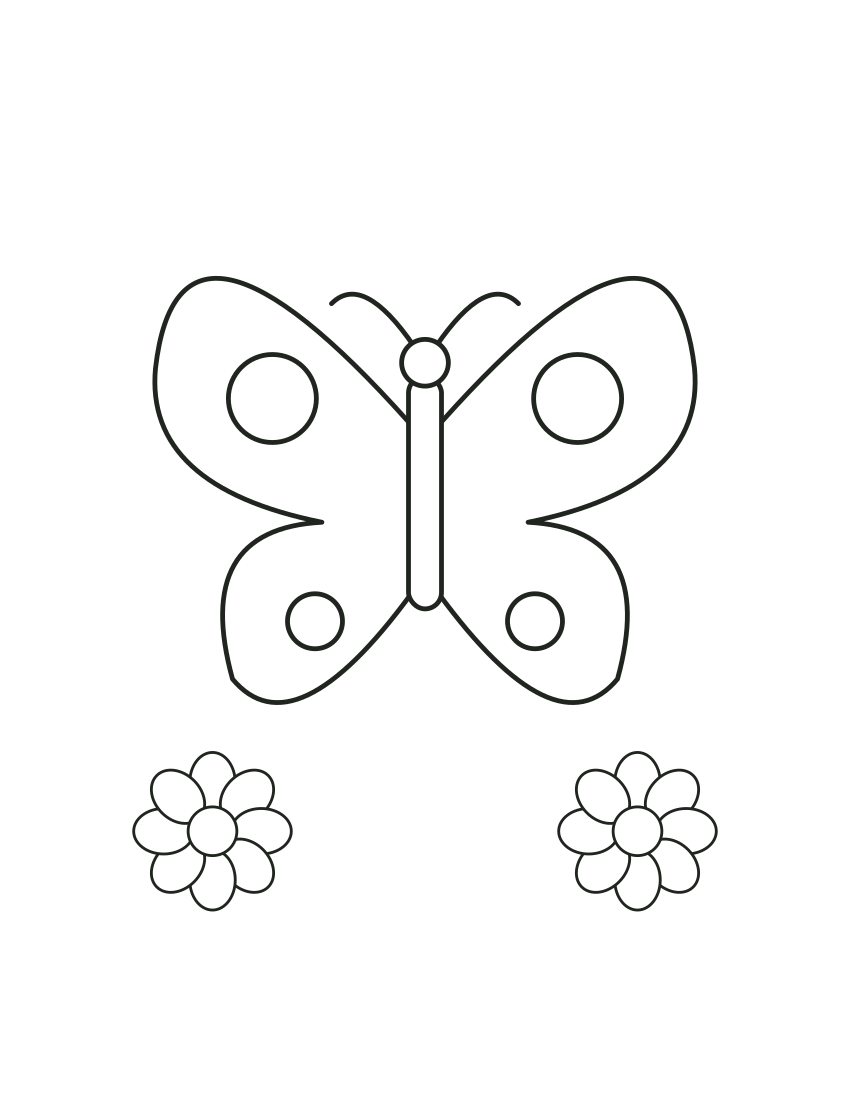
Repeat a circle color in the daisy centers.
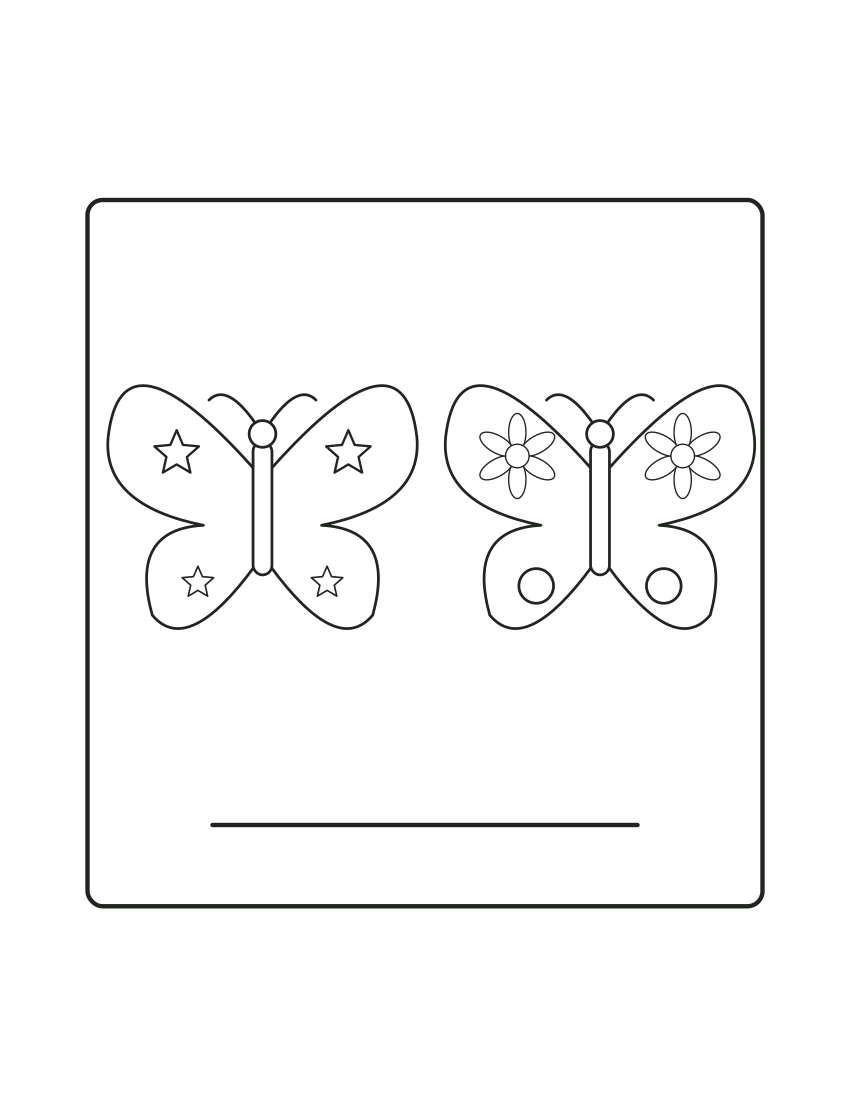
Write your own message on the lower line after coloring.
Imagine a line down the middle and compare matching shapes on both sides. Color corresponding circles alike on one sheet, then deliberately choose different colors on another. This is a pattern activity rather than a biological species identification. Add smaller marks inside the wings while keeping the outer boundary visible. Use the scene version for flowers or clouds drawn by hand. Teachers can discuss matching positions without requiring precise color choices. Leave the lower circles white if they feel too small and focus on the broad upper wings. There is no requirement to fill every outlined area or make both sides exactly alike.
Use one sheet for a quiet activity at home, or let a small group compare poses, large subjects and more detailed settings in the collection. Explain the creative task before giving out the page. Children can leave areas uncolored, add their own marks or tell a story instead of completing every shape. There is no age score or tested classroom result attached to this collection.
For a party, place coloring materials within reach and let each guest choose their own palette. A teacher can compare a large-subject sheet with a scene and ask which leaves more space for additional ideas. Avoid judging the activity only by how closely a child stays inside the lines.
Keep the butterfly’s body centered when scaling the portrait sheet. Stars, stripes and flower motifs have different amounts of small detail: inspect those spaces before choosing a wide marker. For a symmetry exercise, print two different wing patterns and use the same palette on each rather than assuming every butterfly should have identical colors.
Use fit-to-page when needed and check that both wing tips remain inside the printable margins. The flight-path sheet is a coloring and tracing prompt, not a cut-out mobile template. Make one proof before copying a group set and leave the large background areas open for added flowers.
At home, choose one visible butterfly picture and begin with a few broad shapes. For a class or small party, compare two previews and let people choose their own palette. Use the selected-sheet panel to download or print the chosen picture without printing the gallery. Select the paper loaded in your printer, inspect fit and margins, and use black-and-white or grayscale if available. A single-sided sheet leaves the back clear for a message or invented story; physical printing has not been tested.
Yes. The fifteen previews use the same original SVG files linked by their download buttons. They are prepared illustrations, not examples promised from a future generator run.
You can add details by hand after printing or edit your copy in a compatible SVG editor for your personal or classroom activity. The fixed download does not have an online editing panel.
Use the separate photo-to-coloring-page workflow for your own permitted image. It creates a raster outline and is different from downloading these prepared vectors.
Want another subject? Create a new page in the AI coloring page generator, or start with your own photo.