ONE PICTURE AT A TIME · A SEQUENCE YOU CAN CHANGE
AI coloring books: plan the picture order.
Put your pictures in an intentional order before assembling an AI coloring book. Use the five-picture planner below to try a camping story: move a picture up or down, inspect the numbered sequence, then download its file list. This planner orders existing pictures; it does not generate a bound book, merge PDFs or export a publishing-ready interior.
Five pictures in starting order.
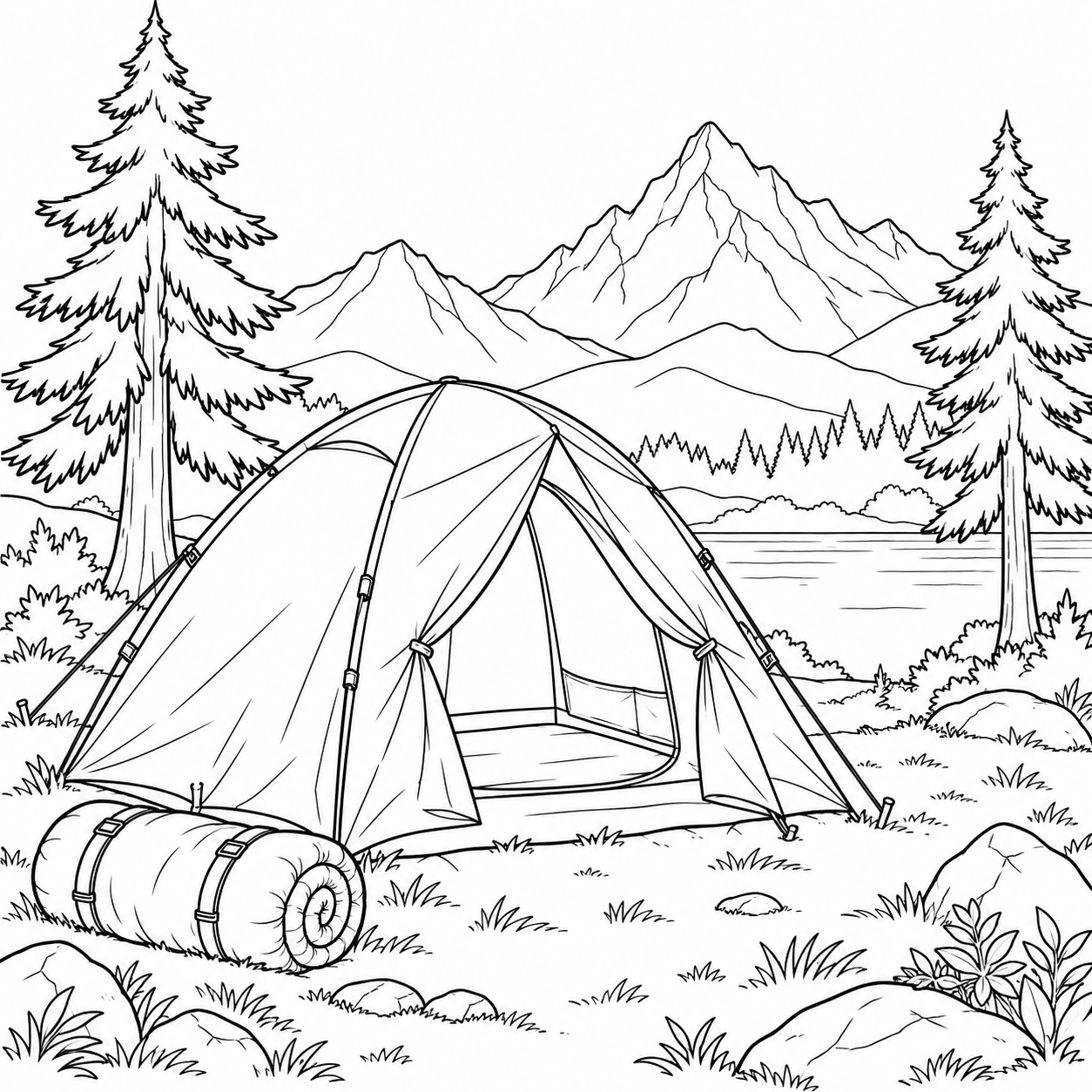
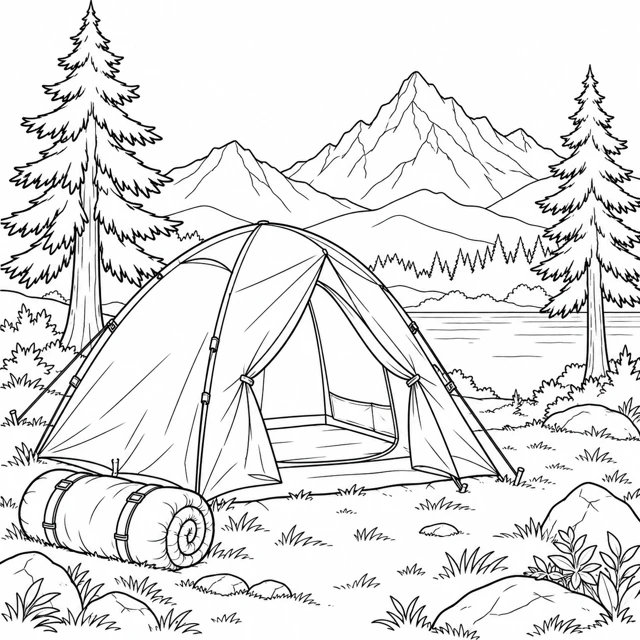 Tent campsite
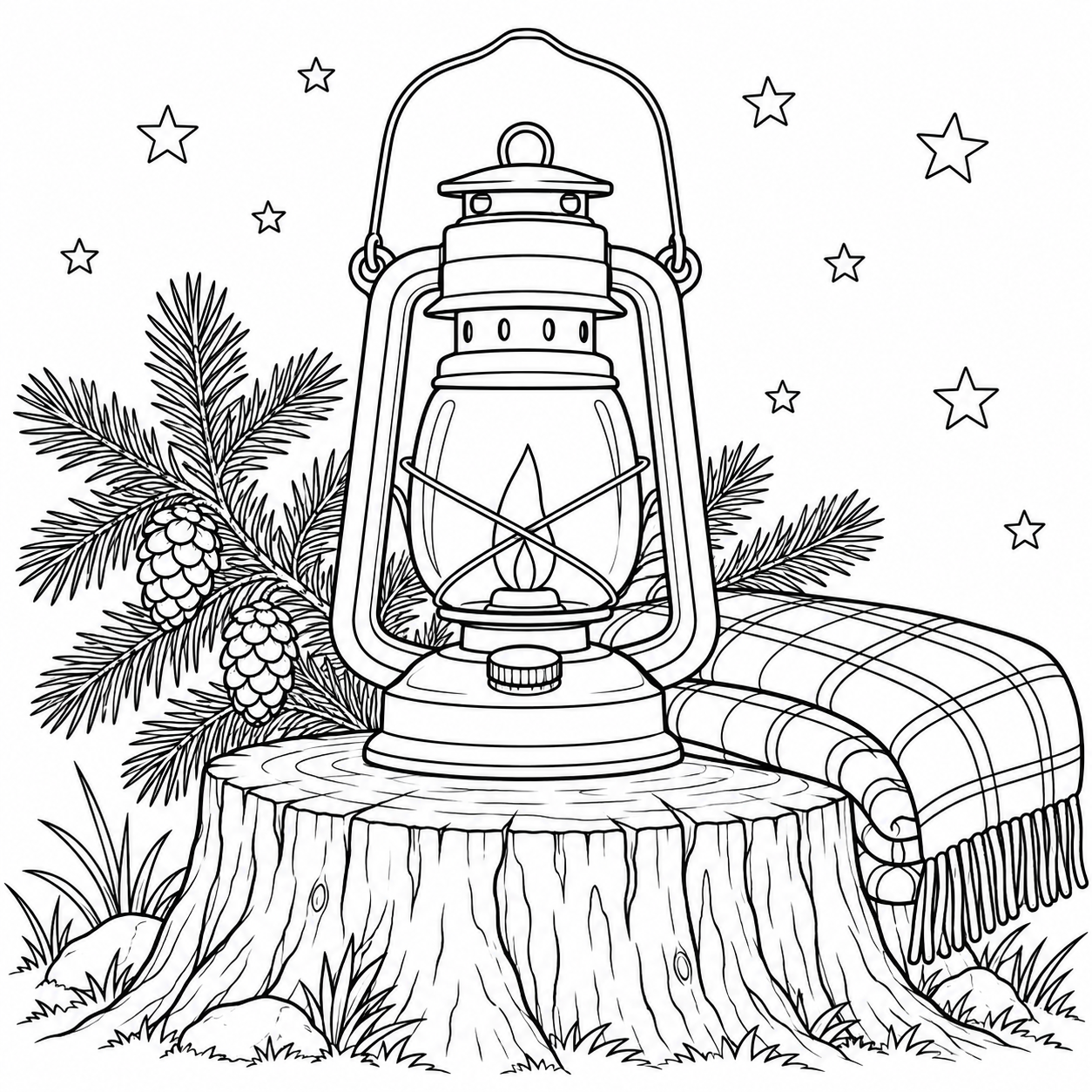
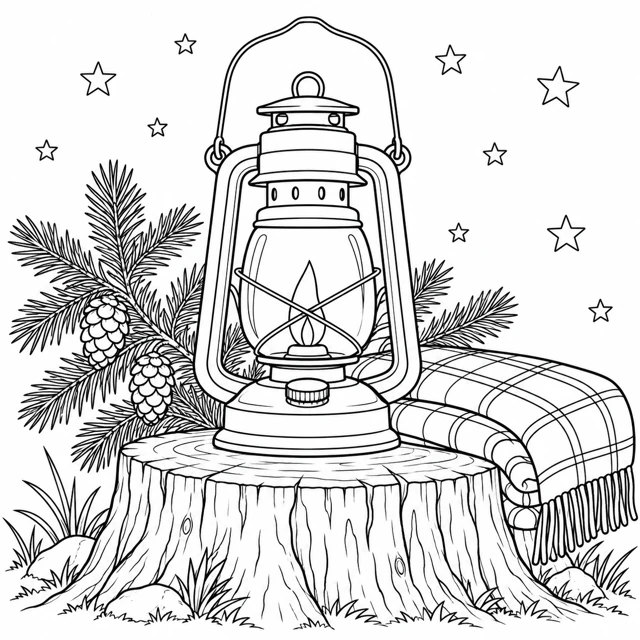 Lantern under the stars
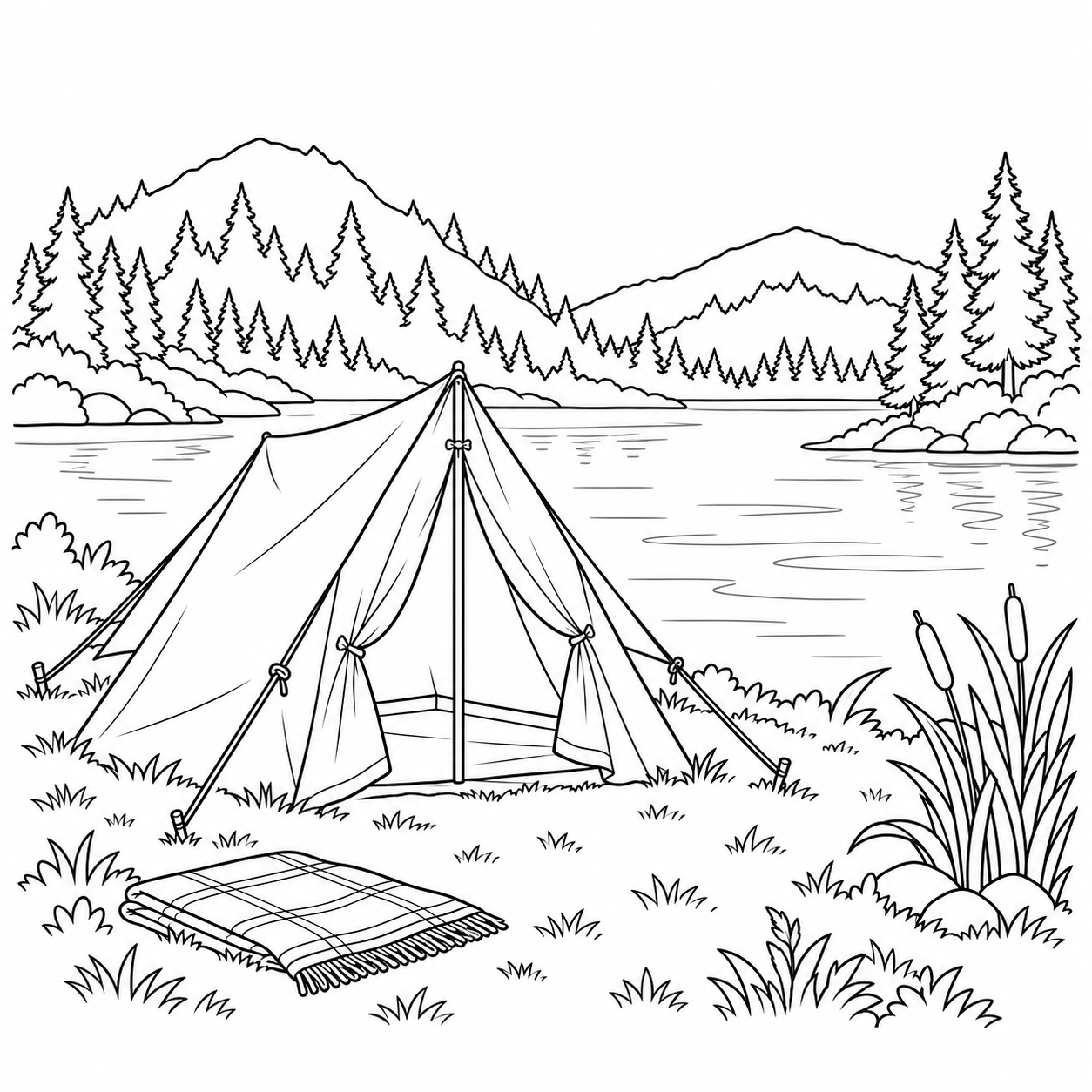
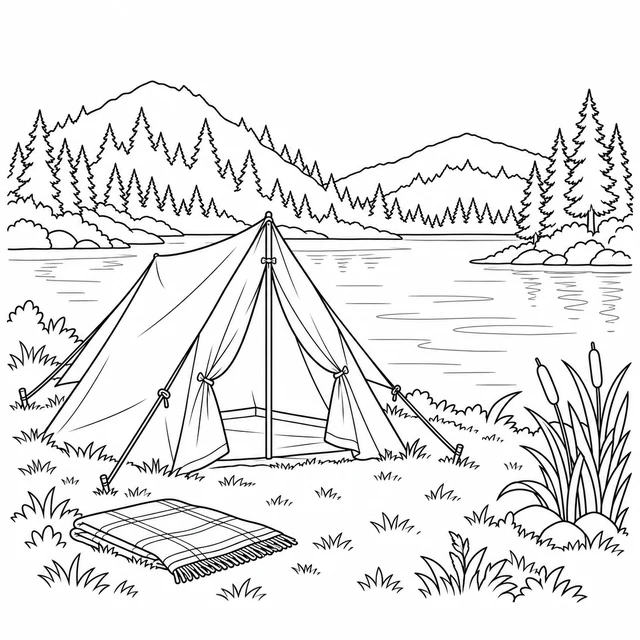 Tent beside a lake
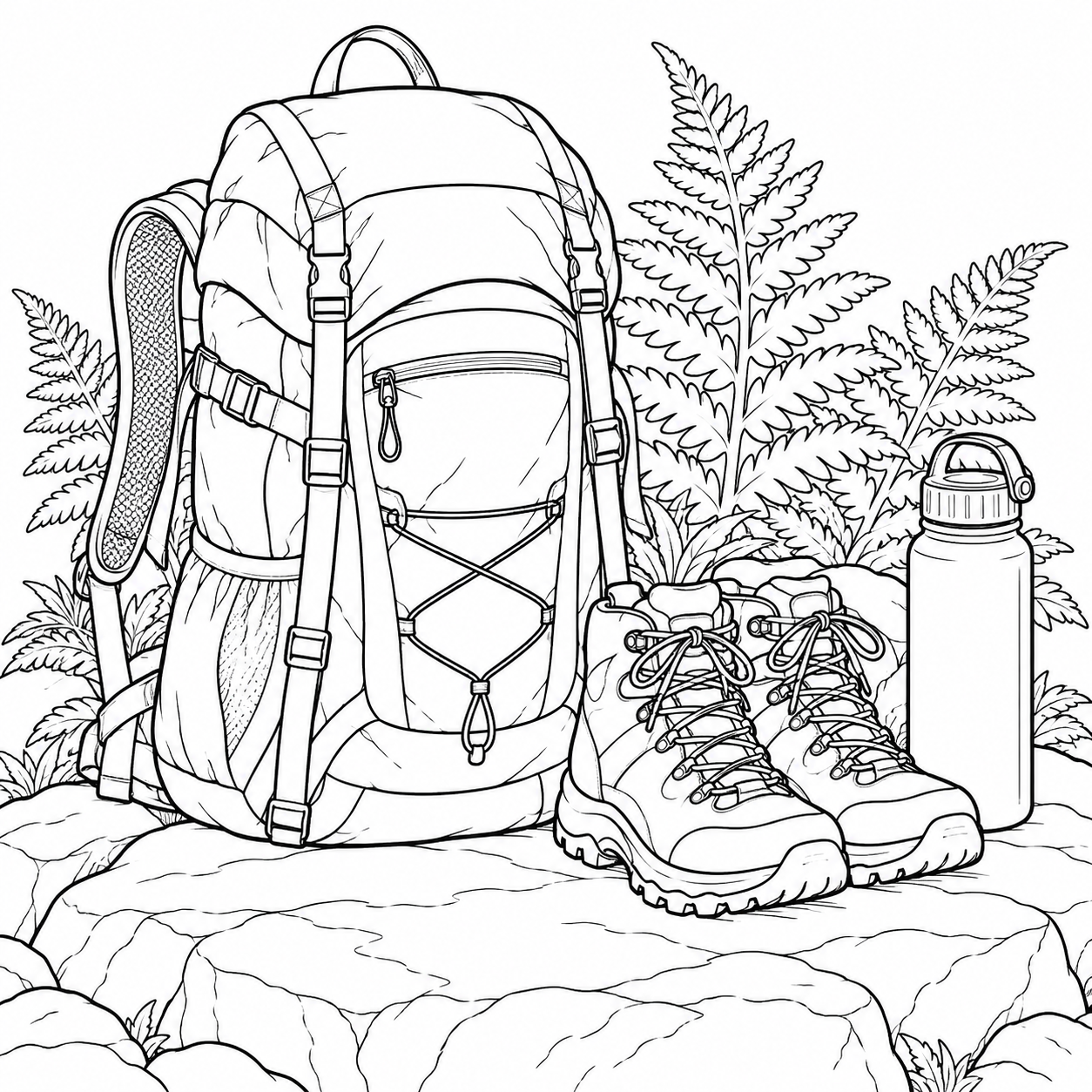
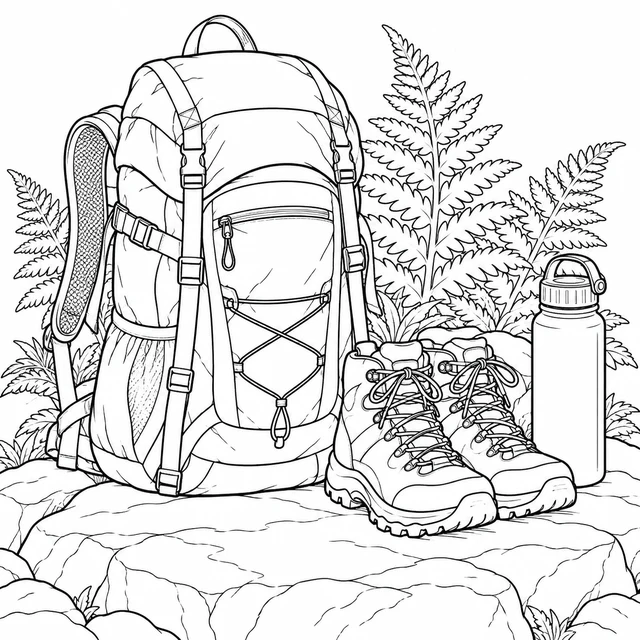 Hiking backpack and boots
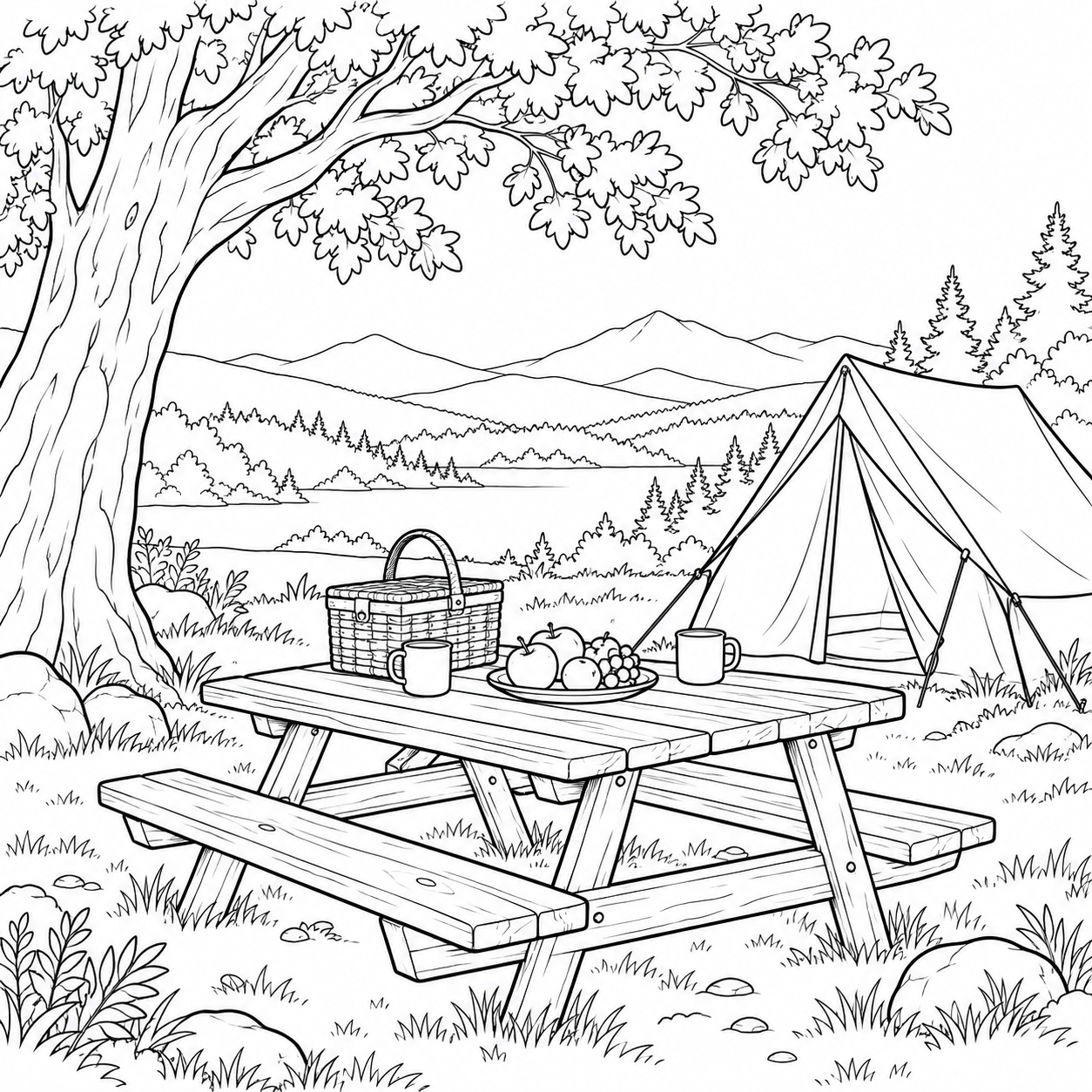
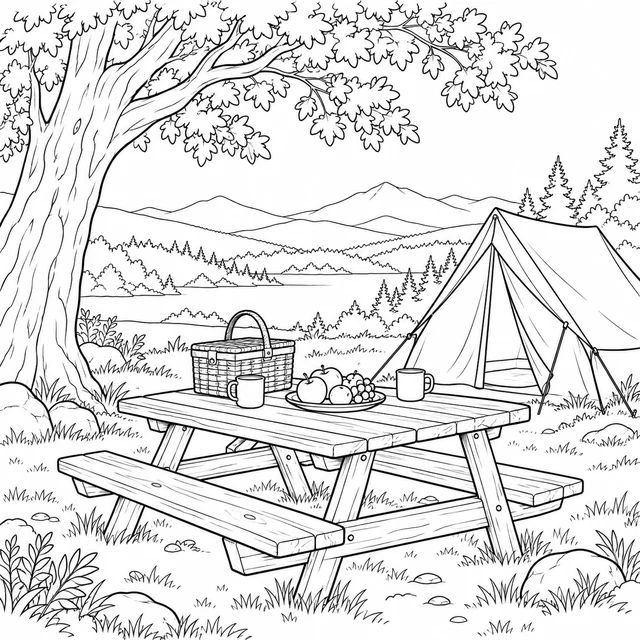 Picnic table at camp
Make a beginning, middle and ending
A collection and a story do different jobs. A collection groups pictures by subject. A story asks what happened first and what changed next. The five reviewed camping pictures in this example let you make that decision without generating more art. The backpack can stand for preparation, the lakeside tent for arrival and the picnic for a shared pause. Those meanings are your choices, not facts hidden inside the illustrations.
Start with three scenes rather than insisting that all five must appear in the final book. Try preparation, arrival and a meal. Then consider whether the close-up lantern adds something useful between the wider scenes. If it feels like a repeated pause, leave it out when you assemble your own files. The demonstration keeps five rows so that you can test every move; inclusion and PDF assembly happen outside this planner.
Use the move buttons and check the result
Each row has a preview, its current position and two buttons. Move up exchanges the row with the one before it; Move down exchanges it with the next row. The first row cannot move upward and the last cannot move downward. Numbering is recalculated after each move. Reset restores the starting order, which is a demonstration rather than a recommended final story.
Look at the sequence from top to bottom after a change. A close-up followed by a wide scene can feel different from two wide scenes next to each other. You do not need to give every picture the same amount of detail or the same colors. Choose a repeated accent, such as a blue tent panel and a blue backpack pocket, if you want a visual connection between separate pages. Keep broad white spaces available instead of adding texture to every area.
The file list is a small JSON document containing position, picture title and the public source URL. It is not a PDF book or a ZIP of images. Download the individual pictures from the links in the rows, then use the list as a checklist while arranging them in a document editor you already trust. No sign-in, photo upload or personal details are needed for this demonstration.
Keep file order separate from printed page numbers
A filename prefix records sequence; a printed page number records placement in a finished document. They can diverge when you add a cover, an instruction sheet or blank backs. If your first picture is stored as 01-backpack.png but follows a cover and a note, it will not necessarily be PDF page one. Keep the picture position and the final document page in separate columns in your own assembly notes.
Before combining files, decide whether a cover counts in your displayed numbering. Also decide whether every illustration should have a blank reverse. Changing those decisions later can shift every following page. The planner does not insert blank sheets, impose folded signatures or calculate double-sided printer order. Our printing your own coloring book guide describes the broader planning and assembly workflow; this page gives you a working way to compare picture sequences.
Inspect art, layout and paper as separate checks
The preview is a smaller WebP; the download is the original PNG. We keep the full square composition rather than stretching it to fill a tall sheet. When you place a PNG in a page layout, preserve its proportions and leave room around its outermost lines. A larger margin changes the printed drawing size, so inspect the finished page rather than judging only the thumbnail.
Open your assembled document and check its actual page order. Compare each page with the numbered file list, including any cover or blank pages you added. Inspect whether a tent edge, rope or boot is clipped. Then check the viewer's paper size, orientation and scaling. Adobe explains the difference between fitting a PDF to printable space and using actual size in its PDF page-size guidance. These settings concern the final document, not the image ordering buttons.
We checked this digital demonstration and its exported list. We have not tested a physical printer, binding method or a group activity with these sequences. Print one proof using your own equipment before making several copies. Personal and classroom activities are the intended use of these supplied sheets; this demonstration does not grant a resale license or establish KDP compliance.
FAQ
Does this AI coloring books planner create a complete book?
No. It reorders five existing pictures and exports their file list. It does not generate new pictures, combine PDFs, bind pages or create a publishing-ready interior.
Can I upload my own pictures here?
No. This demonstration uses the five supplied camping pictures. For your own project, use the exported list as a model and assemble your own permitted files separately.
Will the downloaded list contain the full pictures?
No. The JSON list records position, title and public source URL. Use each row's PNG download link to save the actual picture.
Are the list positions the final printed page numbers?
No. Covers, instructions and blank backs can change final document positions. Keep the picture order and the assembled document's page numbers separate.
Has this sequence been physically printed?
No. The digital planner and exported list were checked, but physical printing and binding have not been tested.
More original activities
Explore camping coloring pages, use custom coloring sheets as bookmarks, or start individual pictures with the AI coloring page generator.