CUSTOM COLORING SHEETS / SMALL-PICTURE ACTIVITY
Four coloring pictures. One useful sheet.
Use a four-picture sheet when you want a short winter coloring activity with a choice of scenes, rather than four separate full-page prints. Download the prepared A4 or US Letter PDF below: each contains an ornament trio, a wreath, a gingerbread friend and a snowman. The pictures are already arranged on one page. Choose full-size originals instead when small details would make coloring uncomfortable.
These custom coloring sheets are a layout activity made from four previously reviewed CleanLine illustrations. They are not a new bulk-generation feature. We measured the PDF page sizes and image placements and inspected digital renders; we have not tested a physical printer, scissors, children's use or marker behavior.
Download a real four-picture winter sheet
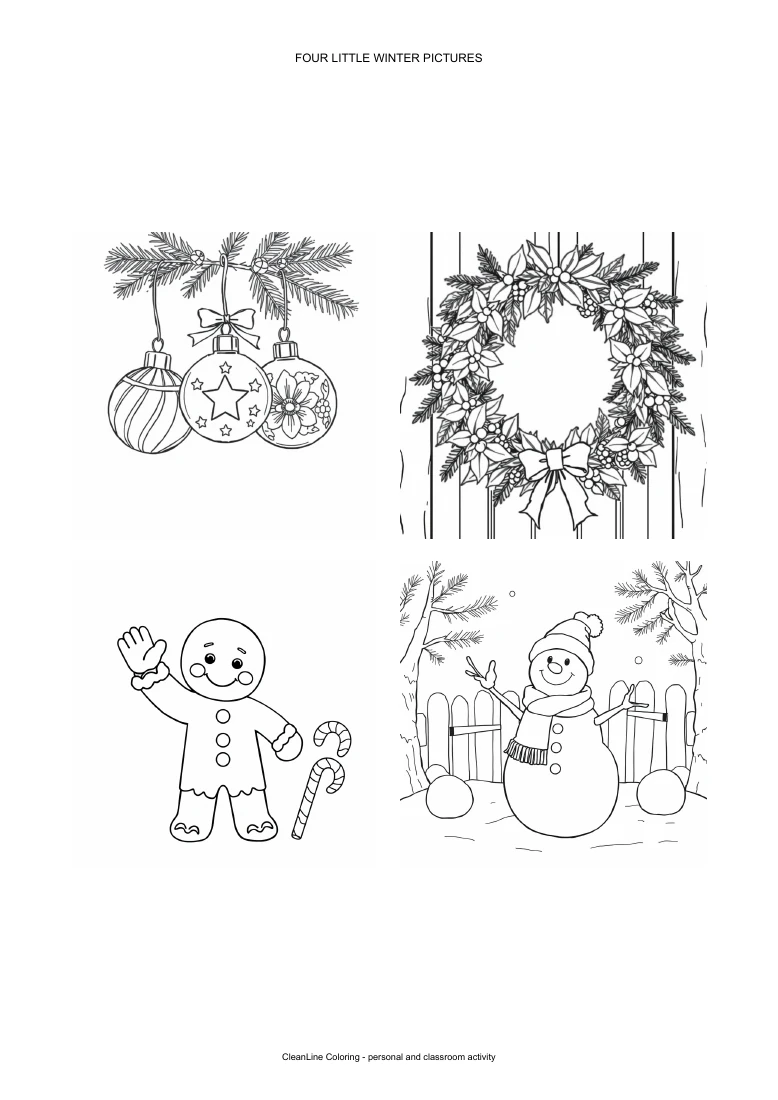
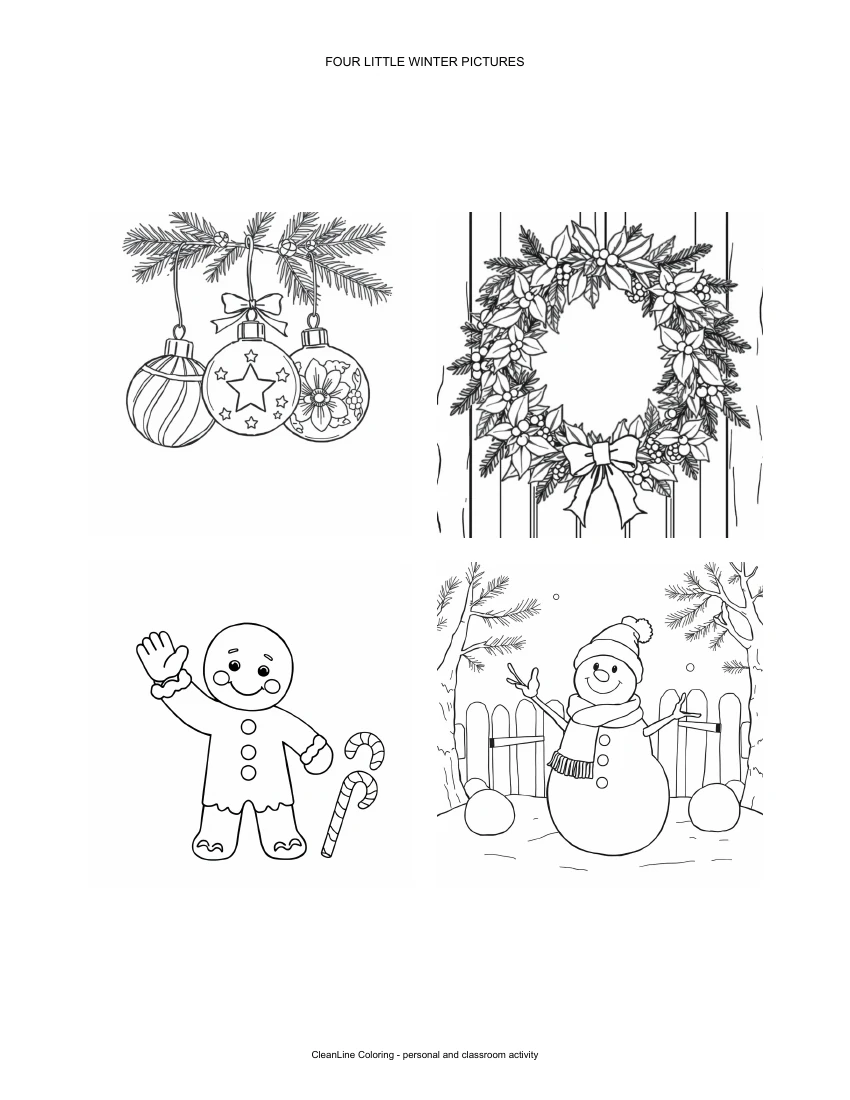
The previews are renders of the actual downloadable PDFs, not mockups promising a future file. Use the PDF button to retain the measured page layout; saving the small WebP preview gives you a different file. The downloadable sheets are intended as personal and classroom activities. They are not supplied as a ready-to-sell book manuscript or a commercial licensing guarantee.
What becomes smaller, and what stays unchanged?
Each original square picture is placed in a 234-point square: 3.25 inches on each side at actual size. The horizontal and vertical gaps are 18 points, or 0.25 inches. Both layouts use the same picture size; the outer whitespace differs because A4 and Letter have different page dimensions. A4 measures approximately 595.28 by 841.89 PDF points; Letter measures 612 by 792 points. These are file measurements, not a ruler measurement of printed paper.
The artwork itself has not been redrawn, cropped into a new shape or given additional details. Reducing its displayed size also reduces the visible spaces between lines. Look especially at the wreath leaves, ornament patterns and icing marks before deciding that a miniature sheet suits your activity. A picture that looks roomy on a screen can feel tighter on paper. We have not established an age range for this arrangement.
For larger coloring areas, go to the Christmas coloring pages, gingerbread coloring pages or snowman coloring pages and download the original picture. This compact sheet offers a different format, not a better version of every full-size design.
Three ways to use the same sheet
A small choice board at home
Leave the sheet intact and choose one picture to color first. Use one repeated accent across the other pictures, such as a red ribbon, a red icing detail and a red scarf. You can stop after one square and return later; there is no need to finish all four at once. This is a suggested activity, not a measured attention or learning outcome.
A shared classroom prompt
Ask each participant to select one scene and describe the colors they intend to use. Keep the discussion about visible shapes: a ring of leaves, hanging ornaments, a cookie outline or a snowman's scarf. If you need broad spaces for thicker coloring tools, use the separate full-size files. Printing one sheet per participant keeps the layout intact; dividing it between participants requires an adult-led cutting step.
Four small notes for gifts
Color the pictures before cutting between them, leaving a white border around each illustration. Write a message on the back only after checking whether the chosen pen shows through. Use a backing card if you want a sturdier note and your materials support it. These are flat notes, not folded cards. For a prepared single-fold layout, use our separate folded coloring cards activity.
Check the print dialog before making copies
Select the PDF that matches your paper and preview one portrait page. Actual size preserves the nominal 3.25-inch picture boxes, but a printer's unprintable margins may require a fit setting. Fit can shrink the whole sheet, so do not assume the picture size stays identical. We placed the illustrations inside generous outer margins; that does not establish compatibility with every printer driver.
Choose single-sided printing for separate notes. Black-and-white or grayscale settings are reasonable options for uncolored line art, but inspect the preview rather than assuming a particular driver uses the same names. Try one paper copy before printing a stack. We have not tested physical printing, paper thickness or ink consumption. For the setting differences, see Adobe's PDF page-size and fit guidance.
Make a different set without expecting a batch tool
You can generate individual images with the AI coloring page generator on this page, then arrange your own permitted pictures in a document editor. Choose a fixed square size, preserve the original aspect ratio and check that no subject touches a cut boundary. The current generator downloads one result at a time; it does not automatically turn four prompts into this PDF layout. The two prepared winter PDFs above are separate, finished resources.
Watch the four-picture walkthrough
Watch the English-captioned winter coloring sheet walkthrough on YouTube. It shows the actual A4 and Letter layouts and the print-preview checks. No physical printing footage or test is claimed.
Four-picture coloring sheet FAQ
Are all four pictures included in the downloaded PDF?
Yes. Each linked PDF contains one page with all four winter illustrations already arranged. You do not need to download and assemble four separate images to use this prepared sheet.
Is this a new batch coloring-page generator?
No. This is a prepared layout using existing reviewed illustrations. The generator still creates or converts one image at a time; it does not build this four-picture PDF automatically.
Should I choose A4 or Letter?
Choose the PDF matching your loaded paper. Both files place each picture in a 234-point square, equivalent to 3.25 inches at actual size. A fit setting may reduce that size.
Can I download a larger version of each picture?
Yes. The Christmas, gingerbread and snowman collection links above provide original picture downloads. Use those when you want more room for small details.
Can I use the sheet for a classroom or gift-note activity?
It is supplied for personal and classroom activities. Suggested uses include a choice board or separate flat notes. Use adult supervision for cutting; this is not a claim of tested age suitability or commercial licensing.