ORIGINAL SEASONAL ACTIVITY
Snowman coloring pages
Choose from 23 snowman coloring sheets: 21 reviewed AI-generated storybook illustrations in PNG and two simple vector exercises in SVG. Compare the actual previews, download your chosen file, and check its placement in print preview.
CHOOSE / DOWNLOAD / PRINT
Your snowman coloring sheet
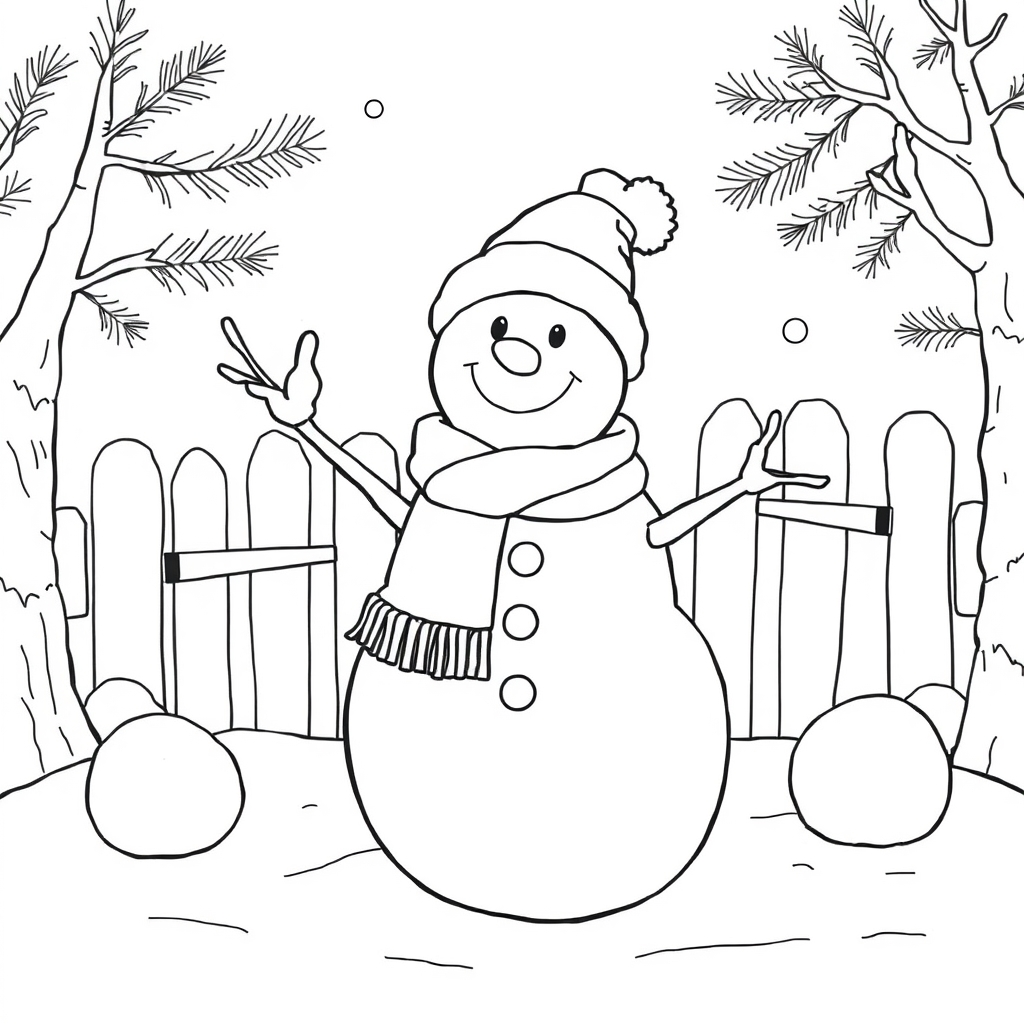
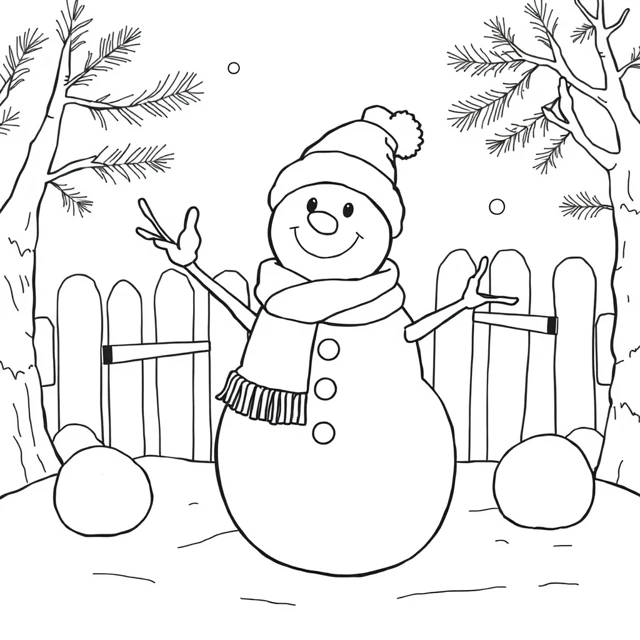
Selected: Waving snowman
Download the original file, or print just the selected picture. Inspect paper size and scaling in the browser print preview. Save as PDF depends on your browser. Physical printing has not been tested.
Use winter coloring matching cards for a different activity: find pairs here or download a prepared card set.
Complete PNG but clipped PDF? Compare the PDF page-boundary samples before redrawing the subject.
PDF opens sideways? Compare the saved PDF rotation samples before changing the artwork.
Free printable snowman coloring pages
Storybook scenes to color
These 21 AI-generated illustrations were selected after a visual review. Each image has its own PNG download. The two simpler vector exercises below are a separate starting point for large coloring areas.
Waving snowman
Choose scarf stripes before coloring the hat.
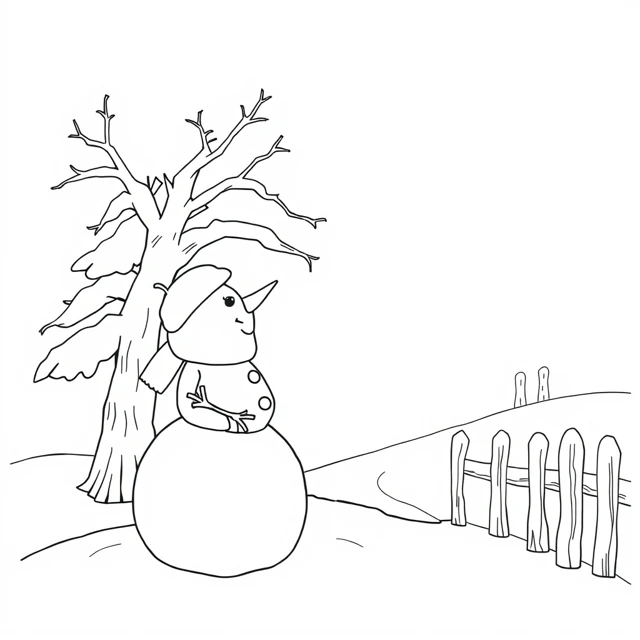
Snowman and tree
Keep the character and tree in separate color groups.
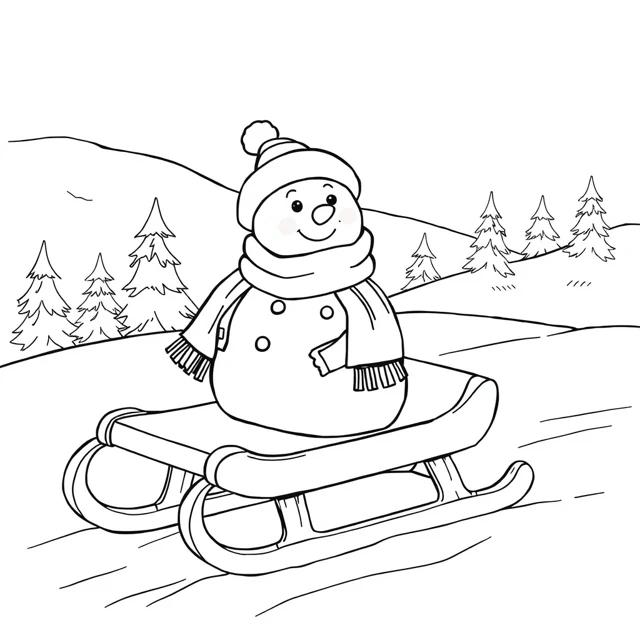
Snowman on sled
Color the runner rails separately from the snow.
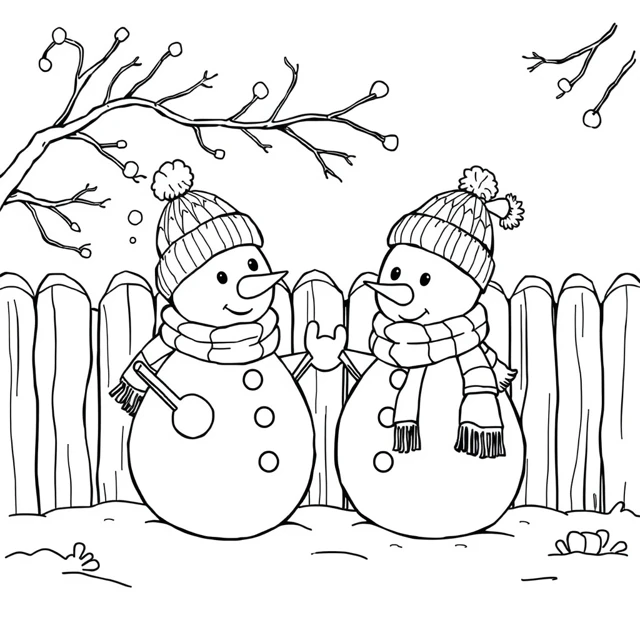
Two winter friends
Invent two scarf patterns for the pair.
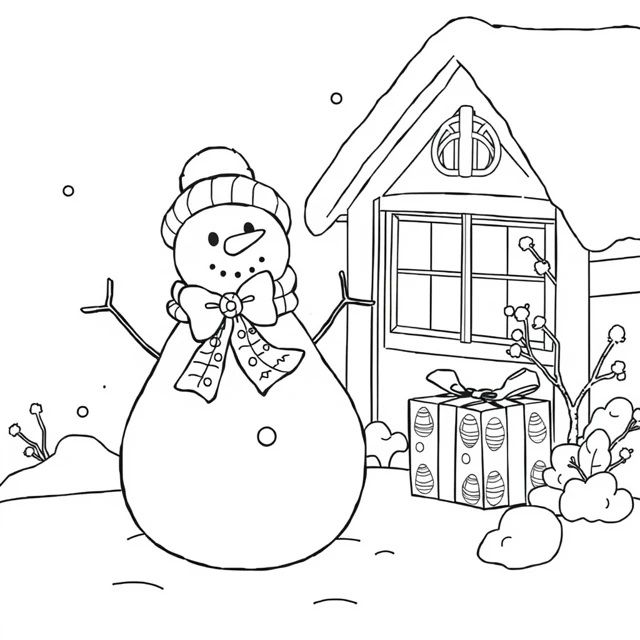
Snowman with gift
Repeat one gift ribbon color in the scarf.
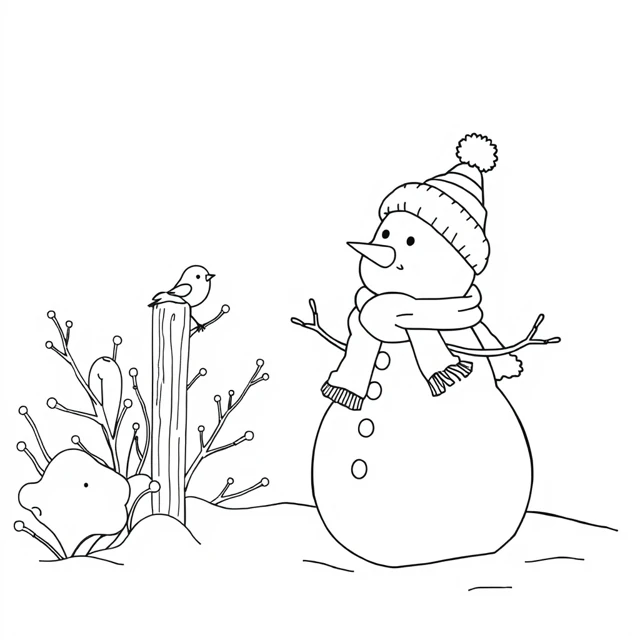
Snowman and bird
Tell a story about the visiting bird without claiming a real species.
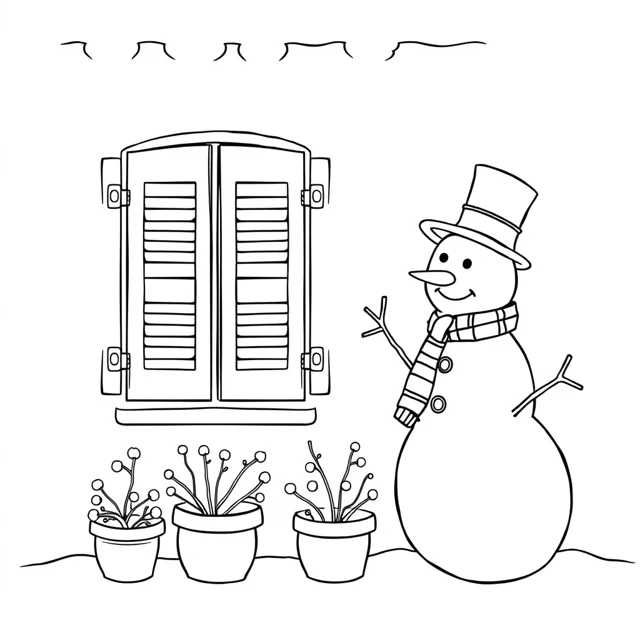
Snowman at window
Keep the window frame distinct from the snowman.
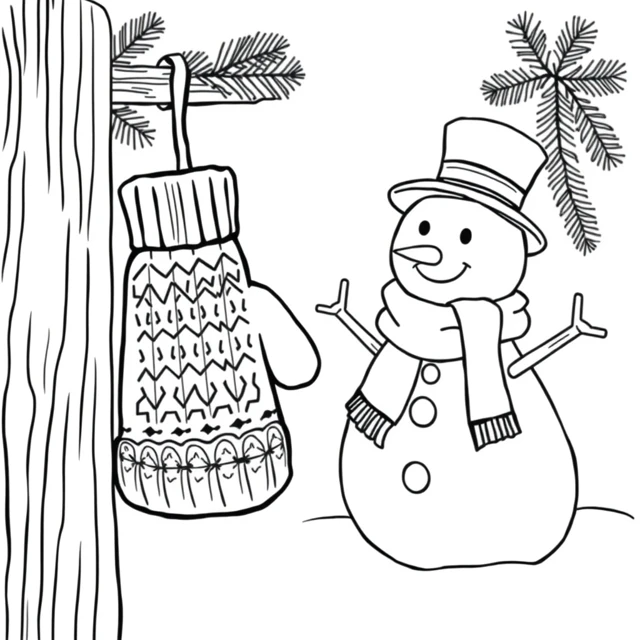
Snowman and hanging mitten
Give the hanging mitten a repeating cuff pattern, then choose a separate palette for the scarf.
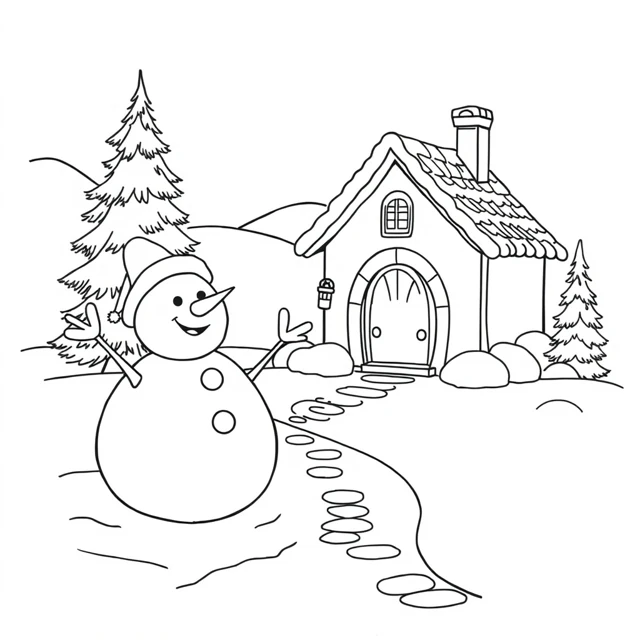
Snowman cottage
Use light tones on the roof and brighter scarf colors.
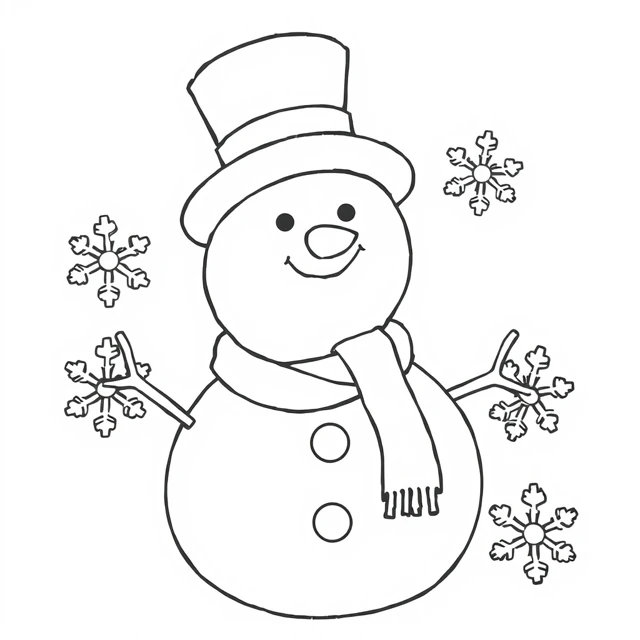
Snowman snowflake frame
Leave the body white if you want the surrounding flakes to stand out.
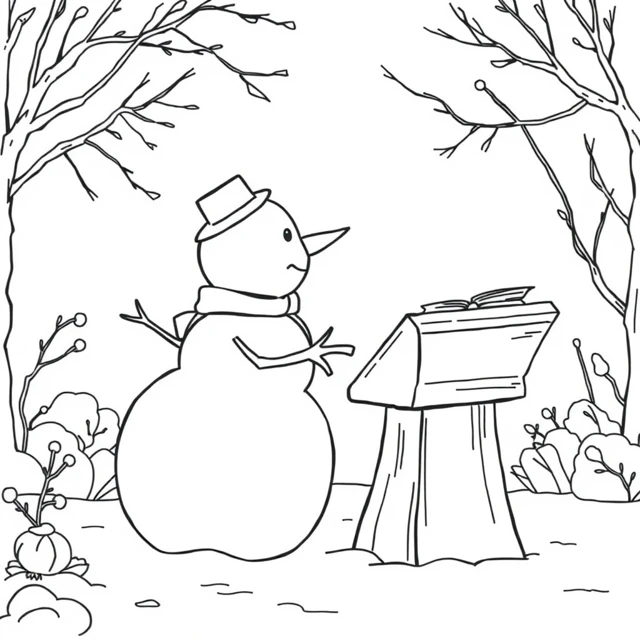
Snowman reading
Add a tiny title to the blank book on the lectern; keep the garden scene a separate color group.
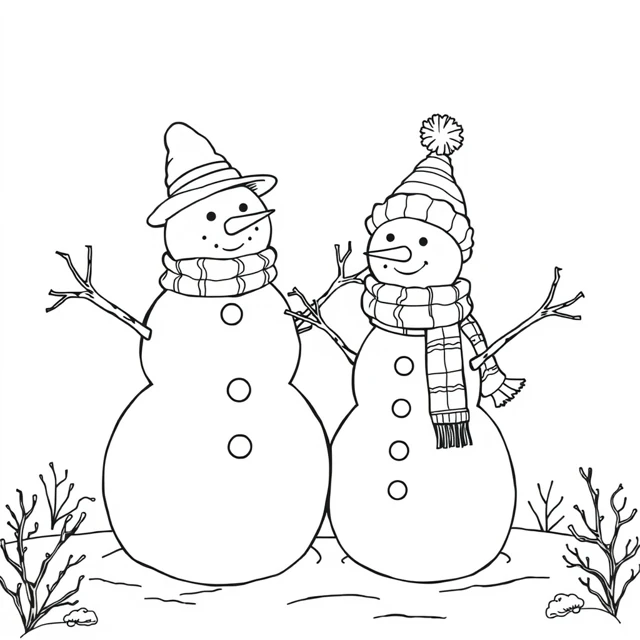
Two patterned snowmen
Compare the two scarf patterns and give each friend a different palette.
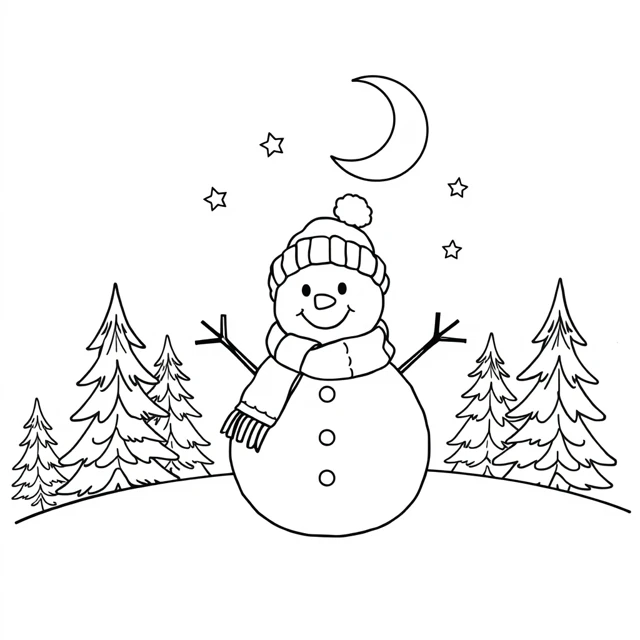
Snowman night star
Show nighttime with light colored pencils, not a solid black background.
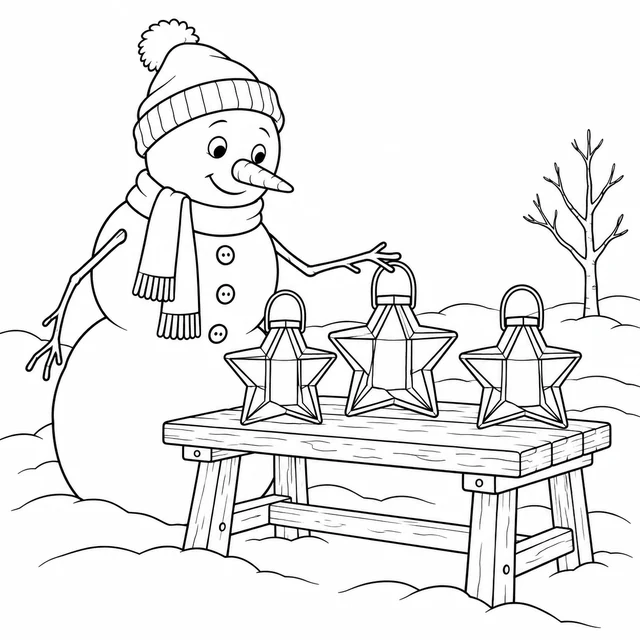
Star lantern workbench
Use one color on all three lantern handles, then give each star a different palette. Leave the snowy spaces white.
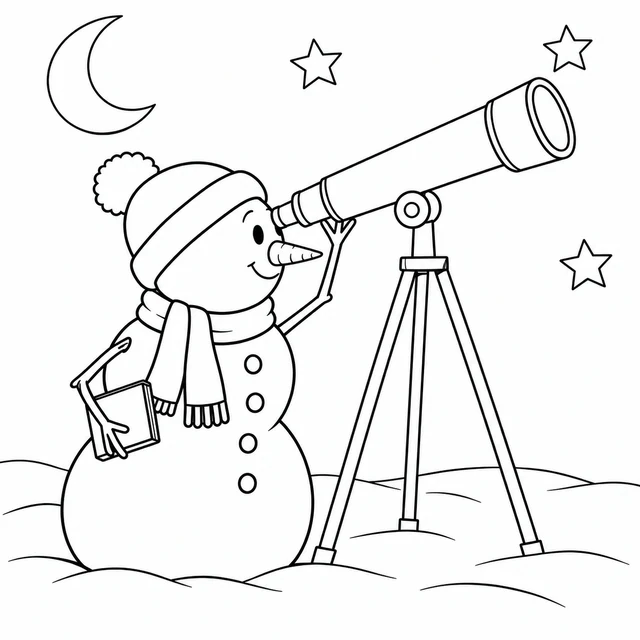
Winter telescope setup
Repeat one accent on the telescope rings and notebook cover; give the large sky shapes a separate color.
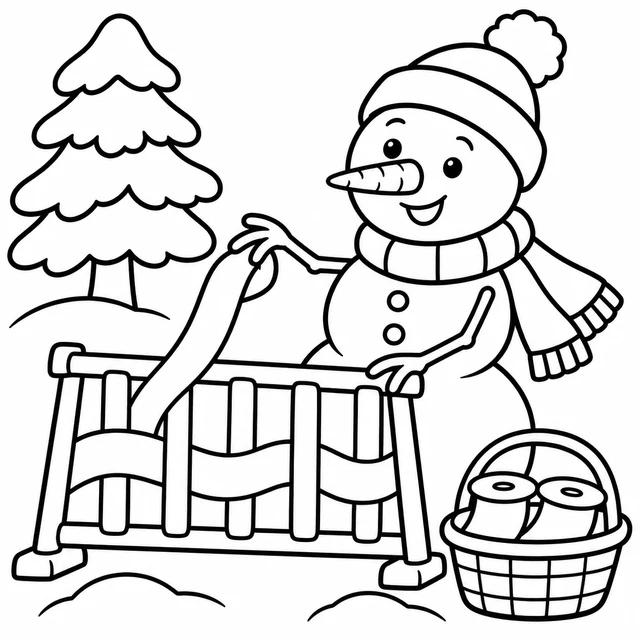
Ribbon weaving frame
Alternate two colors across the broad ribbon sections, then use a third on the frame. Keep the snowballs white to separate the scarf and basket.
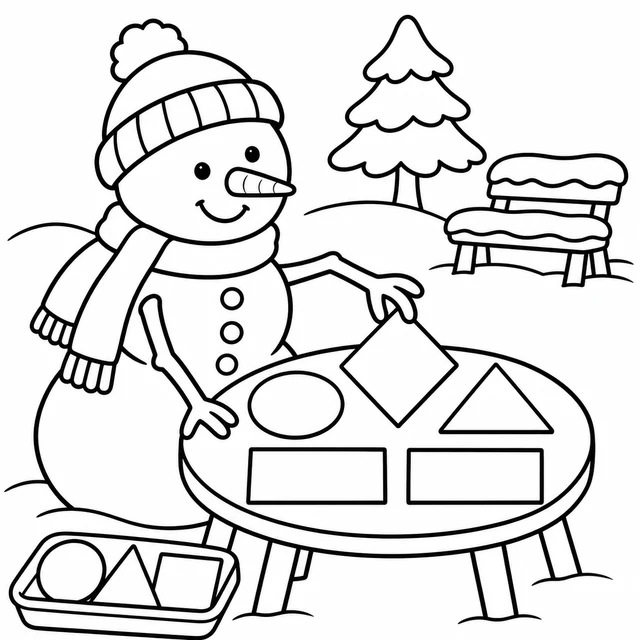
Ice shape mosaic
Choose a different color for the circle, diamond and triangle, then repeat one accent in the two rectangles. Leave the table and snowman light so the shapes remain distinct.
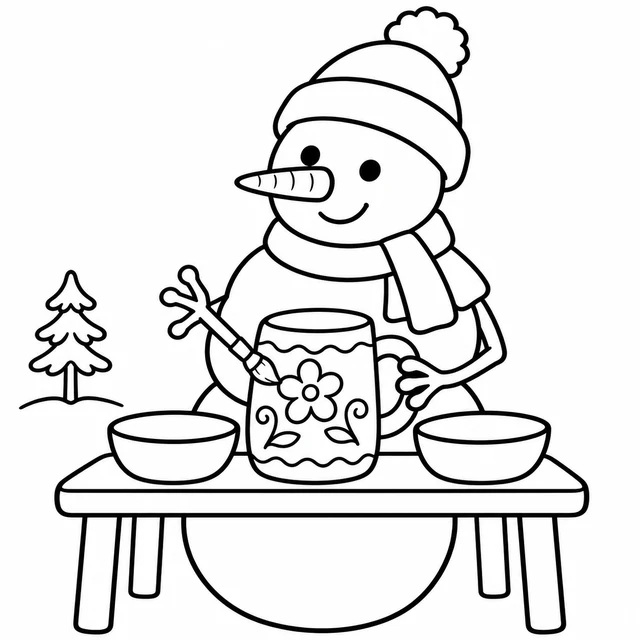
Mug painting table
Choose a color for the mug flower, then repeat it on the scarf; leave the broad snow areas white.
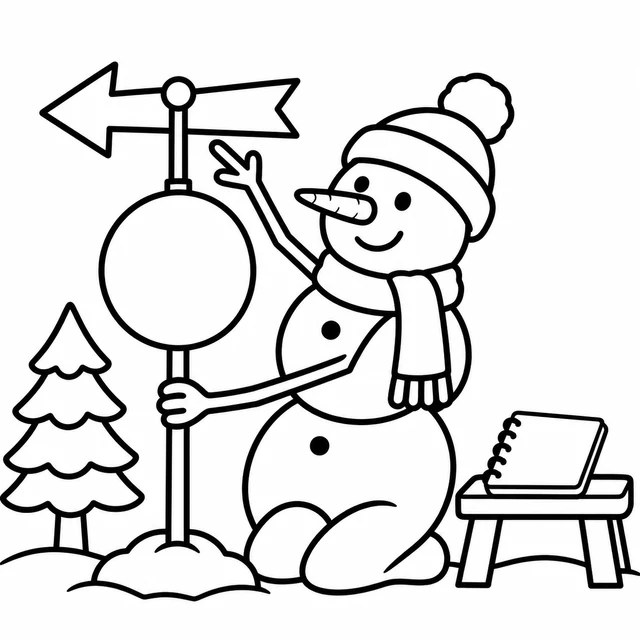
Weather station
Use one color for the arrow and a different color for the blank dial; add a weather symbol in the notebook.
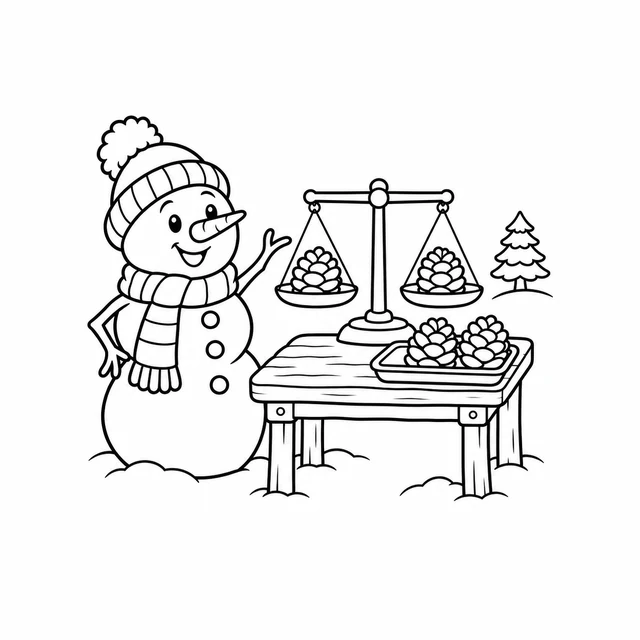
Pinecone balance table
Choose matching colors for the pinecones in the two pans, then give the spare pair a different palette. The picture is a coloring scene, not a working scale.
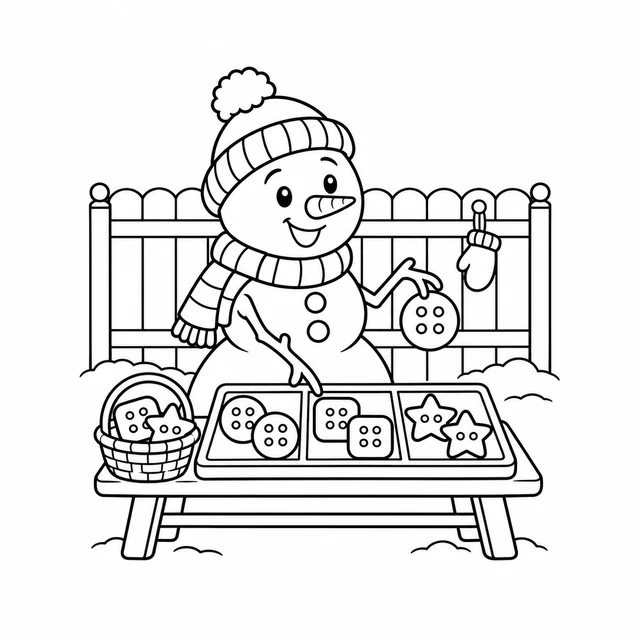
Button sorting table
Color the round, square and star buttons as three separate groups; use another color for the button held above the tray. Count only the buttons in each tray compartment, not the spare basket.
Two simple vector practice sheets
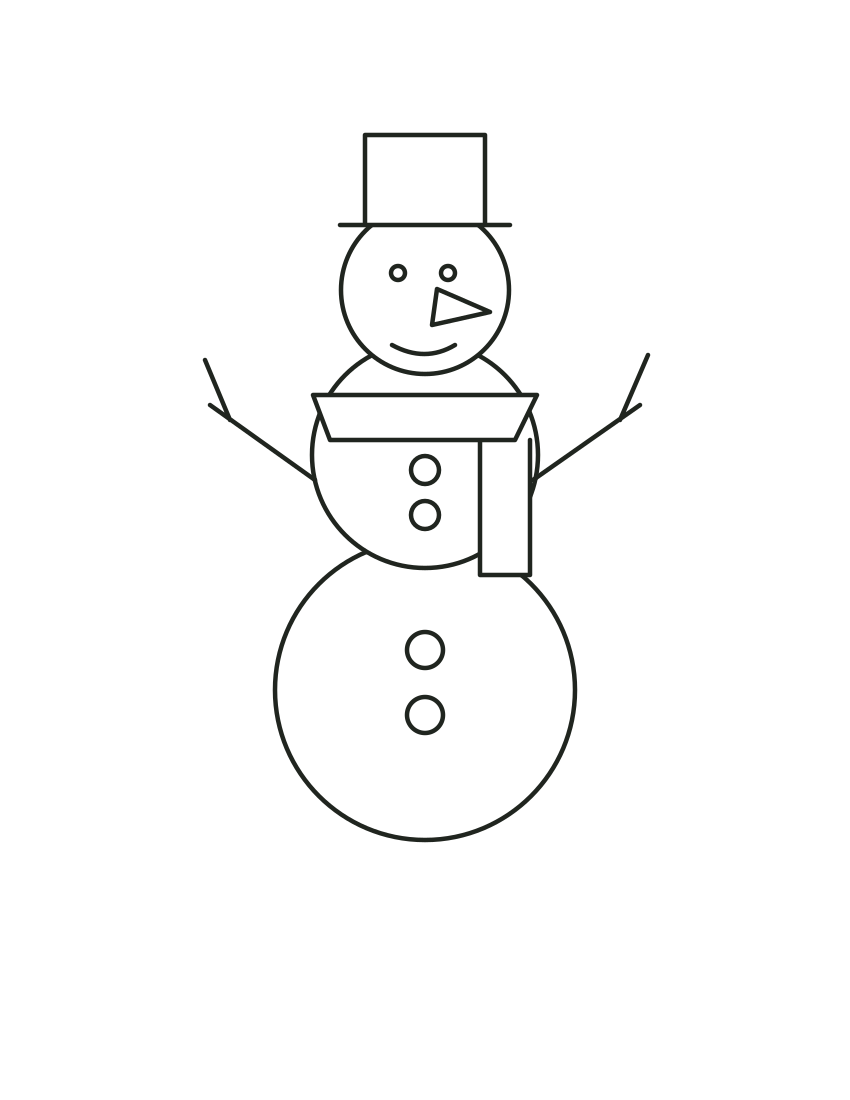
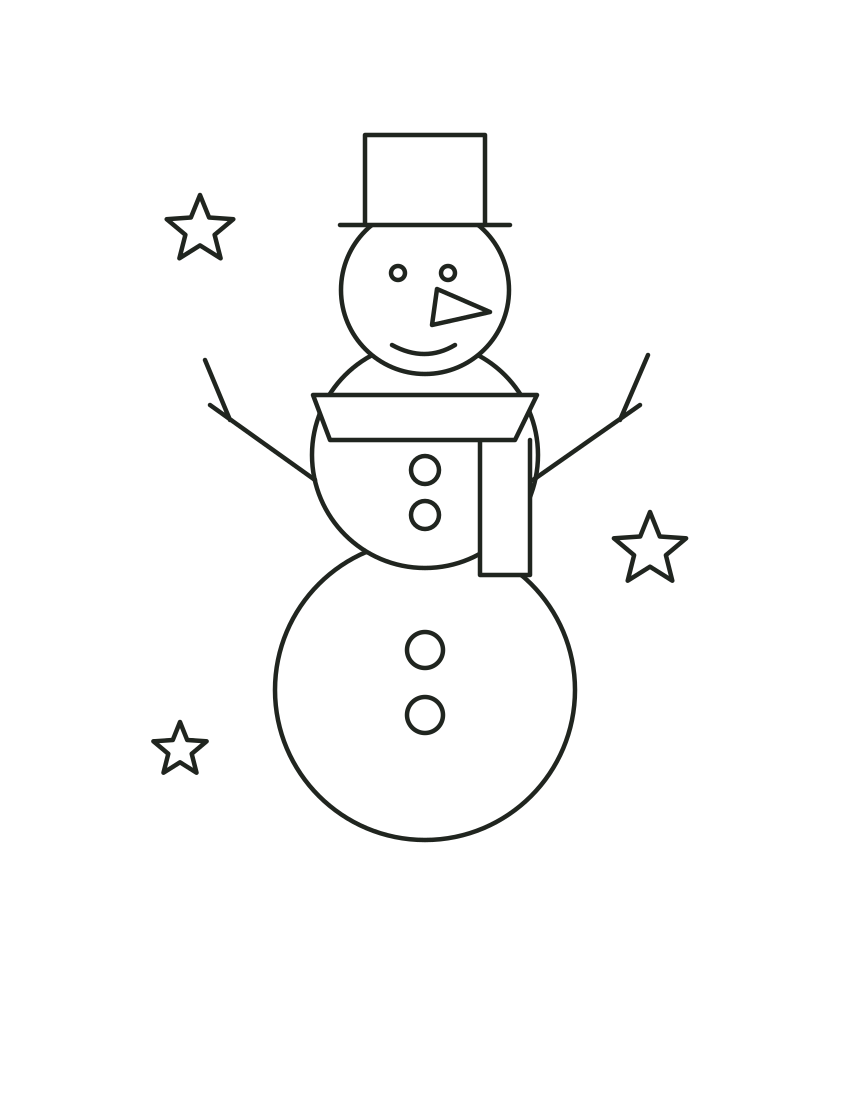
Start with the scarf and hat if you want strong colors without filling the snowman’s body. Keep the branch arms visible when adding a background. On the snowflake version, repeat a color on the surrounding shapes or leave them white against a lightly colored sky. The small circular buttons can make a separate pattern. There is no requirement to color every part; white space is useful in a snow scene.
Use for a winter activity beyond one holiday
Use these pages for a December craft table or a general winter activity after the holidays. Parents can invite a child to invent the snowman’s name and draw its home nearby. A teacher can compare foreground and background using the character and surrounding flakes. For a party, ask each guest to design a different scarf pattern so the drawings remain personal despite sharing an outline. The snowman is an imaginary character rather than a construction guide for a real snow sculpture. If your group does not experience snow locally, treat the scene as a drawing prompt rather than assuming everyone has built a snowman.
Print white snow with room for scarf patterns
A snowman does not need a printed gray or black body. Leave those broad circles white and save the strongest colors for the scarf, hat and buttons. Center the square scenes on a portrait A4 or Letter sheet and keep them large enough for the twig arms and scarf bands to stay visible. The large single-character page is a better starting point when broad coloring tips cover small details.
For a winter display, check which sheet has enough blank margin for a handwritten name. Select paper compatible with your printer and materials, then inspect the carrot nose and twig arms on a proof. Use a pale pencil background if you want snowfall; the file does not require a solid ink-heavy sky.
Use your snowman sheet here
At home, choose one visible snowman picture and begin with a few broad shapes. For a class or small party, compare two previews and let people choose their own palette. Use the selected-sheet panel to download or print the chosen picture without printing the gallery. Select the paper loaded in your printer, inspect fit and margins, and use black-and-white or grayscale if available. A single-sided sheet leaves the back clear for a message or invented story; physical printing has not been tested.
FAQ
Do I need to color the snowman white?
No. Leaving the body uncolored is one option, but an invented palette is welcome. Keep small features readable and use whatever colors support your story.
Can I add my own words or details?
Yes, add them by hand after printing or edit your copy in an image editor (PNG) or vector editor (SVG) for your activity. These downloads are fixed files, not a live lettering editor.
Are these AI-generated examples?
Yes, in part. The storybook scenes were AI-generated and visually reviewed for this collection. The two simple SVG exercises are original vector drawings. These prepared downloads are separate from the live generator.
Need a different subject? Create your own coloring page or trace a permitted image.