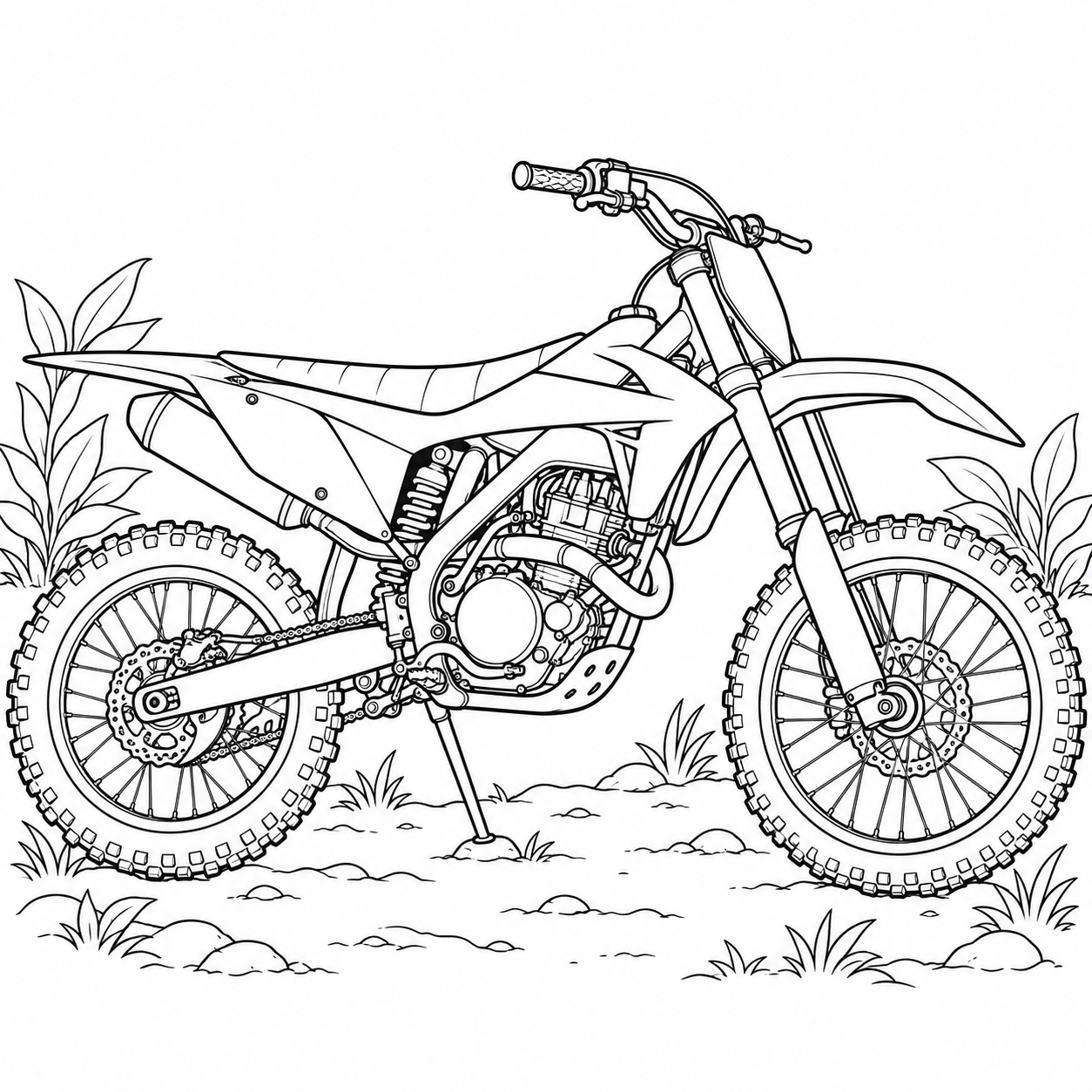
SEVEN REVIEWED ILLUSTRATIONS + ONE SVG DESIGN WORKSHEET
Dirt bike coloring pages
Choose seven reviewed unbranded dirt-bike illustrations: a side view, a trail backdrop, a maintenance shed, a woodland picnic stop, a separate trailer, a desert rest stop and a lakeside clearing. A separate original SVG worksheet helps plan your own scene. Select a file below to preview, download or print on this page.
CHOOSE / DOWNLOAD / PRINT
Your dirt-bike coloring sheet
Selected: Unbranded dirt bike side view
Download the original file, or print just the selected picture. Inspect paper size and scaling in the browser print preview. Save as PDF depends on your browser. Physical printing has not been tested.
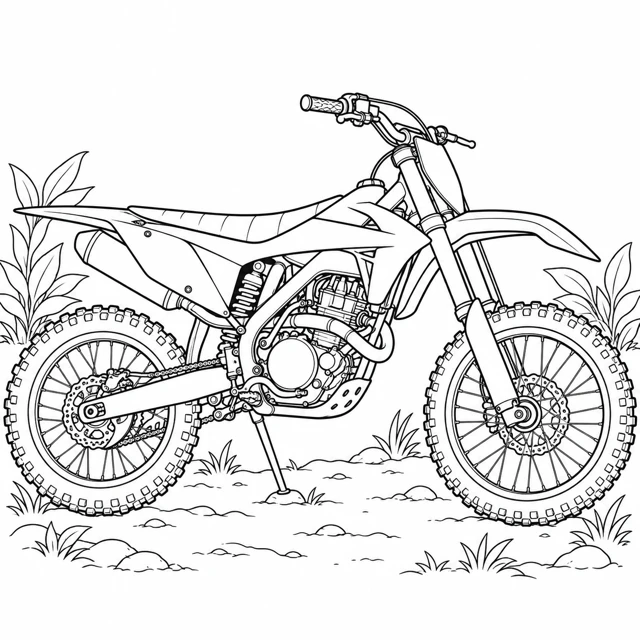
The seven illustrated PNGs were AI-generated and selected after visual review. Download the original PNG files; the smaller WebP previews are for browsing. Inspect paper placement in print preview.
Unbranded dirt bike side view
Color the broad subject shapes first, then choose a separate palette for the surrounding scene. Small details may remain white.
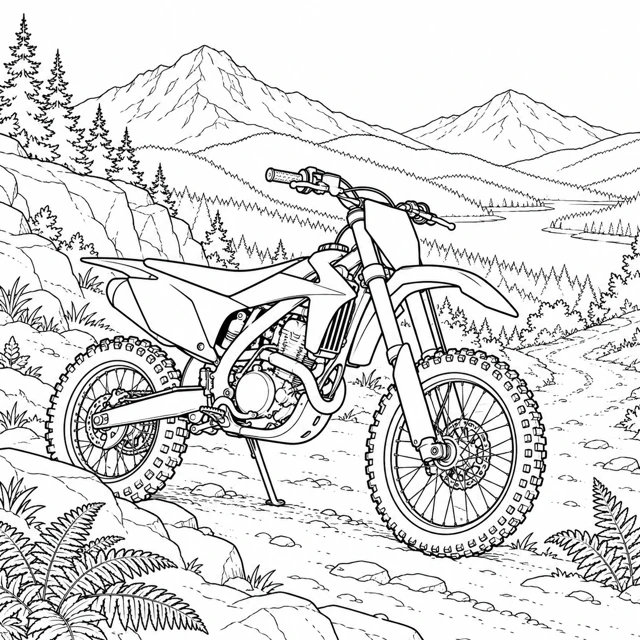
Parked dirt bike on a trail
Color the broad subject shapes first, then choose a separate palette for the surrounding scene. Small details may remain white.
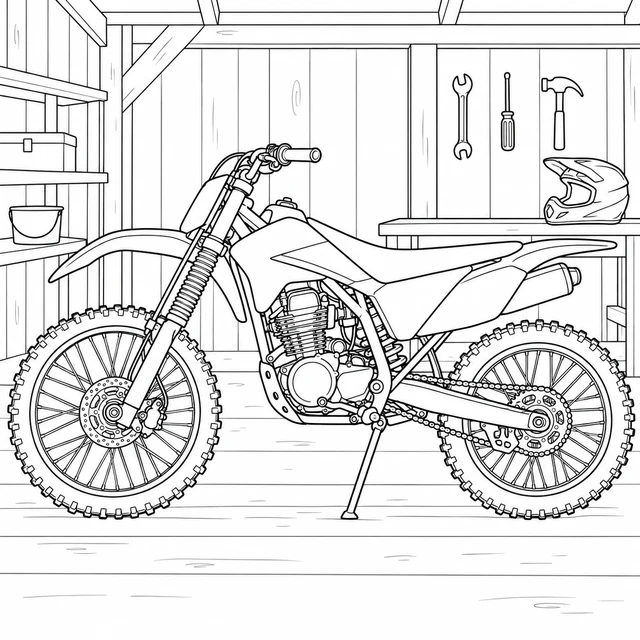
Dirt bike in a maintenance shed
Use one color on the tank and a different accent on the helmet.
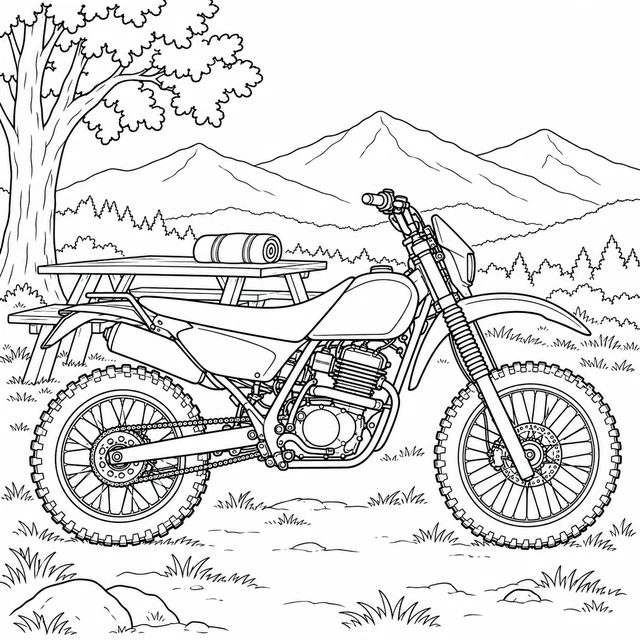
Dirt bike at a woodland picnic stop
Keep the mountains pale and choose a separate palette for the bike panels.
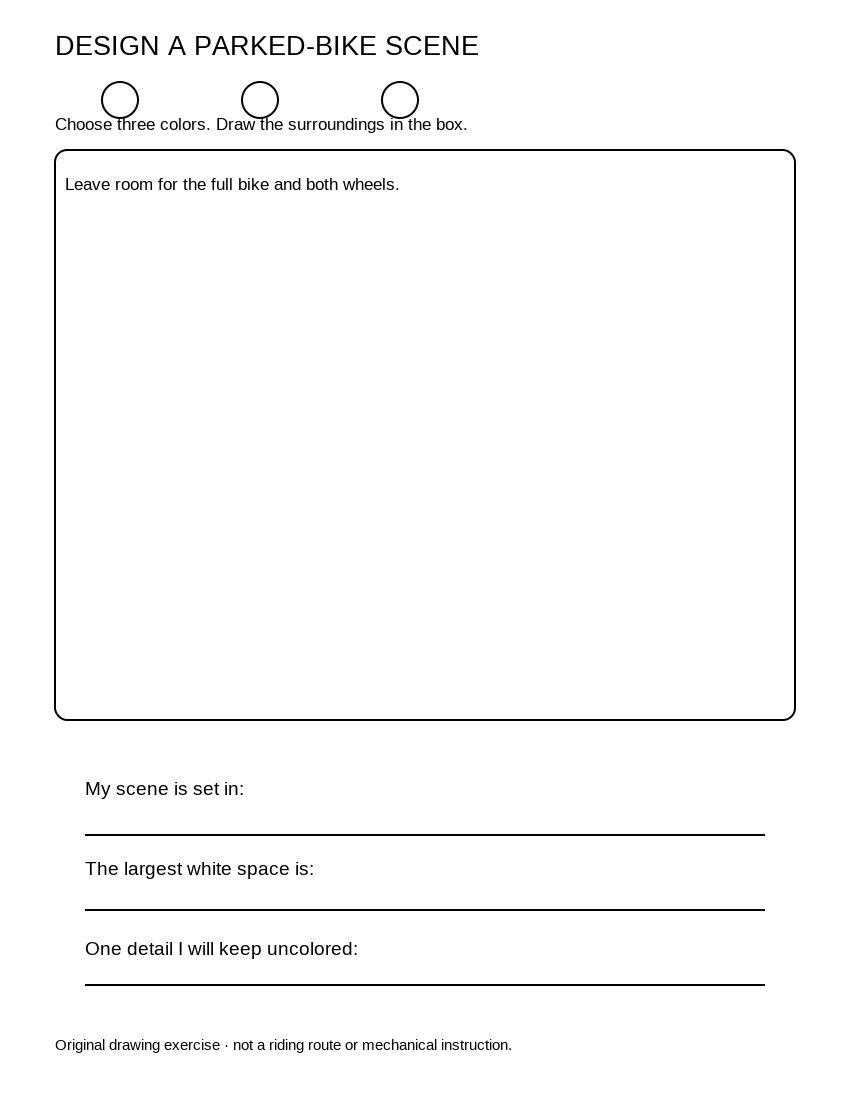
Design your parked-bike scene — SVG worksheet
Draw surrounding objects, choose three colors and note a detail to leave white.
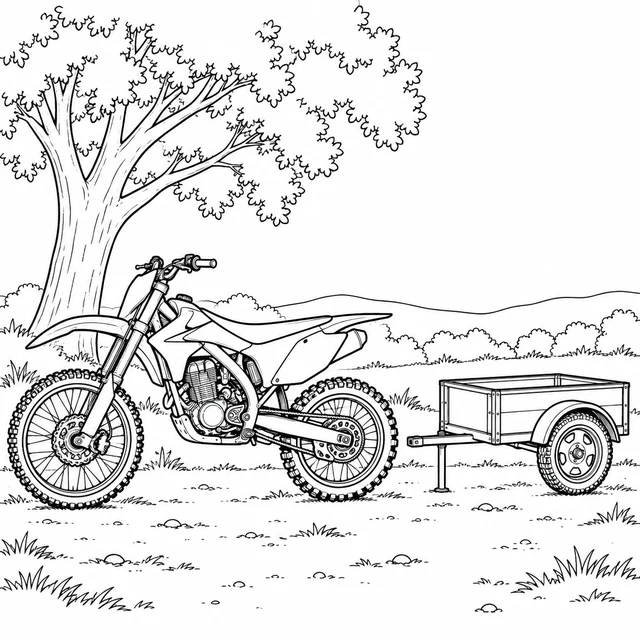
Dirt bike beside an unhitched trailer
Give the separate trailer its own palette; do not count its wheel as part of the motorcycle.
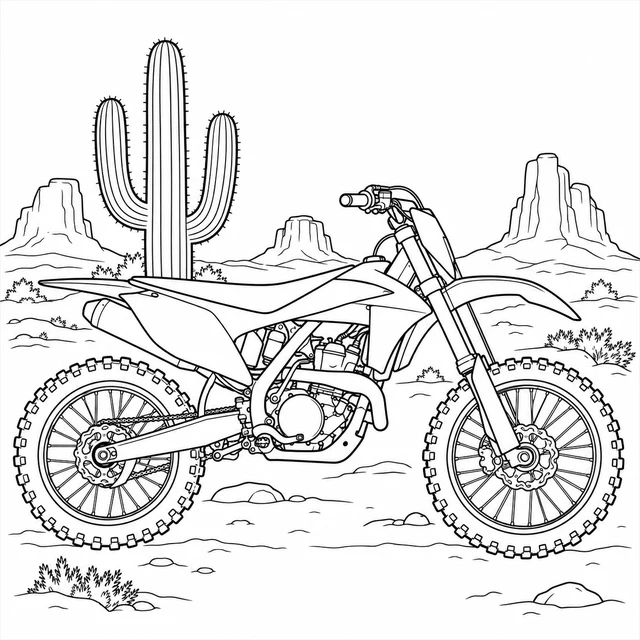
Dirt bike at a desert rest stop
Try a pale sky and warm rocks while leaving spaces between the spokes white.
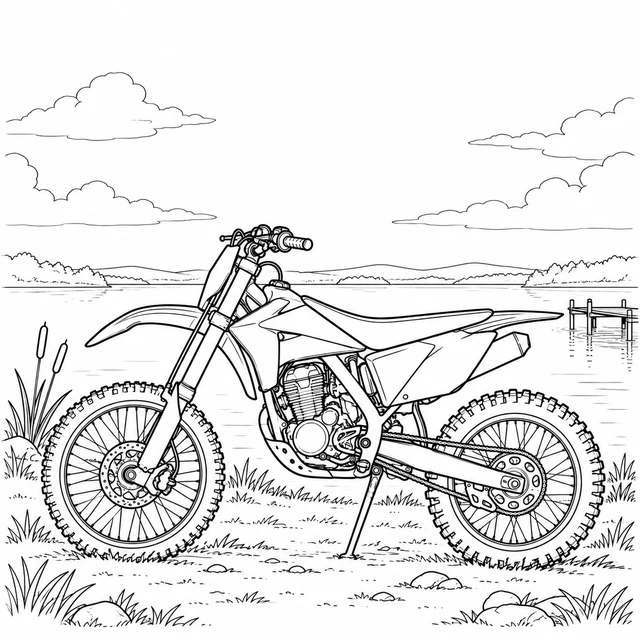
Dirt bike at a quiet lakeside stop
Keep the water light and use a different color for the broad bike panels; the pier is part of the separate background.
Give the bike its own color story
Choose one color for the tank, a second for the seat and a third for the fenders. Keep the wheel spaces separate from the spokes so they remain easy to inspect. On the open sheet, draw a trail sign of your own beside the bike; on the scenery sheet, give the mountains a different palette from the bike.
Choose the sheet for your session
The side view gives you more empty space to decorate. The trail sheet supplies the background, so it suits a session in which you want a whole scene already outlined. Neither is an age rating. The drawing is stylized, not a mechanical diagram or a riding instruction.
Download, preview, then print
- Download the original PNG or SVG for the sheet you chose. These links download actual drawings, not a prompt or an empty template.
- Open the saved file in a compatible viewer. The PNG illustrations are square; the separate SVG worksheet uses 850 by 1100 units. Keep the actual file proportions in print preview.
- Choose your paper in the print dialog and inspect fit-to-page and margins. A4 fitting may leave different whitespace. Turn off browser headers and footers if they cover the drawing.
- Inspect one proof before making copies. Printer behavior and materials vary; inspect the actual print dialog before making copies.
Using these original sheets
These reviewed AI-generated illustrations were made for CleanLine Coloring, not taken from a brand, game or stock gallery. You may print them for personal or classroom activities. This permission does not cover reselling or repackaging the files. No account or purchase is needed for the downloads.
Choose a workshop or a quiet outdoor stop
The shed picture has broad tank and seat panels, three hanging tools and a separate helmet. Keep the helmet distinct from the bike rather than treating it as part of the frame. Try one color on the bodywork and repeat a small accent on the workbench. The woodland picture places a picnic table and rolled blanket behind the bike, with open mountain shapes above. Give the mountain ridge a pale color so the wheel outlines remain easy to see.
For a family activity
Choose one parked-bike scene and name three areas to leave white before coloring. Tire sidewalls, open spaces between spokes and the background can remain unfilled. The mechanical details are stylized illustration, not a promise that each chain link or component matches a real motorcycle. Pick another sheet if the wheel detail feels too small for your preferred coloring tools.
For a classroom or vehicle-themed party
Offer the plain side view alongside the shed and picnic scenes. Ask participants which surrounding object explains where the bike is parked. Each person can choose a tank color and a different background palette without racing or riding instructions. These are optional visual activities, not a tested curriculum or age rating. The blank SVG planner is a separate drawing exercise: sketch surroundings, mark three palette choices and write one feature to leave white. It is not an additional elaborate motorcycle illustration.
Print the picture you selected
The selection panel previews one file and provides its original download. The seven illustrations are square raster PNGs; the labeled design worksheet is an 850 × 1100 SVG. Keep each file's proportions when placing it on A4 or Letter paper. Do not assume a square PNG has Letter dimensions. Choose a fit setting, inspect margins and begin with one proof. We have not tested physical printing of these files. Previewing is a digital check, not evidence that a particular printer, pen or paper stock has been tested.
Separate the vehicle from its surroundings
The new trailer scene contains two motorcycle wheels and a separate visible trailer wheel. Give the trailer a different color so the parked objects stay distinct. Its hitch is not connected to the bike. In the desert scene, the cactus belongs behind the vehicle, not on its tank or seat. Compare the broad cactus ribs with the smaller spokes before choosing which areas to color. These are fictional parked scenes and provide no advice about towing, desert riding or vehicle handling.
A quiet lakeside palette
The lakeside picture adds a pier, reeds and open water behind a parked bike. Keep the lake pale so the tire and chain contours stay distinct. Choose one larger bike panel to color first, then decide whether the small grass marks need any color. The frame-free drawing keeps both wheels visible; it remains a fictional parked scene, not guidance about riding near water.
Quick answers
Are these a real motorcycle brand?
No. The drawings have no manufacturer logos, model names or race numbers. Invent your own color scheme rather than treating them as an exact real model.
Is there a rider to color?
No. The seven illustrations show parked bikes without riders: a side view, trail, shed, picnic stop, trailer, desert and lakeside scene. The separate SVG has a blank scene-design box, not a rider or a racing route.
Can I download a PDF directly?
The seven illustrations are PNG downloads; the separate scene-design worksheet is SVG. Open the saved file and use your browser's print-to-PDF option if available. The separate scene generator exports PNG and single-page PDF; that does not change the format of this fixed set.
More original activities
Browse all prepared sets in free printable coloring pages. To use a picture of your own, try photo to coloring page.