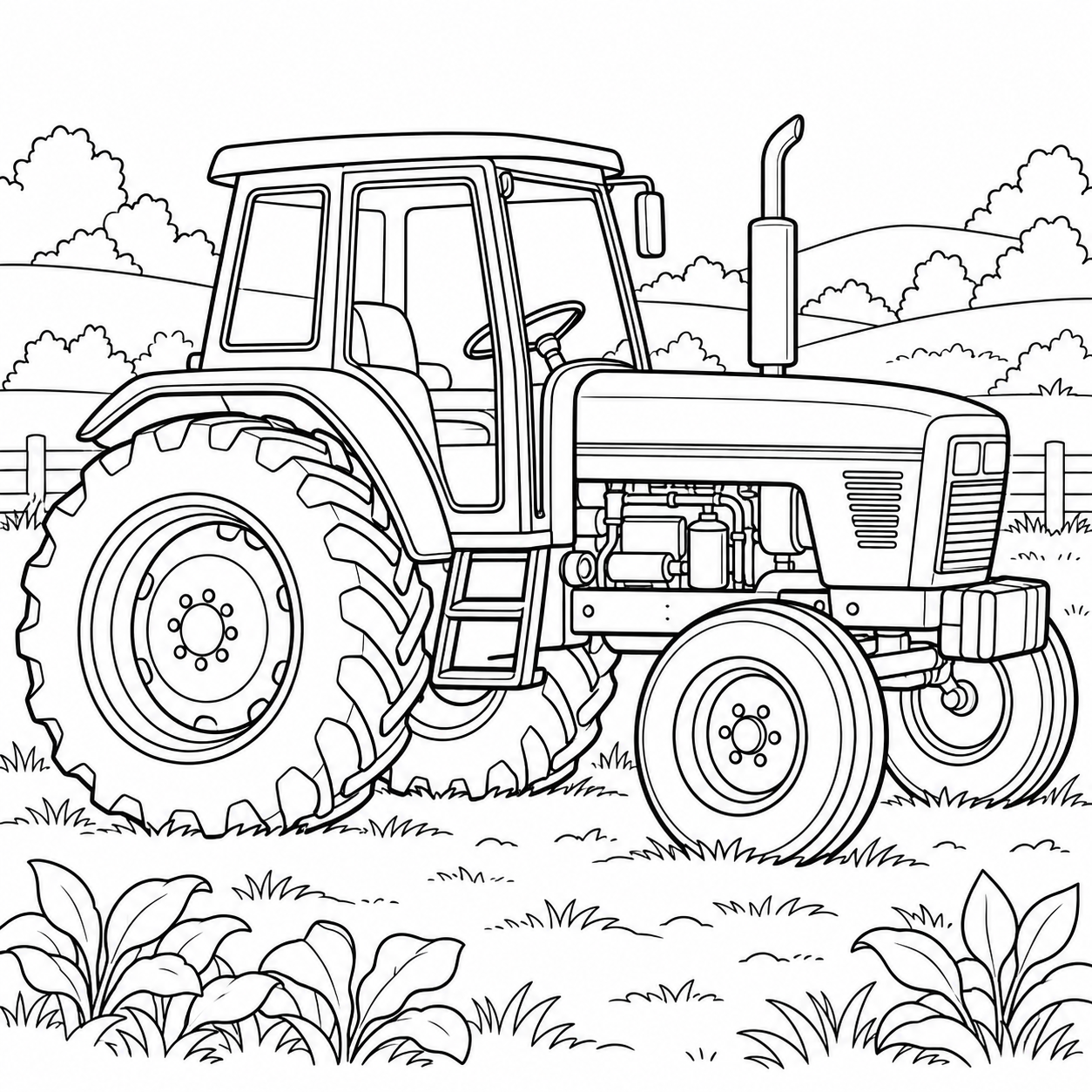
Farm tractor side view
Color the broad subject shapes first, then choose a separate palette for the surrounding scene. Small details may remain white.
ORIGINAL PRINTABLE COLLECTION
Choose eight reviewed tractor illustrations: the original side view and farm lane, orchard, garden and hay-field views, plus a pumpkin patch, barn doorway and sunflower path. Select, download or print a prepared picture below; no generation request is needed.
CHOOSE / DOWNLOAD / PRINT
Selected: Farm tractor side view
Download the original file, or print just the selected picture. Inspect paper size and scaling in the browser print preview. Save as PDF depends on your browser. Physical printing has not been tested.
The eight illustrated PNGs were AI-generated and individually reviewed. Original files are full resolution; the smaller WebP images are browsing previews. These stylized scenes are not mechanical diagrams or operating instructions.
Try a different format: make a six-picture story cube from custom coloring sheets, with A4 and Letter PDF nets.
Need a larger single picture? Inspect the four-page coloring poster with measured overlaps.
Color the broad subject shapes first, then choose a separate palette for the surrounding scene. Small details may remain white.
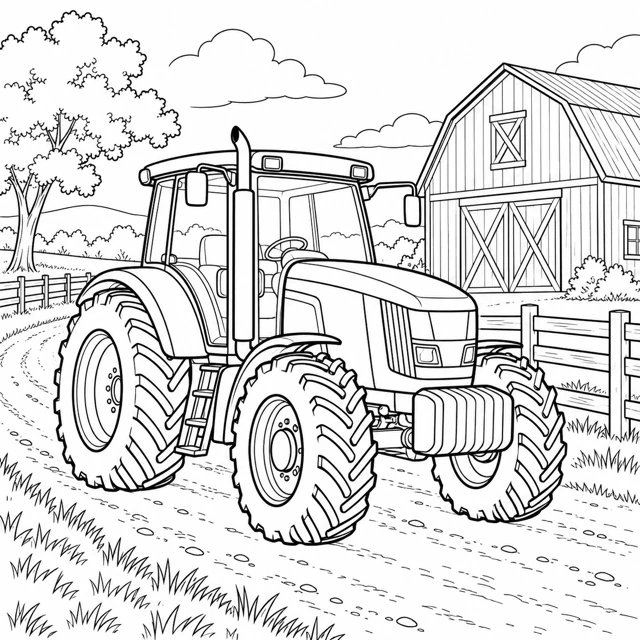
Color the broad subject shapes first, then choose a separate palette for the surrounding scene. Small details may remain white.
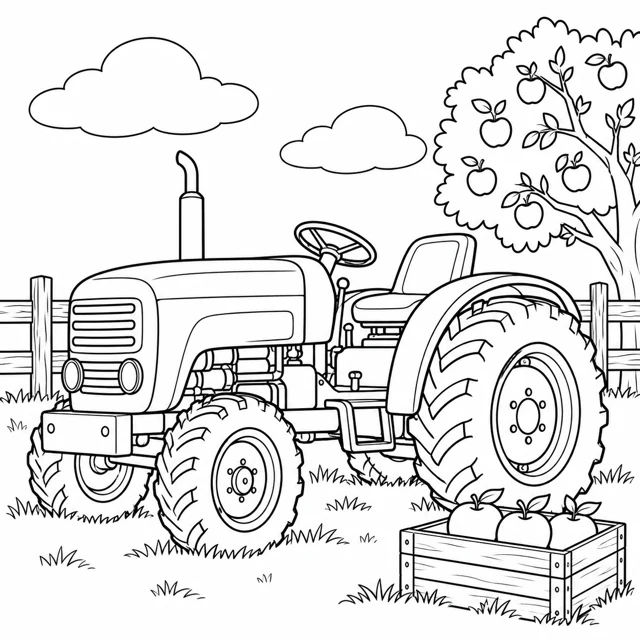
Repeat a body color from the open tractor sheet, then give the apples their own contrasting palette.
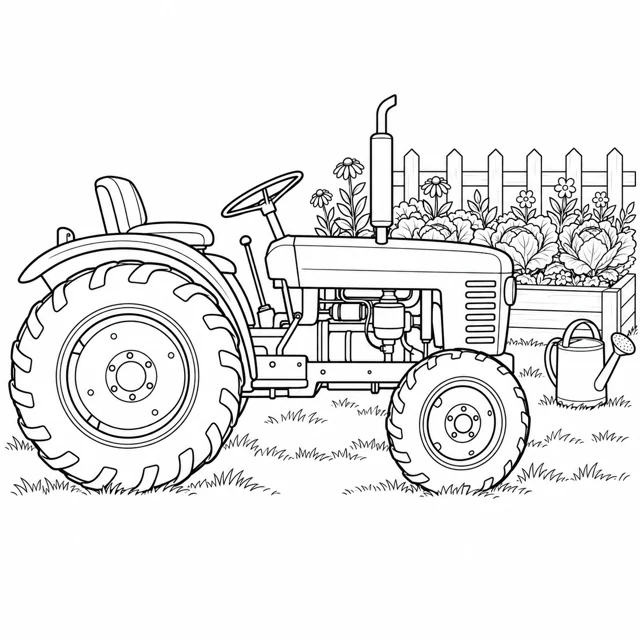
Choose separate colors for the large wheel, small wheel and cab-free body, leaving fine engine marks white if needed.
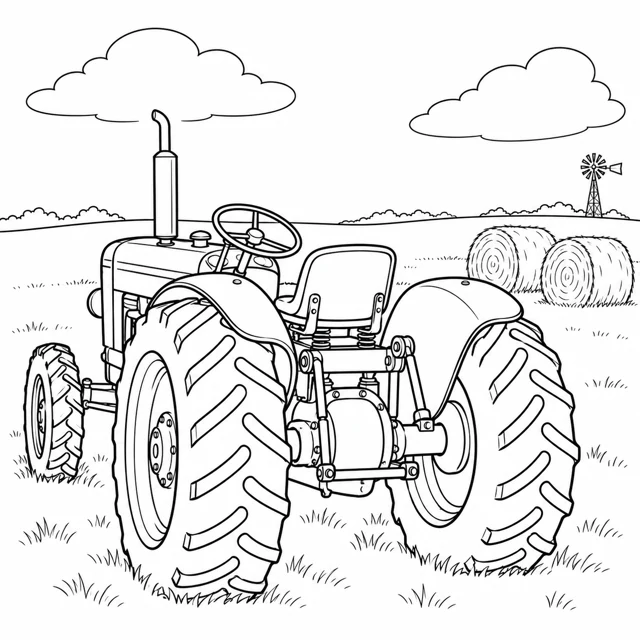
Try matching the two rear tires while choosing different colors for the tractor body and the distant hay bales.
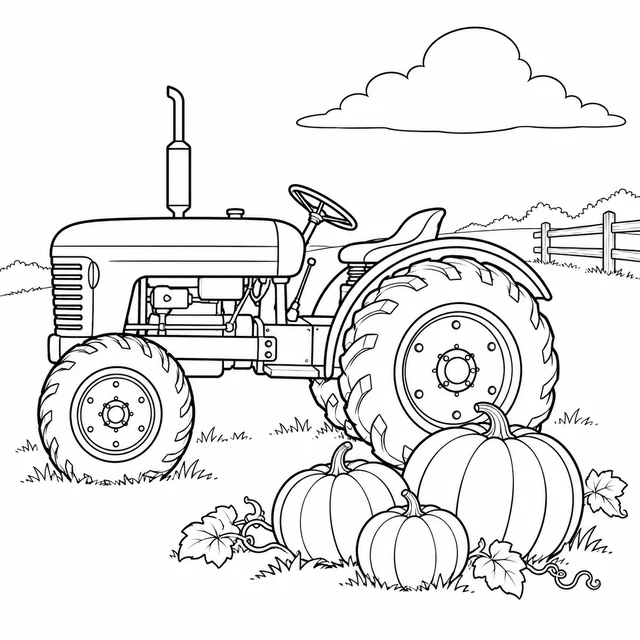
Keep the pumpkin ribs broad and repeat a body color from the orchard scene. Tiny engine marks can stay white.
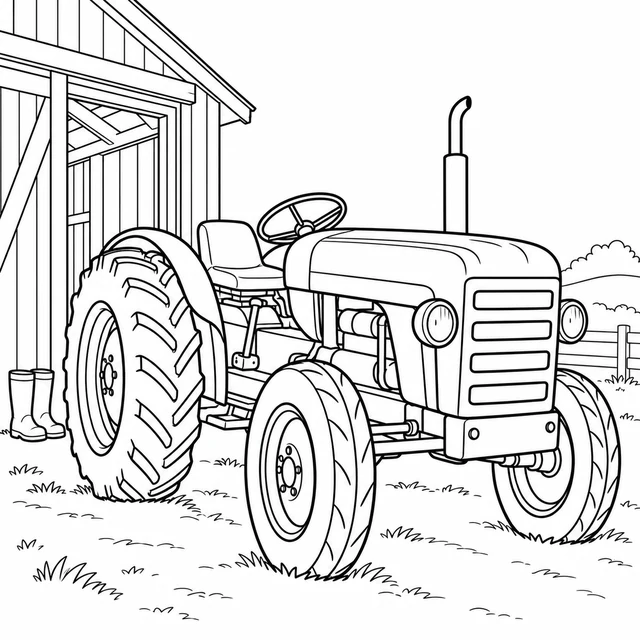
Choose separate colors for the hood, the wide barn panels and the pair of boots. Fine hub bolts can stay uncolored.
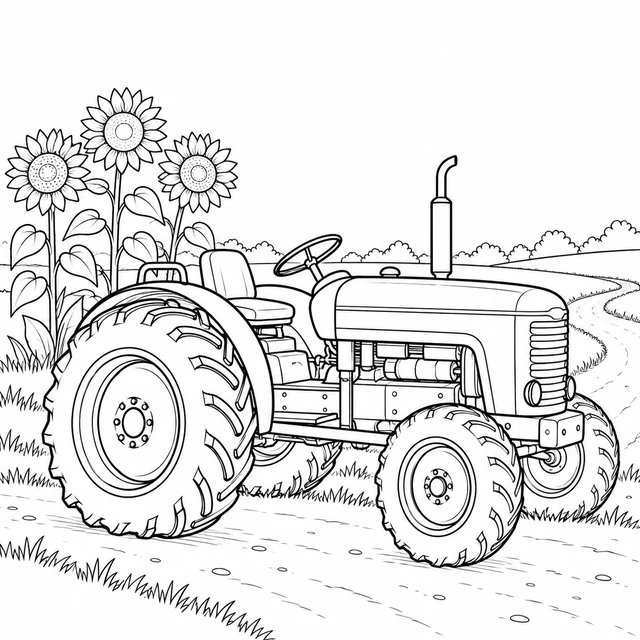
Color three sunflower heads as a group, then use a quieter accent for the tractor. Small seed dots may remain white.
Draw a path from the tractor to three imaginary field stops. Give each stop a different color, then decide what the driver collects there. Compare the large rear wheel and smaller front wheel by counting their circles. This is an invented vehicle, not a mechanically accurate diagram. Leave the cab window light if you want to add a driver. The scene version gives you a horizon and ground plants: decide whether the tractor is arriving or leaving. For a group, each child can draw a different farm job beside the vehicle, then explain how the separate pictures connect into a pretend map.
Use one sheet for a quiet activity at home, or let a small group choose between the open drawing and the scene version. Explain the creative task before giving out the page. Children can leave areas uncolored, add their own marks or tell a story instead of completing every shape. There is no age score or tested classroom result attached to this collection.
For a party, place coloring materials within reach and let each guest choose their own palette. A teacher can compare the eight scenes and ask which leaves more space for additional ideas. Avoid judging the activity only by how closely a child stays inside the lines.
Each download is a square PNG image with a white background. Its shape is different from A4 or Letter paper: center the image, choose the paper loaded in your printer, and inspect the fit and margins in print preview. Saving as PDF depends on your viewer; these downloads are not pre-made PDF pages.
Check the preview before making copies. Margins and scaling depend on the viewer and printer driver. These files have not been physically printed by us. Use the original drawings for personal or classroom activities; permission here does not include resale or repackaging as a commercial collection.
Compare the orchard, garden and hay-field pictures. Repeat a body color across all three tractors, then choose a different background accent for each stop. At the orchard, give the crate apples one palette; at the raised bed, separate broad leaves from the tractor hood; in the rear view, match the two large tires while leaving small axle marks white if needed.
Draw a pretend delivery route on a separate sheet and choose what happens first, next and last. These are optional fictional activities, not instructions to drive, carry loads or work near machinery. The drawings are stylized; no real equipment model, mechanical specification or tested learning outcome is claimed. For a different paper format, try the six-picture story cube with measured A4 and Letter nets.
For three more stops, contrast pumpkin ribs, the barn's broad wall panels and three sunflower heads. Keep one tractor-body color across the set and choose one different background accent per picture. Tiny engine marks, hub bolts or seed dots can stay white; this is a coloring choice, not a machinery diagram.
At home, choose one visible tractor picture and begin with a few broad shapes. For a class or small party, compare two previews and let people choose their own palette. Use the selected-sheet panel to download or print the chosen picture without printing the gallery. Select the paper loaded in your printer, inspect fit and margins, and use black-and-white or grayscale if available. A single-sided sheet leaves the back clear for a message or invented story.
Yes. The previews show the same artwork as the linked full PNG downloads. They are prepared illustrations, not examples promised from a future generator run.
You can add details by hand after printing or edit your copy in a compatible PNG editor for your personal or classroom activity. The fixed download does not have an online editing panel.
Use the separate photo-to-coloring-page workflow for your own permitted image. It creates a raster outline and is different from downloading these prepared raster illustrations.
Want another subject? Create a new page in the AI coloring page generator, or start with your own photo.
If you save your chosen picture as a PDF, Adobe’s guide to PDF page size and fit settings explains the print-dialog options. Settings differ in other viewers and printer drivers.
For a separate drawing activity, explore the National Gallery of Art’s lesson on drawing everyday objects. It offers mark-making ideas rather than instructions or an endorsement for this generator.