SEVEN REVIEWED ILLUSTRATIONS + ONE SVG DESIGN EXERCISE
Robot coloring pages
Choose seven reviewed robot illustrations and one original SVG design worksheet. Compare a waving robot, tool workshop, greenhouse watering scene, toy-cart repair and parcel delivery, an observatory and a library. Select a file here to preview, download or print; the worksheet offers blank spaces for an invented tool and task.
CHOOSE / DOWNLOAD / PRINT
Your robot coloring sheet
Selected: Friendly waving robot
Download the original file, or print just the selected picture. Inspect paper size and scaling in the browser print preview. Save as PDF depends on your browser. Physical printing has not been tested.
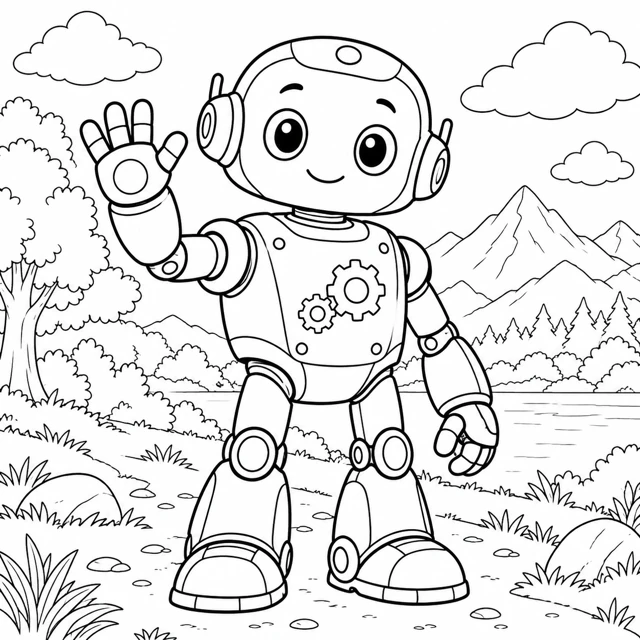
The seven illustrated PNGs were AI-generated and selected after visual review. The separate SVG is an original design exercise. Download the original files; the smaller WebP previews are for browsing. Inspect paper placement in print preview. Physical printing has not been tested.
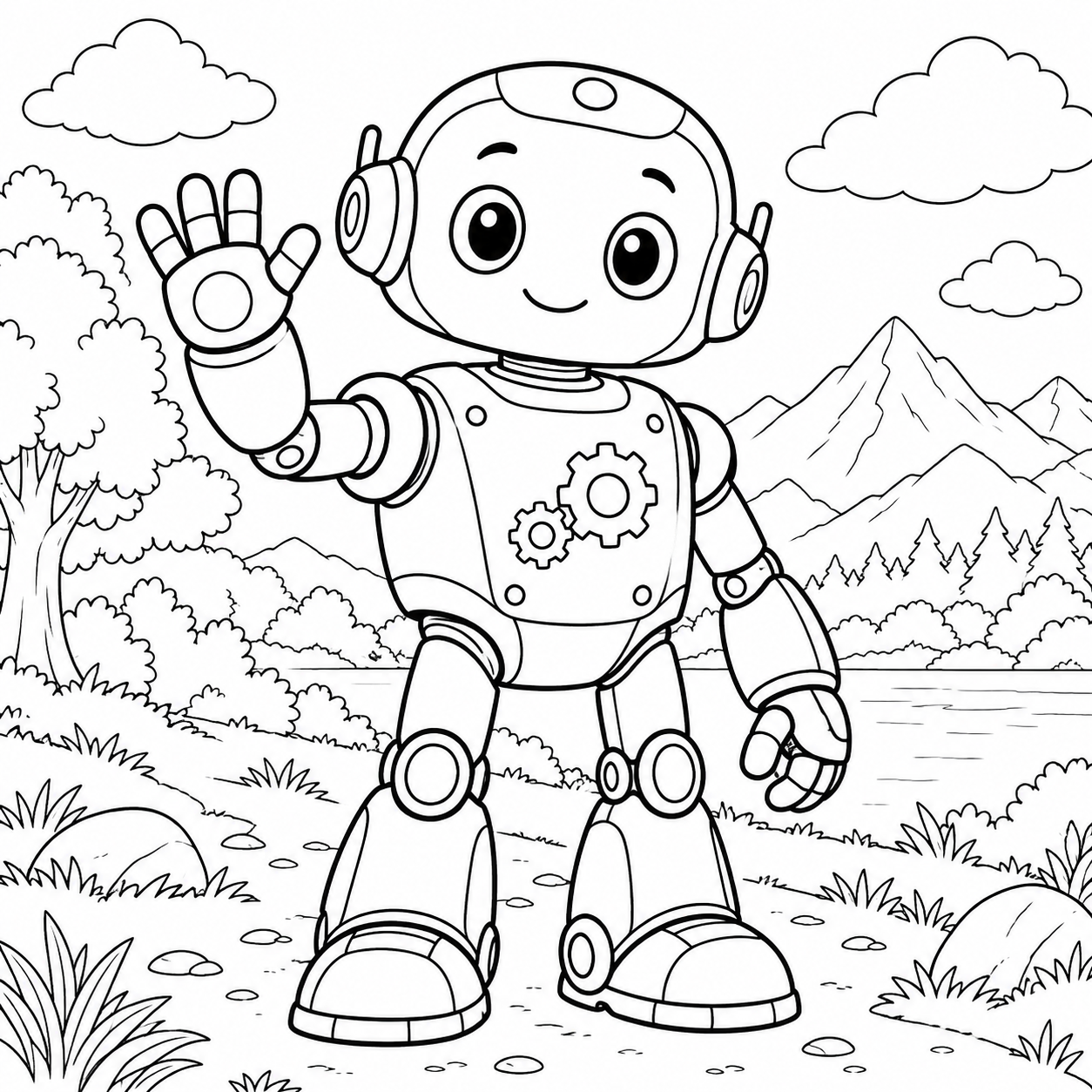
Friendly waving robot
Color the broad subject shapes first, then choose a separate palette for the surrounding scene. Small details may remain white.
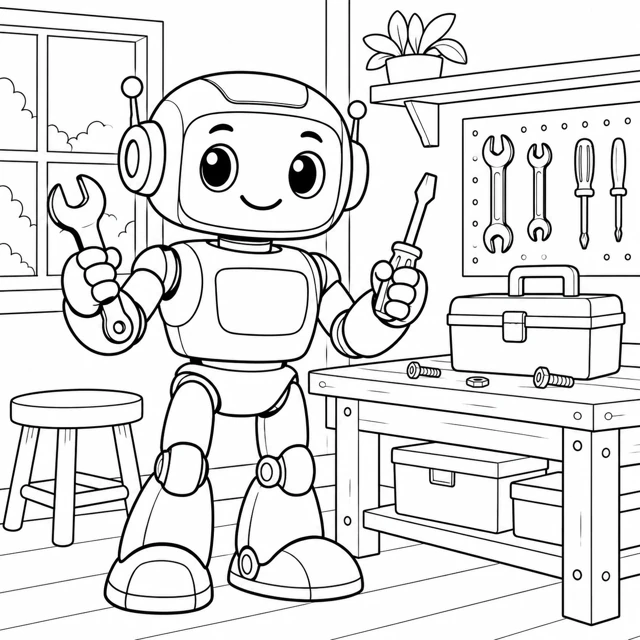
Robot workshop helper
Color the broad subject shapes first, then choose a separate palette for the surrounding scene. Small details may remain white.
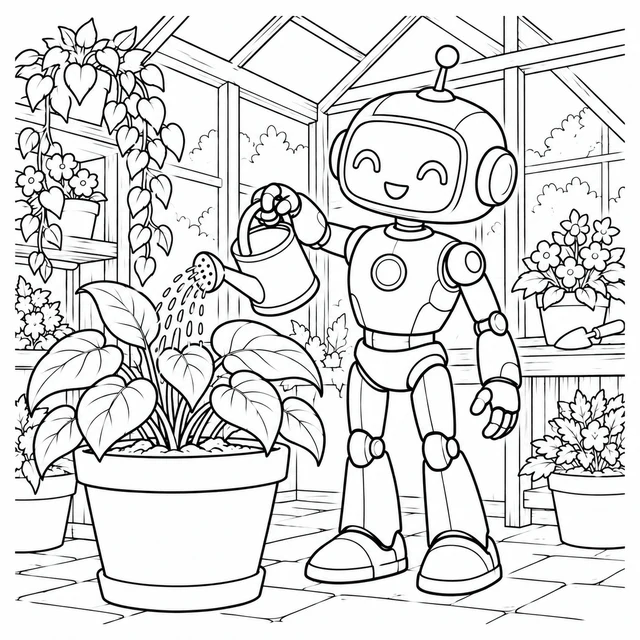
Robot watering a greenhouse plant
Start with the broad robot panels and pot; keep leaves distinct from the can.
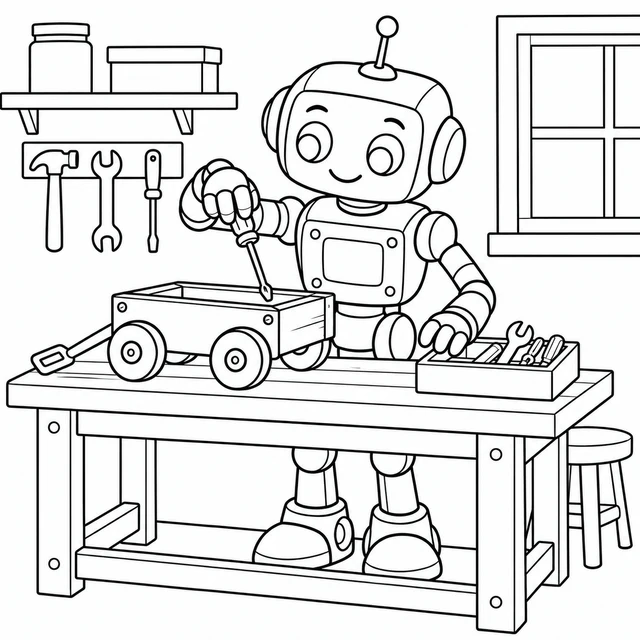
Robot repairing a toy cart
Give the cart panels one color and use a different color on the robot chest.
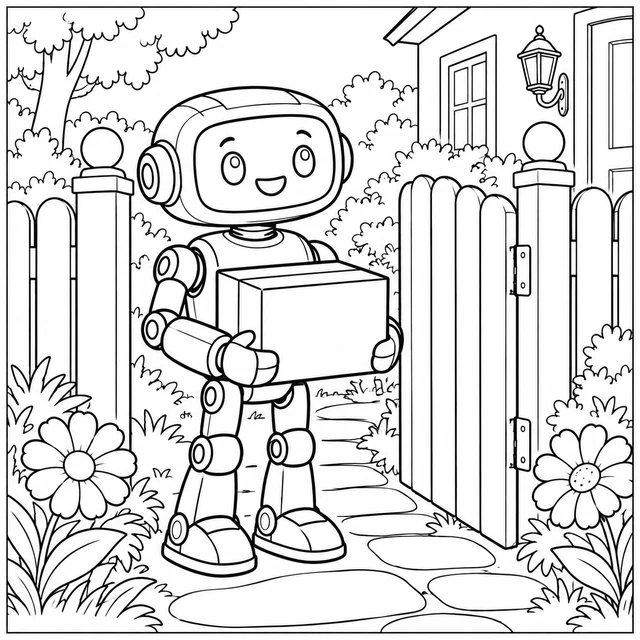
Robot carrying one parcel
Color the broad parcel face before the gate flowers and smaller joint rings.
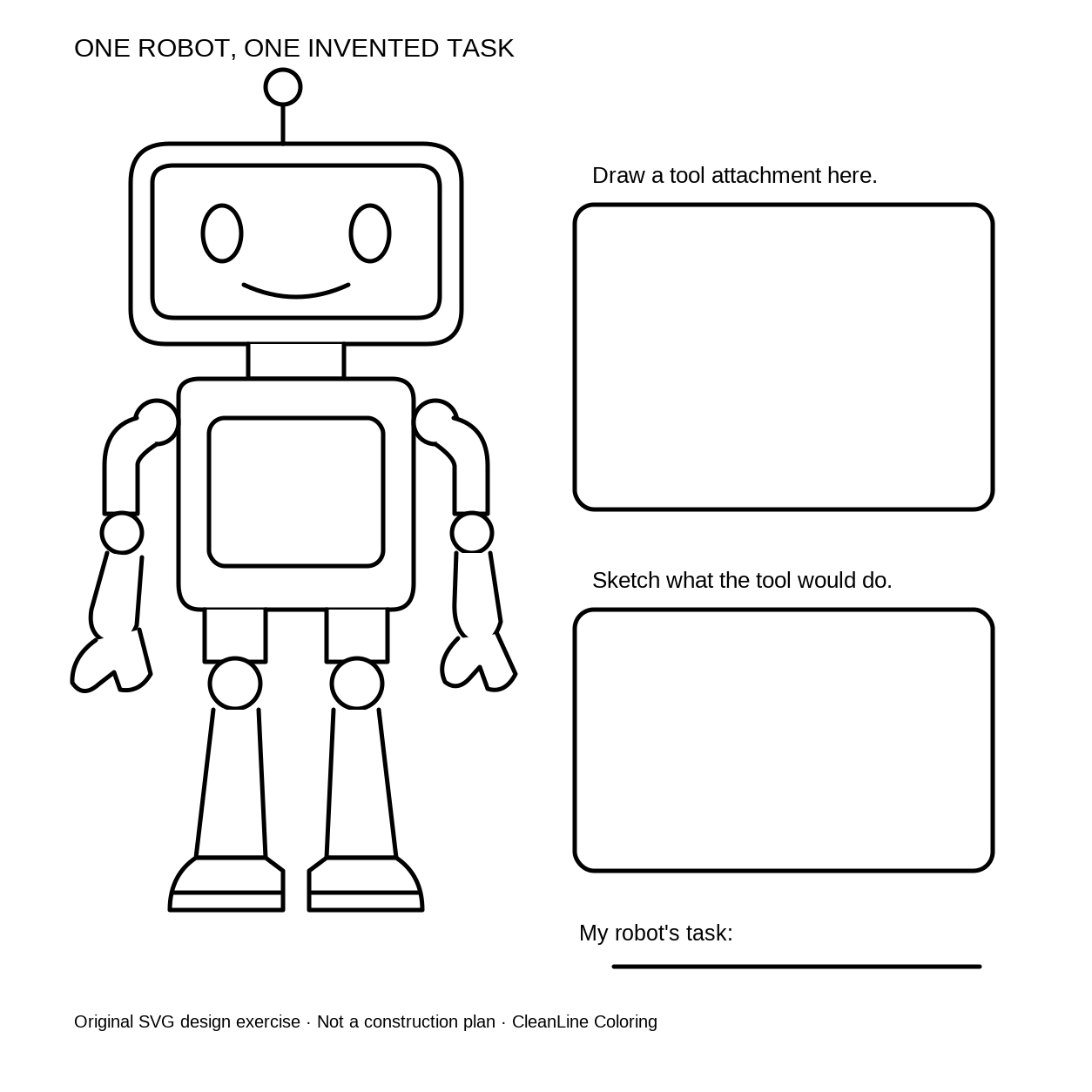
Invent one robot tool — SVG worksheet
Purposeful simple design exercise: sketch a tool and explain its task, rather than copying a finished scene.
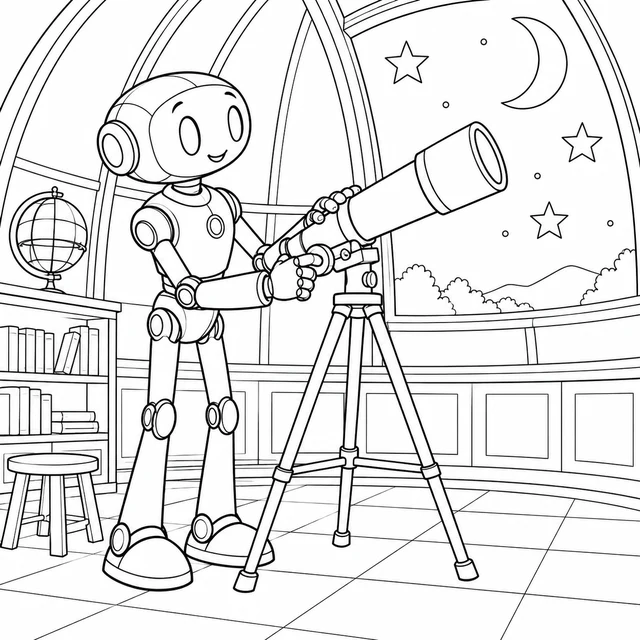
Robot adjusting an observatory telescope
Color the broad telescope tube, then invent a pattern for the robot chest.
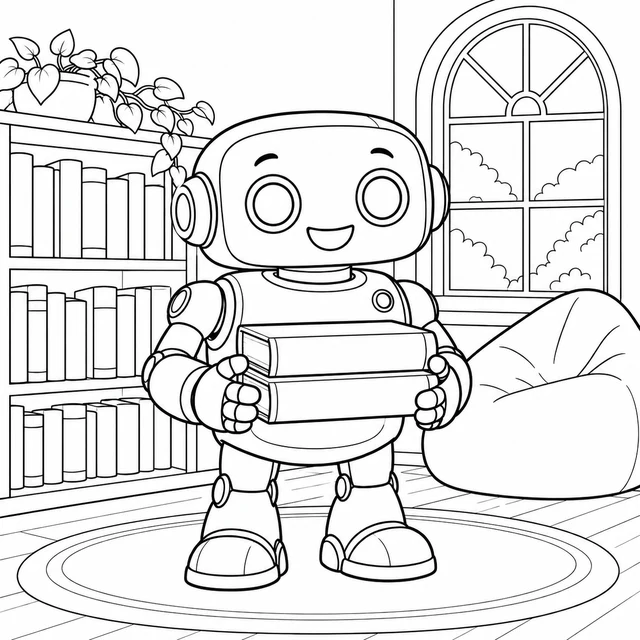
Robot carrying library books
Give each blank book cover a different color and invent a title separately on paper.
Invent a control panel with a purpose
Pick three symbols for the robot's body panel: one for moving, one for looking and one for helping. Draw them after printing, then decide what each symbol does. On the workshop sheet, give the robot and the tools different color groups so their outlines stay distinct.
Choose the sheet for your session
The waving robot gives you a large central subject with an open background. The workshop helper supplies more objects around the character. These are our own decorative robot designs, not characters from a film, game or toy brand; there is no official character color scheme to match.
Download, preview, then print
- Download the original PNG or SVG for the sheet you chose. These links download actual drawings, not a prompt or an empty template.
- Open the saved file in a compatible browser or viewer. These PNG pictures and the SVG worksheet are square; keep their proportions when placing them on A4 or Letter paper.
- Choose your paper in the print dialog and inspect fit-to-page and margins. A4 fitting may leave different whitespace. Turn off browser headers and footers if they cover the drawing.
- Inspect one proof before making copies. We have not physically printed these sheets or tested a particular printer.
Using these original sheets
These reviewed AI-generated illustrations were made for CleanLine Coloring, not taken from a brand, game or stock gallery. You may print them for personal or classroom activities. This permission does not cover reselling or repackaging the files. No account or purchase is needed for the downloads.
One robot, one invented task
Compare the seven illustrated scenes before choosing a sheet. The greenhouse robot points a watering can toward a pot; the toy-cart robot uses a screwdriver at a workbench; the delivery robot carries one parcel through a gate. Start by naming the job and one object it uses. These scenes are fictional activities, not instructions for tools, plant care or a working machine.
At home: make a two-scene story
Choose a task picture and the waving robot for a short beginning or ending. Repeat an accent color on one body panel, while giving each task object a different color. Tell what the robot intends to do, what it needs and what it might do next. The picture does not need every space filled; keep tiny hinges, leaves and tools white if broad coloring areas are more comfortable.
In a classroom: compare form and purpose
Use the original SVG worksheet for an optional STEM-themed design conversation. It has a connected two-arm, two-leg robot and separate blank panels for a tool and the task you imagine. Draw the idea, then explain which part moves and what it would touch. A drawn attachment is not a tested mechanism; this is not a measured lesson, an engineering plan or a learning-outcome claim. The SVG contains paths and text, not an embedded bitmap.
For a small party or craft table
Offer the broad robot body panels and let each person invent a role, such as carrying a message or watering an imaginary garden. Use pencils for narrow finger outlines and a few larger colors for the torso. Keep real cutting tools and workshop equipment outside this paper activity. If you cut out a finished sheet for a display, an adult should handle or supervise the cutting and mounting.
Print the chosen robot, not the whole gallery
Use the page's selected-sheet panel. The PNG illustrations are full-size square files with smaller WebP previews; the SVG worksheet has a square 1254-unit viewBox. Choose the paper in your printer, keep the drawing's proportions and inspect a fit setting in preview. A4 and Letter are taller than these square drawings, so expect blank space rather than stretching the robot. Check the fingers and small task objects before shrinking a detailed scene. Use black-and-white or grayscale if your printer offers it. Saving a PDF depends on your browser. Physical printing has not been tested.
Compare a tall explorer and a short librarian
The observatory robot uses a telescope; the library robot carries two blank-cover books. Their silhouettes differ as well as their tasks. Choose one, draw an imaginary tool in the separate SVG worksheet and explain which object it would move or inspect. Keep the telescope scene a fictional observation story, not advice about viewing the sun. The library books have no printed titles: invent one beside the drawing rather than claiming the image model supplied readable text. You can keep the background pale and repeat one torso color across a two-picture story without treating the robots as the same character.
Quick answers
Are these robots from a show or game?
No. The seven illustrated scenes are AI-generated drawings made for this site; the separate worksheet is original vector artwork, with no licensed character names, logos or copied designs.
Can the online generator reproduce these robots exactly?
No. The prepared images are a fixed reviewed set. A text-generation request may interpret a robot prompt differently, so use these downloads when you want these exact shapes.
Can I download a PDF directly?
The seven illustrated scenes are PNG downloads; the separate design exercise is SVG. Open the saved file and use your browser's print-to-PDF option if available. The separate scene generator exports PNG and single-page PDF; that does not change the format of this fixed set.
More original activities
Browse all prepared sets in free printable coloring pages. To use a picture of your own, try photo to coloring page.