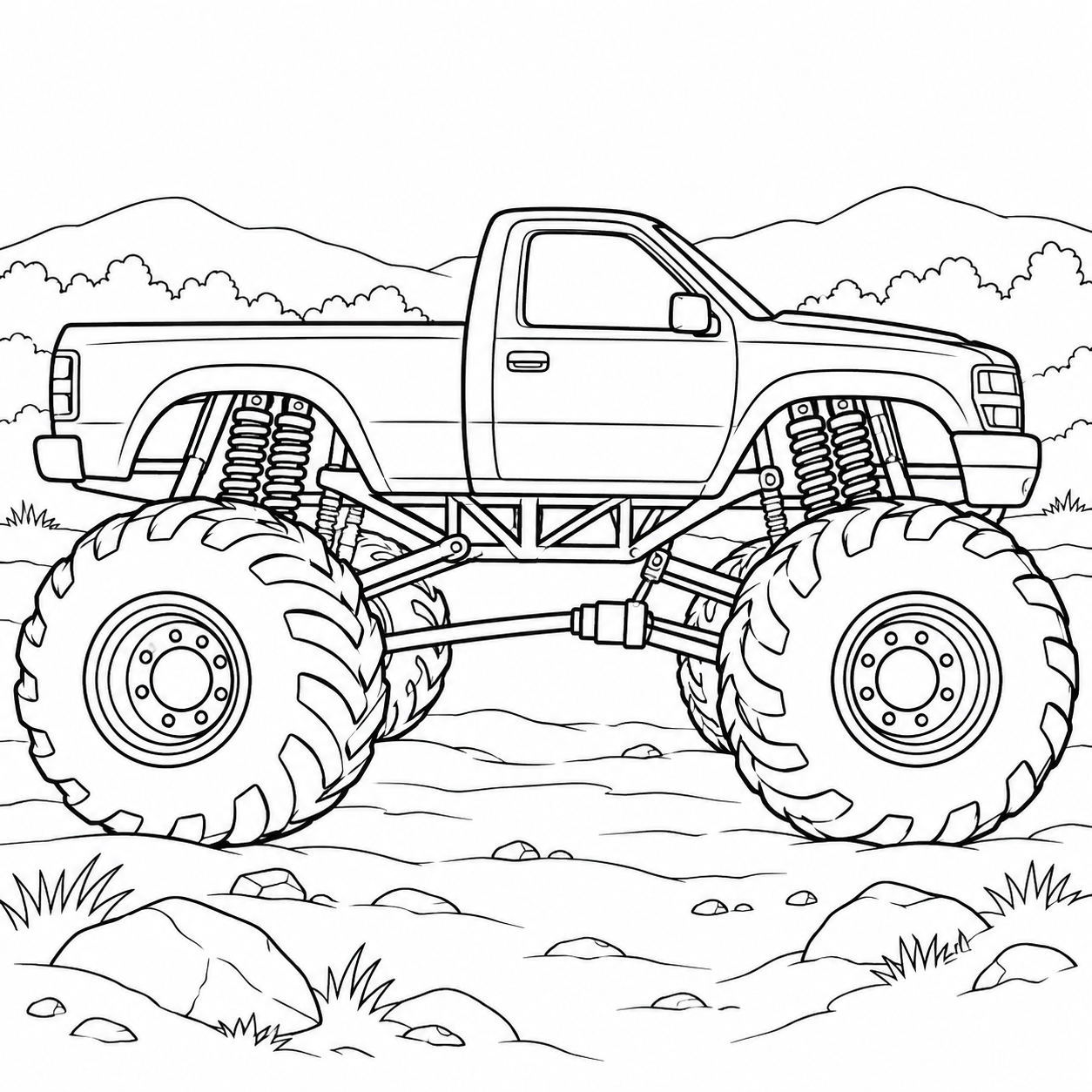
Monster truck side view
Color the broad subject shapes first, then choose a separate palette for the surrounding scene. Small details may remain white.
ORIGINAL PRINTABLE COLLECTION
Choose seven reviewed monster truck illustrations: a side view, dirt course, open workshop, parked wash bay, oak clearing, pavilion display and mountain overlook. A separate original SVG worksheet helps you invent a panel pattern. Preview, download or print the selected file right here; these prepared choices need no generation or account.
CHOOSE / DOWNLOAD / PRINT
Selected: Monster truck side view
Download the original file, or print just the selected picture. Inspect paper size and scaling in the browser print preview. Save as PDF depends on your browser. Physical printing has not been tested.
The seven illustrated PNGs were AI-generated and individually reviewed. The separate SVG is an original simple design worksheet. Download the originals; WebP images are smaller browsing previews.
Make one illustration into an activity: rebuild a monster truck coloring picture from three strips, with A4 and Letter PDFs.
Color the broad subject shapes first, then choose a separate palette for the surrounding scene. Small details may remain white.
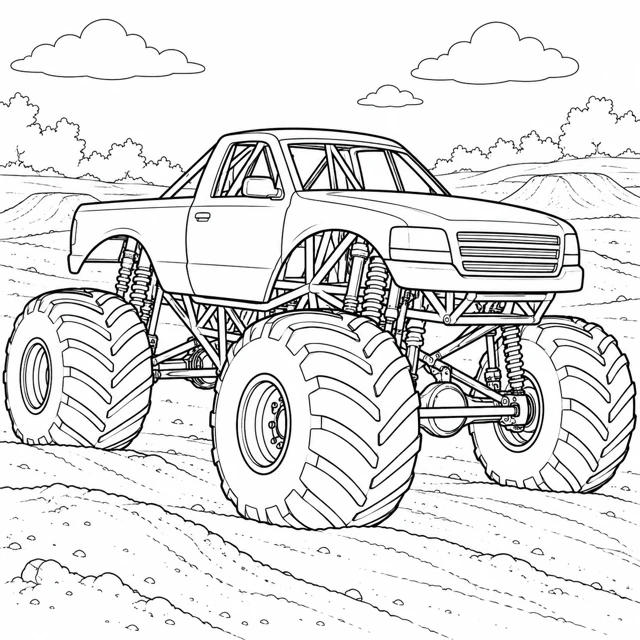
Color the broad subject shapes first, then choose a separate palette for the surrounding scene. Small details may remain white.
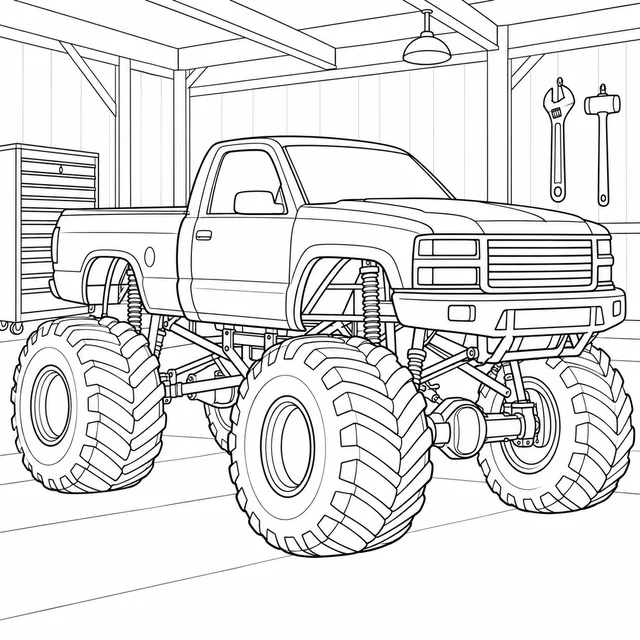
Use one main body color and a contrasting tool chest; the small chassis lines can stay white.
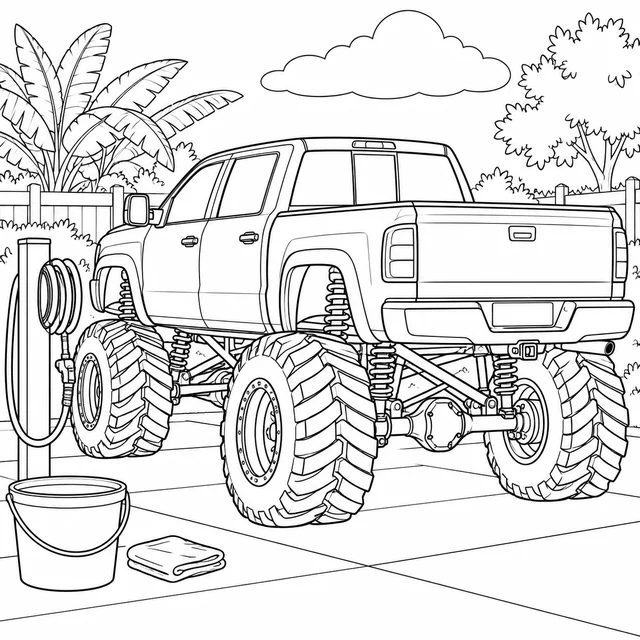
Repeat a body accent on the bucket, leaving the tire tread interiors white until you choose their color.
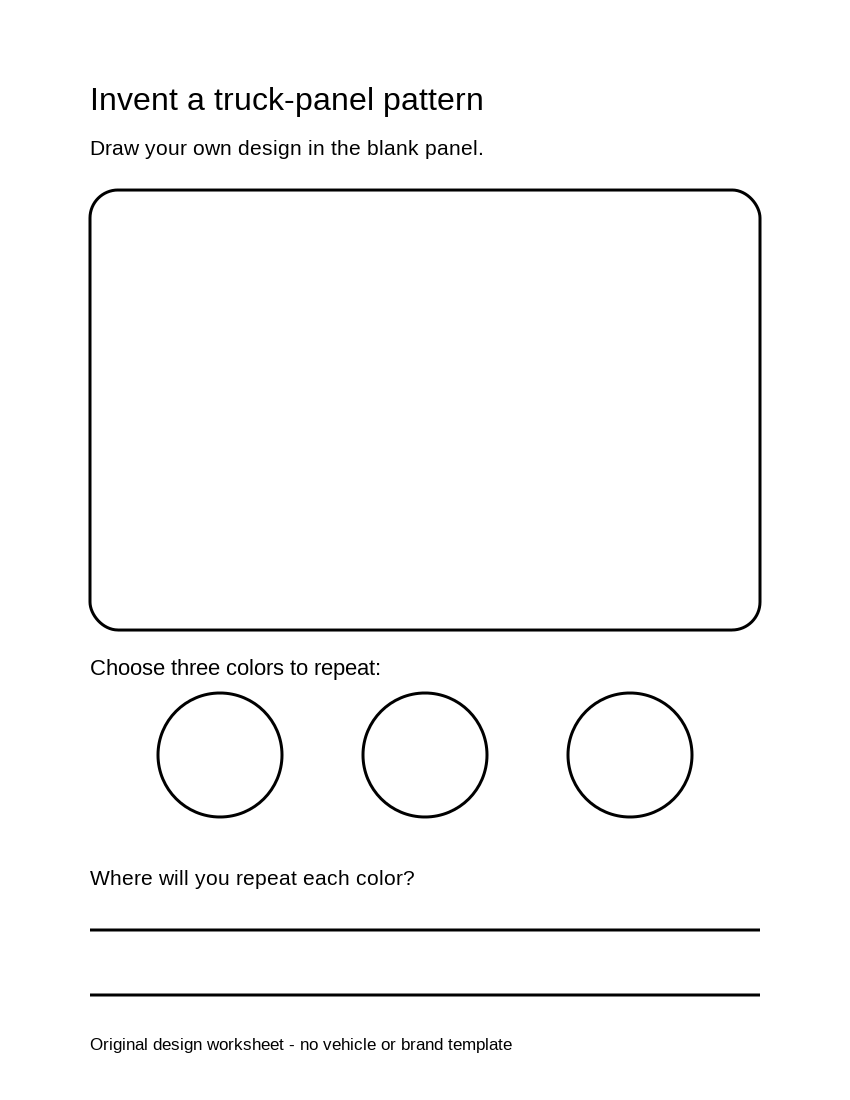
Draw an original stripe, leaf or star pattern and plan three repeated colors. This is a simple worksheet, not a detailed truck illustration.
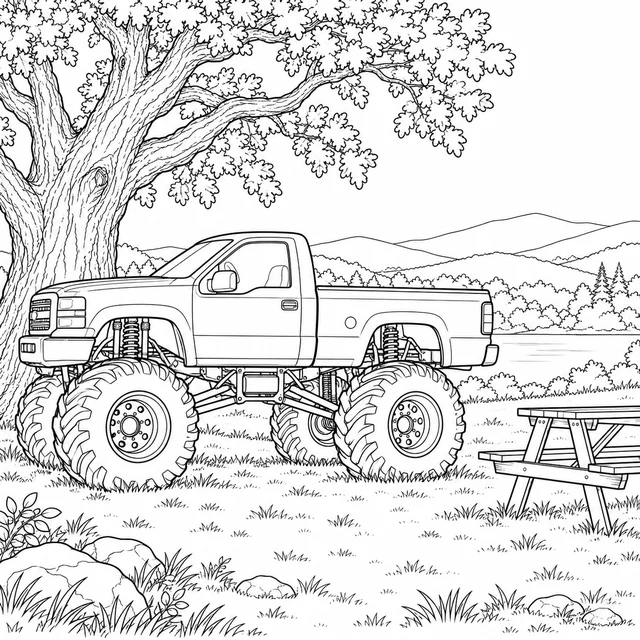
Use one main truck color and one leaf accent; leave fine bark and grass marks white if you prefer.
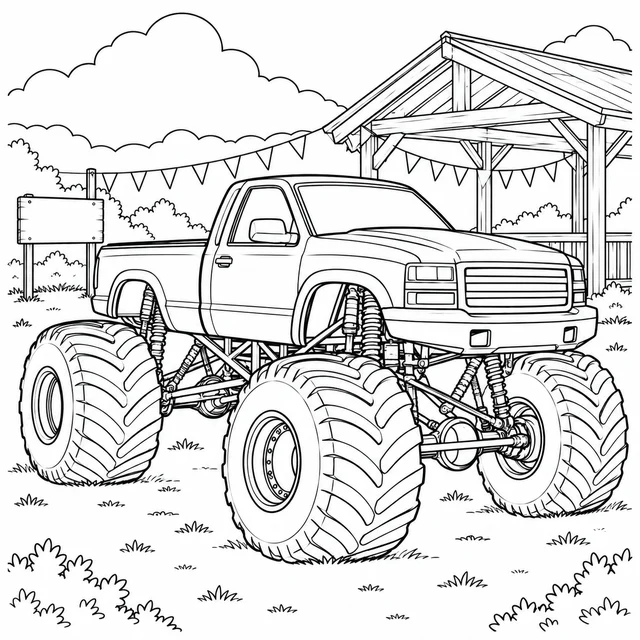
Invent a message on a separate paper and repeat one accent across the pennants; the open grille bars can stay white.
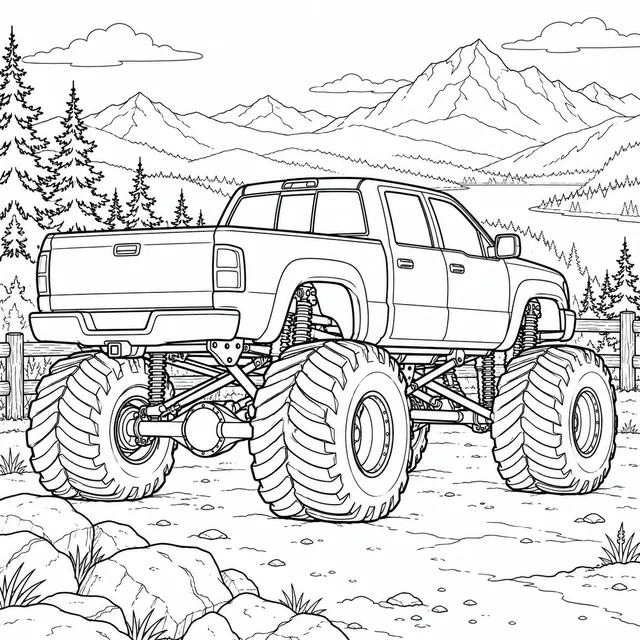
Choose a broad tailgate pattern and keep the distant lake one quiet color; fine mountain marks need not be filled.
Give the two wheels different patterns, such as stripes on one tire and dots on the other. Keep the hubs distinct from the tires so both circles remain clear. This is a generic imaginary truck without sponsor logos or a brand badge. Draw an obstacle beside the vehicle rather than covering the cab with extra marks. Use the ground line in the scene version to invent a course. Each person in a group can add an obstacle and describe an imagined journey. This is a storytelling exercise, not driving advice or vehicle engineering. Finish broad shapes before adding smaller accents.
Use one sheet for a quiet activity at home, or let a small group compare the side, course, workshop and rear-view compositions. Explain the creative task before giving out the page. Children can leave areas uncolored, add their own marks or tell a story instead of completing every shape. There is no age score or tested classroom result attached to this collection.
For a party, place coloring materials within reach and let each guest choose their own palette. A teacher can display the two versions and ask which leaves more space for additional ideas. Avoid judging the activity only by how closely a child stays inside the lines.
The seven illustrated PNGs are square with white backgrounds; the separate pattern worksheet is a portrait SVG. Its shape is different from A4 or Letter paper: center the image, choose the paper loaded in your printer, and inspect the fit and margins in print preview. Saving as PDF depends on your viewer; these downloads are not pre-made PDF pages.
Check the preview before making copies. Margins and scaling depend on the viewer and printer driver. Use the original drawings for personal or classroom activities; permission here does not include resale or repackaging as a commercial collection.
Compare the parked workshop truck with the rear-view truck beside the hose reel. Choose one main body color, one panel accent and one background color, then use the separate SVG worksheet to sketch an original pattern. Keep the invented design independent of real brand badges or team logos. The worksheet deliberately leaves space for your own marks; it is not another detailed vehicle drawing.
At a party table, give each person the same three-color challenge and let them decide where the accent repeats. At home, compare how the broad side panel and tailgate offer different spaces. Small suspension details can remain white; there is no requirement to color every mechanical mark. These are stylized coloring scenes, not vehicle-operation, repair or washing instructions.
For printing, the seven illustrated originals are square PNGs and the pattern planner is a portrait SVG. Check your viewer's page preview before choosing fit or actual size, use single-sided output if that suits your materials, and follow your printer's paper guidance. On-screen preview and downloadable originals are available without using paper.
Try a three-stop invented display story with the oak clearing, pavilion and mountain viewpoint. Repeat the same body color across the three drawings, but change one accent to reflect each setting. For the pavilion, sketch a message separately before choosing a blank-sign design. At the viewpoint, use the large tailgate space for an original pattern rather than a real logo. These are creative prompts, not claims about safe parking, driving or mechanical equipment.
At home, choose one visible monster-truck picture and begin with a few broad shapes. For a class or small party, compare two previews and let people choose their own palette. Use the selected-sheet panel to download or print the chosen picture without printing the gallery. Select the paper loaded in your printer, inspect fit and margins, and use black-and-white or grayscale if available. A single-sided sheet leaves the back clear for a message or invented story; physical printing has not been tested.
Yes. The previews show the same artwork as the linked original PNG or SVG downloads. They are prepared illustrations, not examples promised from a future generator run.
You can add details by hand after printing or edit your copy in a compatible image or vector editor for your personal or classroom activity. The fixed download does not have an online editing panel.
Use the separate photo-to-coloring-page workflow for your own permitted image. It creates a raster outline and is different from downloading these prepared raster illustrations.
Want another subject? Create a new page in the AI coloring page generator, or start with your own photo.
If you save your chosen picture as a PDF, Adobe’s guide to PDF page size and fit settings explains the print-dialog options. Settings differ in other viewers and printer drivers.
For a separate drawing activity, explore the National Gallery of Art’s lesson on drawing everyday objects. It offers mark-making ideas rather than instructions or an endorsement for this generator.