CUSTOM COLORING SHEETS / A COMPLETE PAIR ACTIVITY
Color a winter set. Find the matching pairs.
Turn custom coloring sheets into a matching activity by making two copies of each picture. Try the six-pair game below without leaving this page, or download a prepared A4 or Letter PDF containing twelve printable cards. Color corresponding pictures the same way if you want them to remain identical. The digital game uses the original uncolored pictures; it does not color, edit or generate new artwork.
Play the picture-pair activity here
Choose two cards per turn with a mouse, touch or keyboard. A matching pair stays visible; different pictures turn back over after a short pause. Find all six pairs, then start again for a new arrangement. This is a local browser activity, not a test of ability or a learning assessment.
Download the actual printable card set
Each PDF has two pages. Each page contains the same six illustrations, giving you twelve cards and six pairs when you print the entire file once. You do not need to print the two-page file twice. Choose the version matching your loaded paper. The cards are arranged in two columns and three rows, with a thin rectangular border around each cutting area.
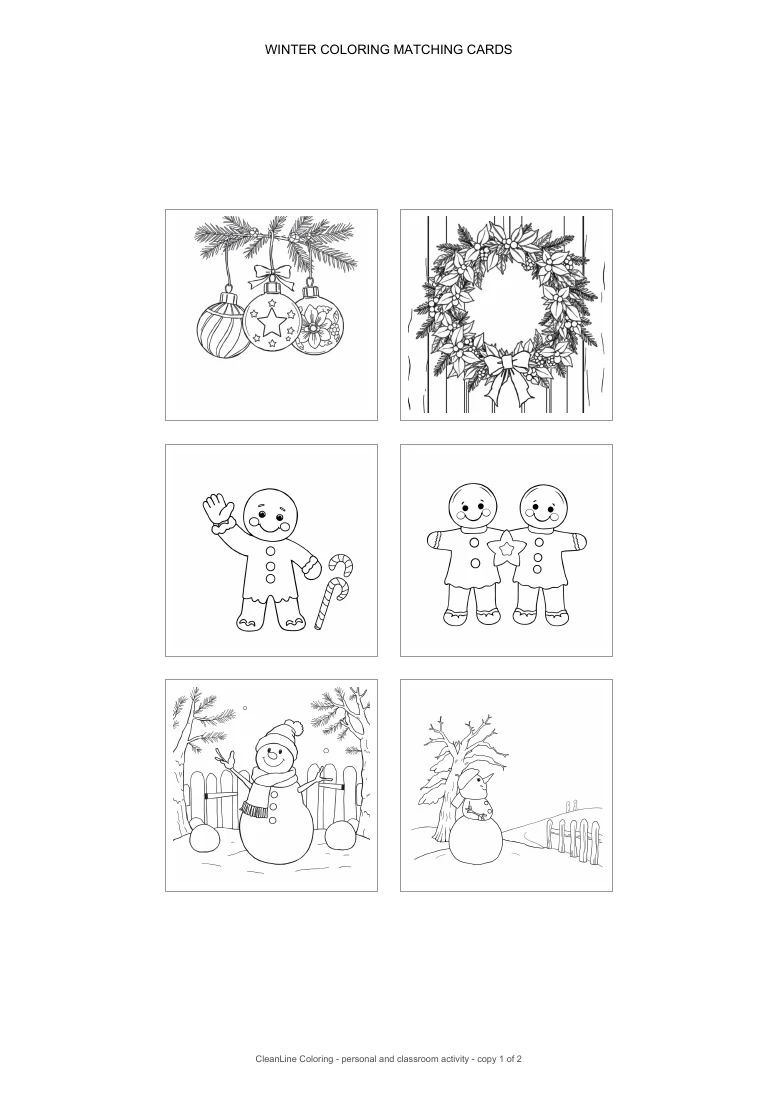
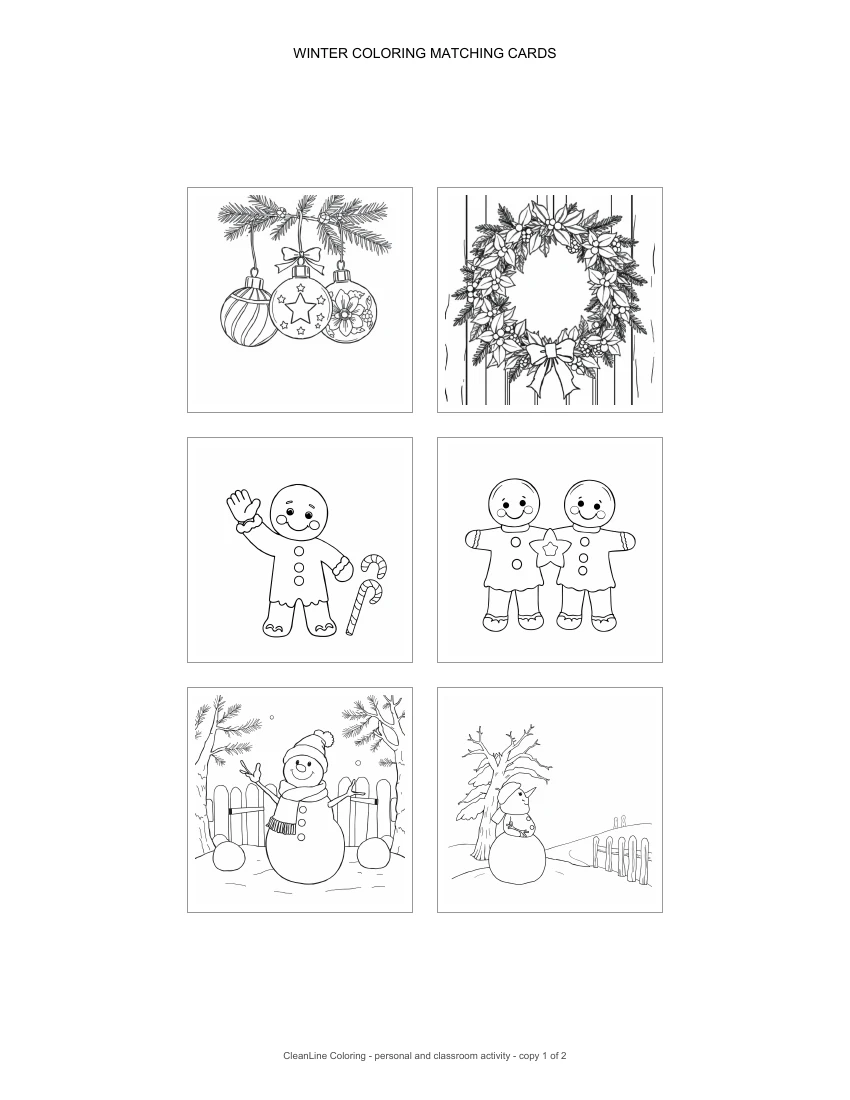
We checked the digital PDF page dimensions, image count and placements. Each card box is 162 PDF points square, equivalent to 2.25 inches at actual size. Its illustration occupies a 150-point square inside that border. The gap between neighboring boxes is 18 points. These are file measurements, not measurements of printed paper. A printer's Fit option may shrink the whole layout.
Choose and color the six original pictures
The set uses an ornament trio, a door wreath, a waving gingerbread friend, two cookie friends, a waving snowman and a snowman beside a tree. These are previously reviewed CleanLine illustrations, reused without redrawing them. The two cookie friends form one picture and therefore one matching pair; do not count the figures inside it as separate cards.
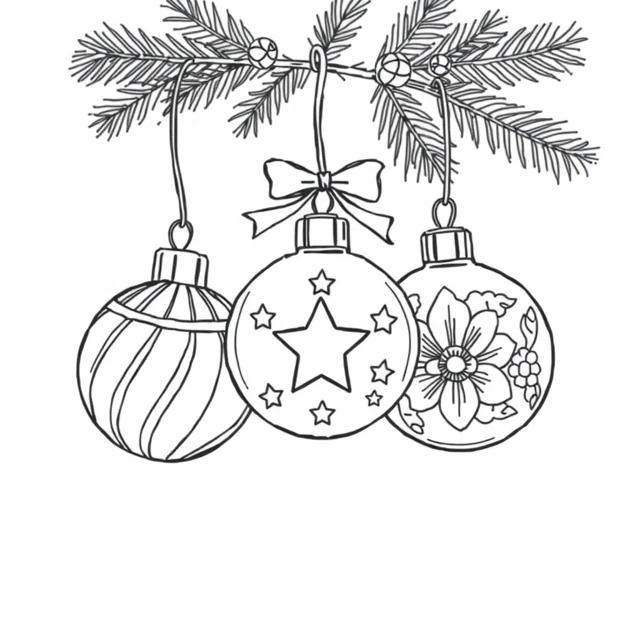
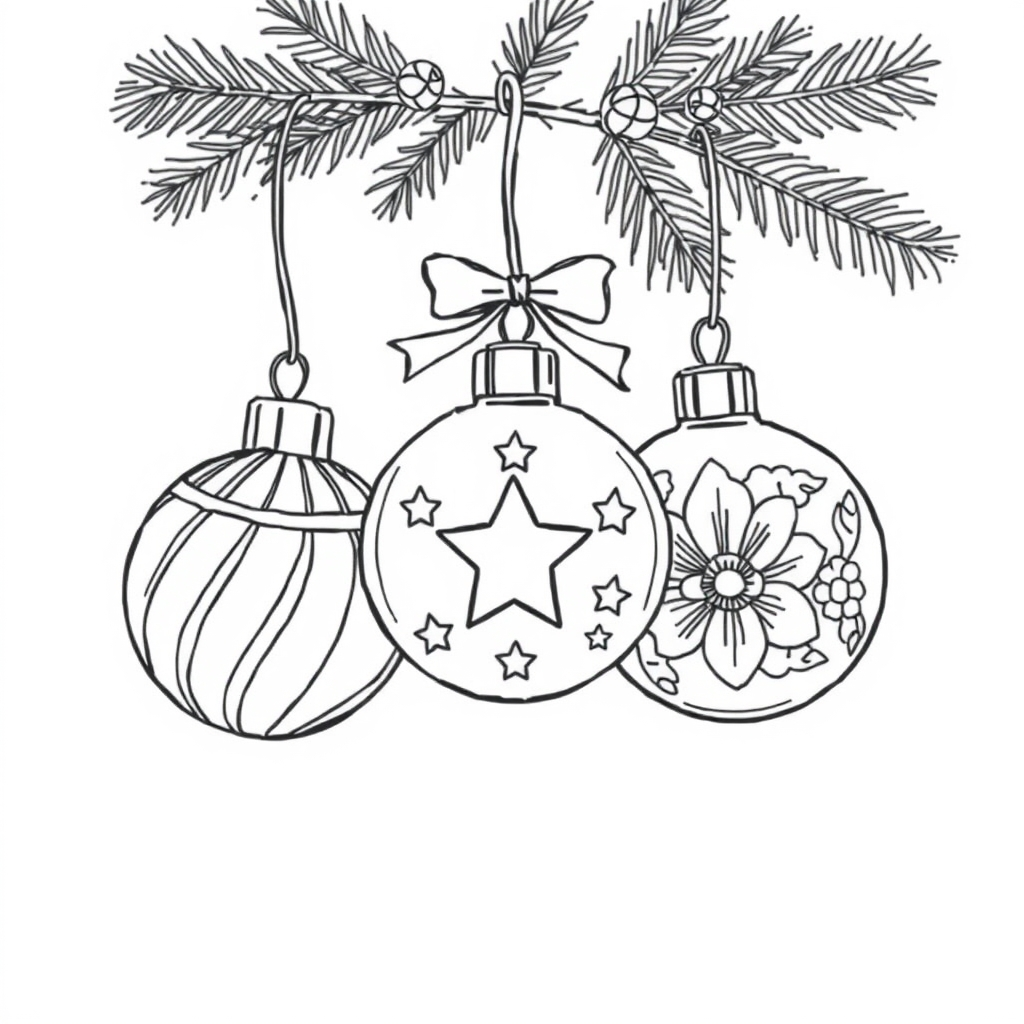
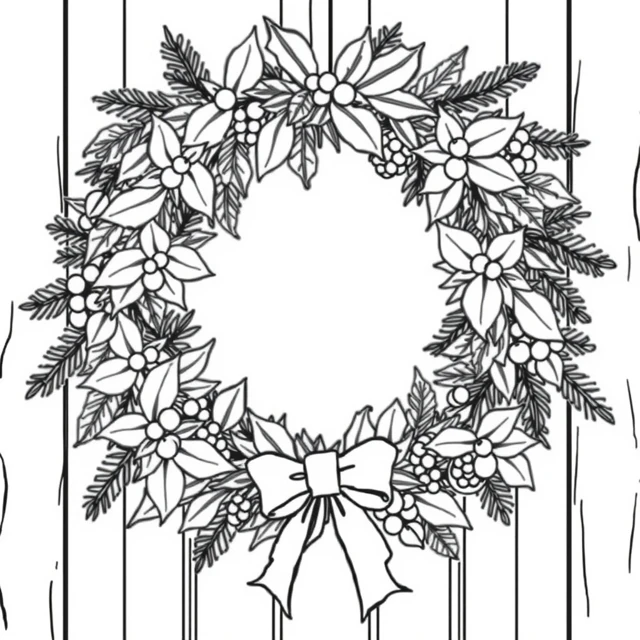
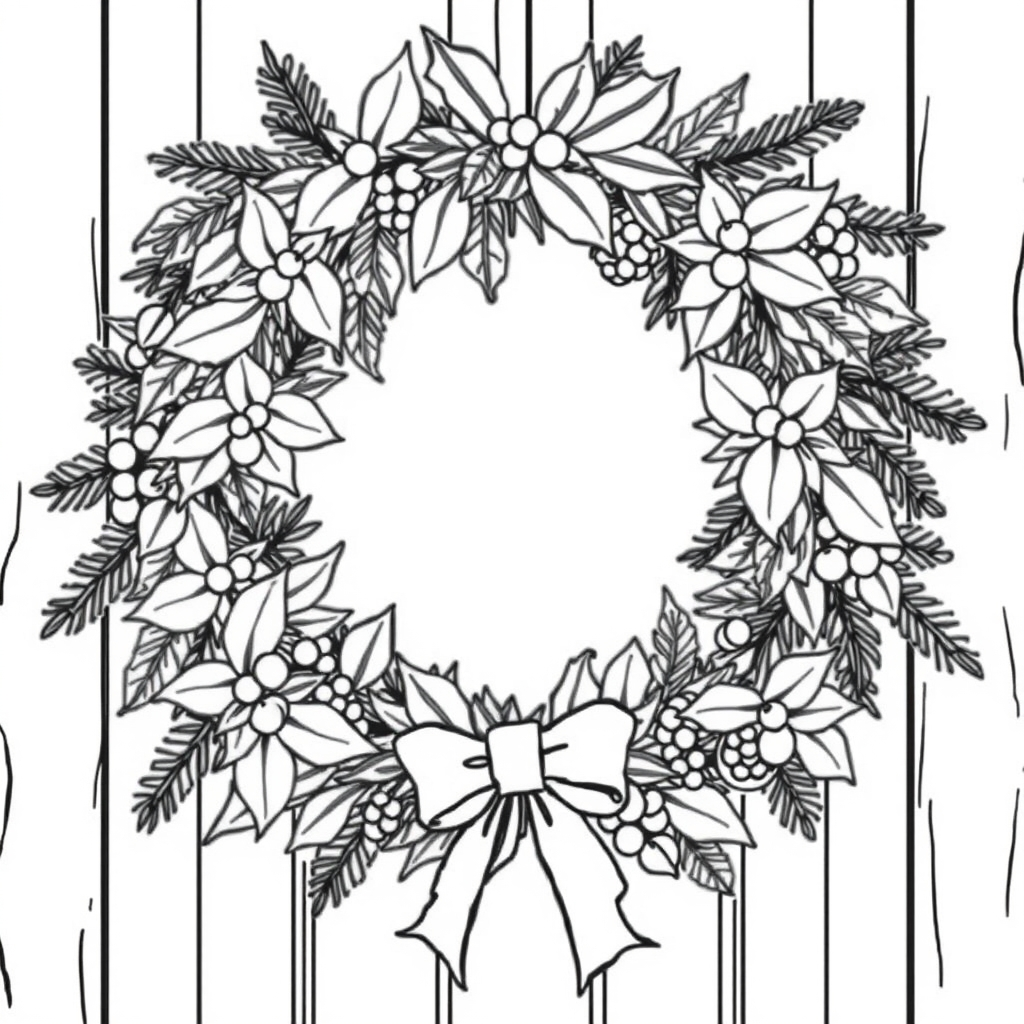
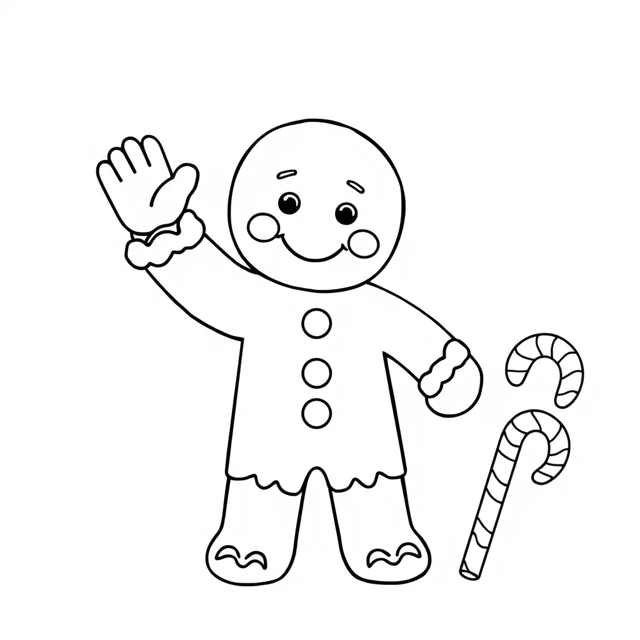
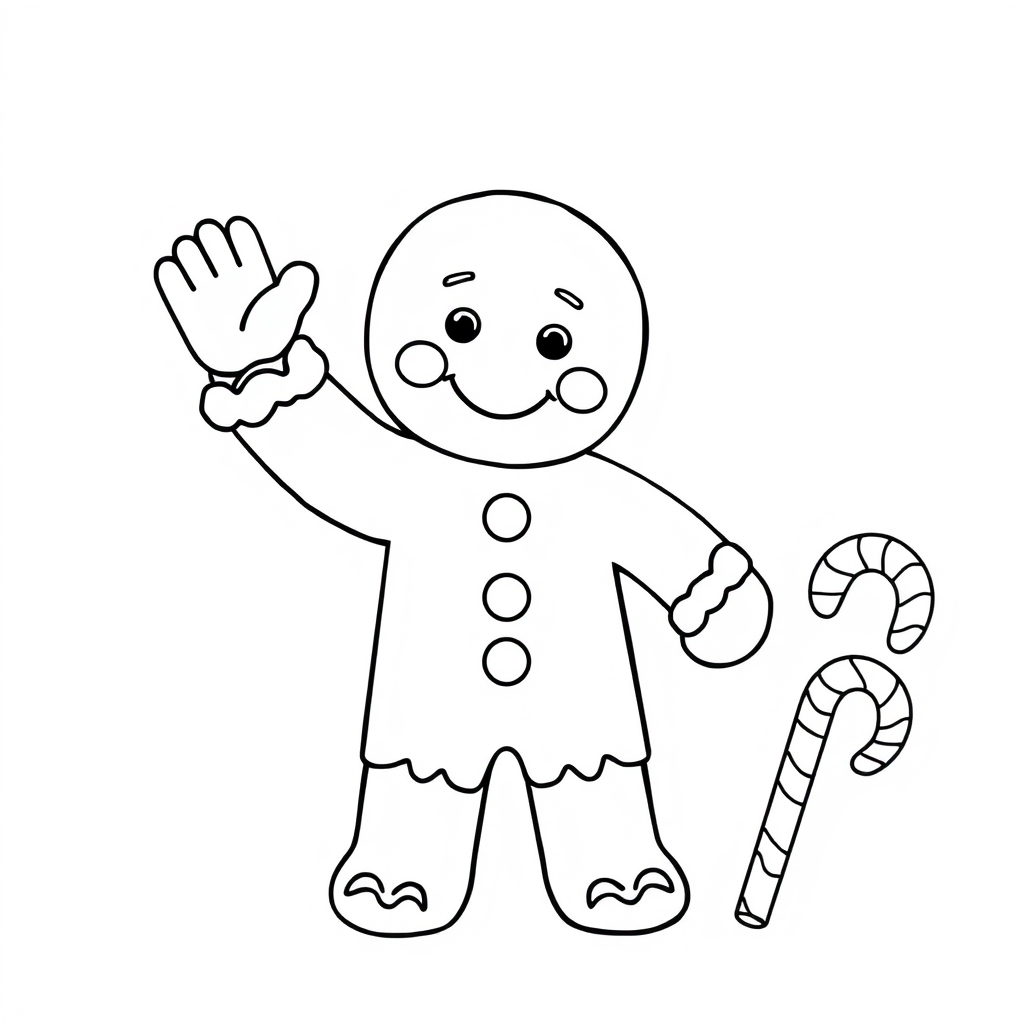
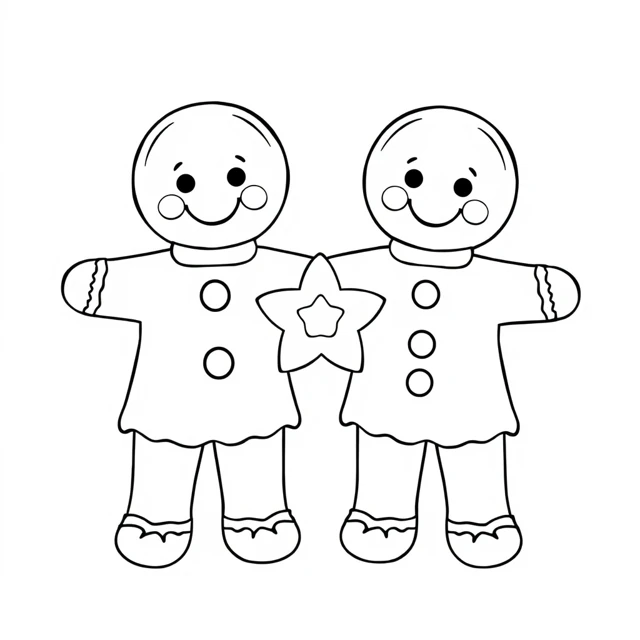
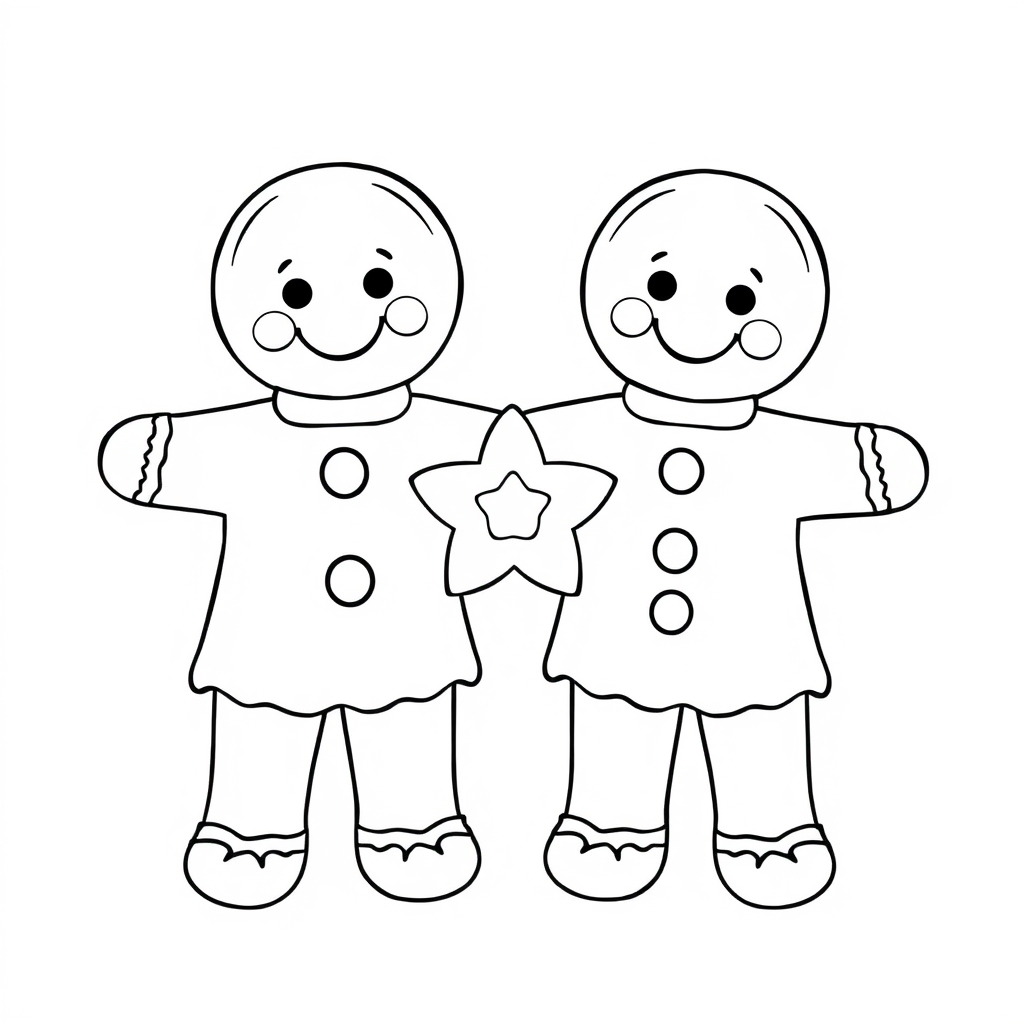
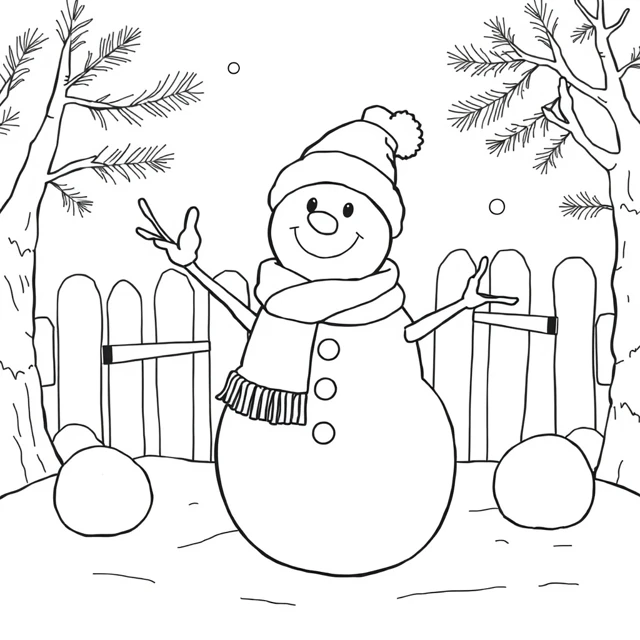
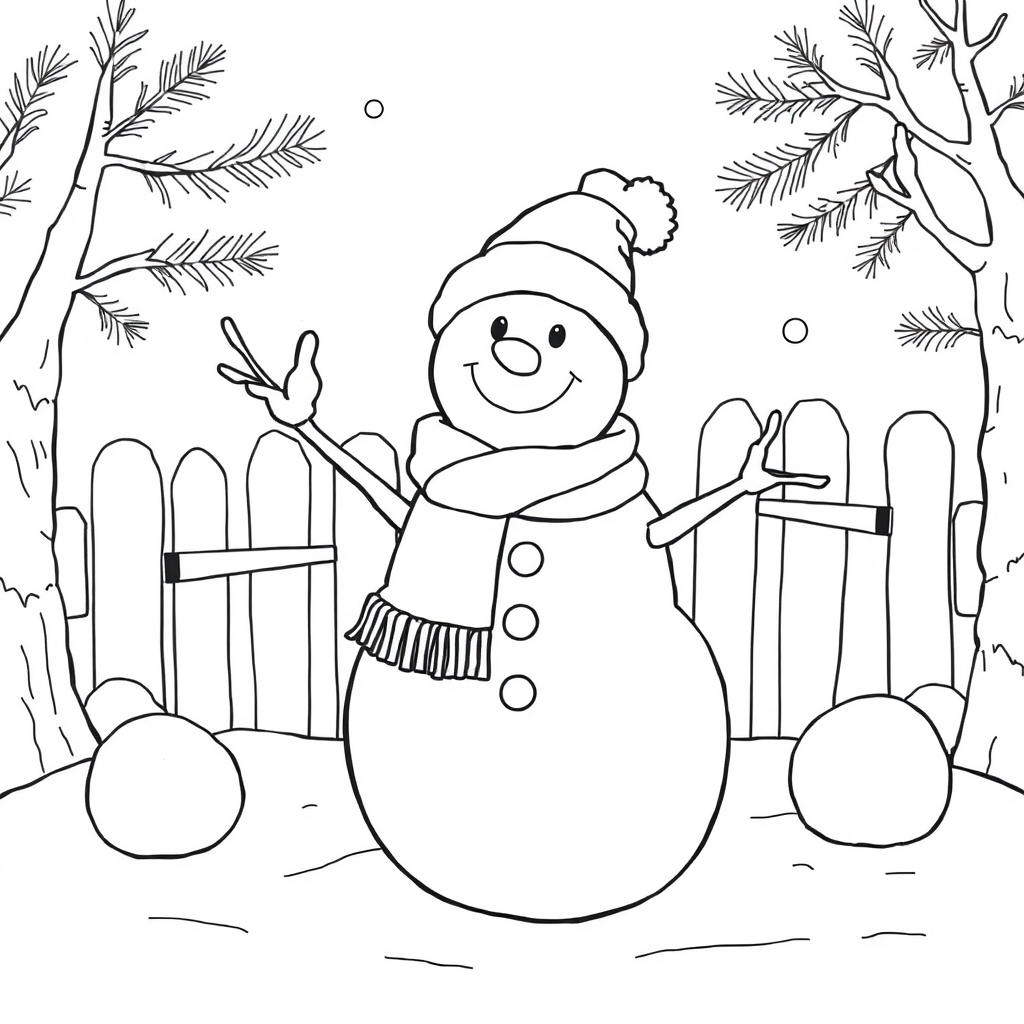
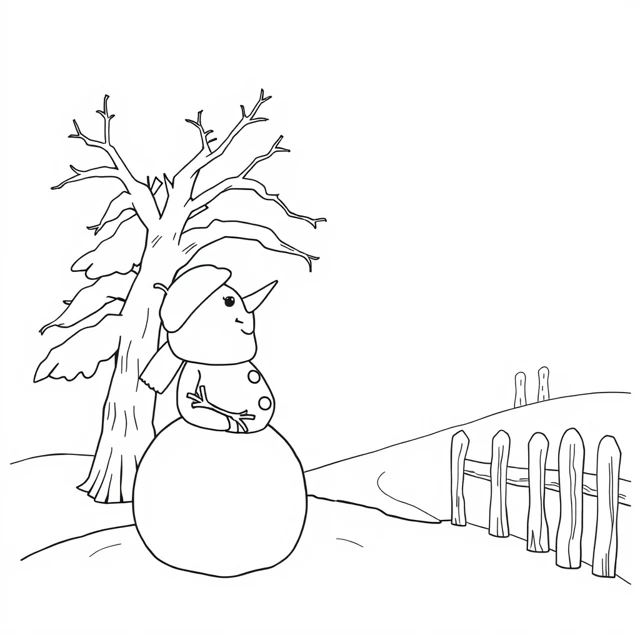
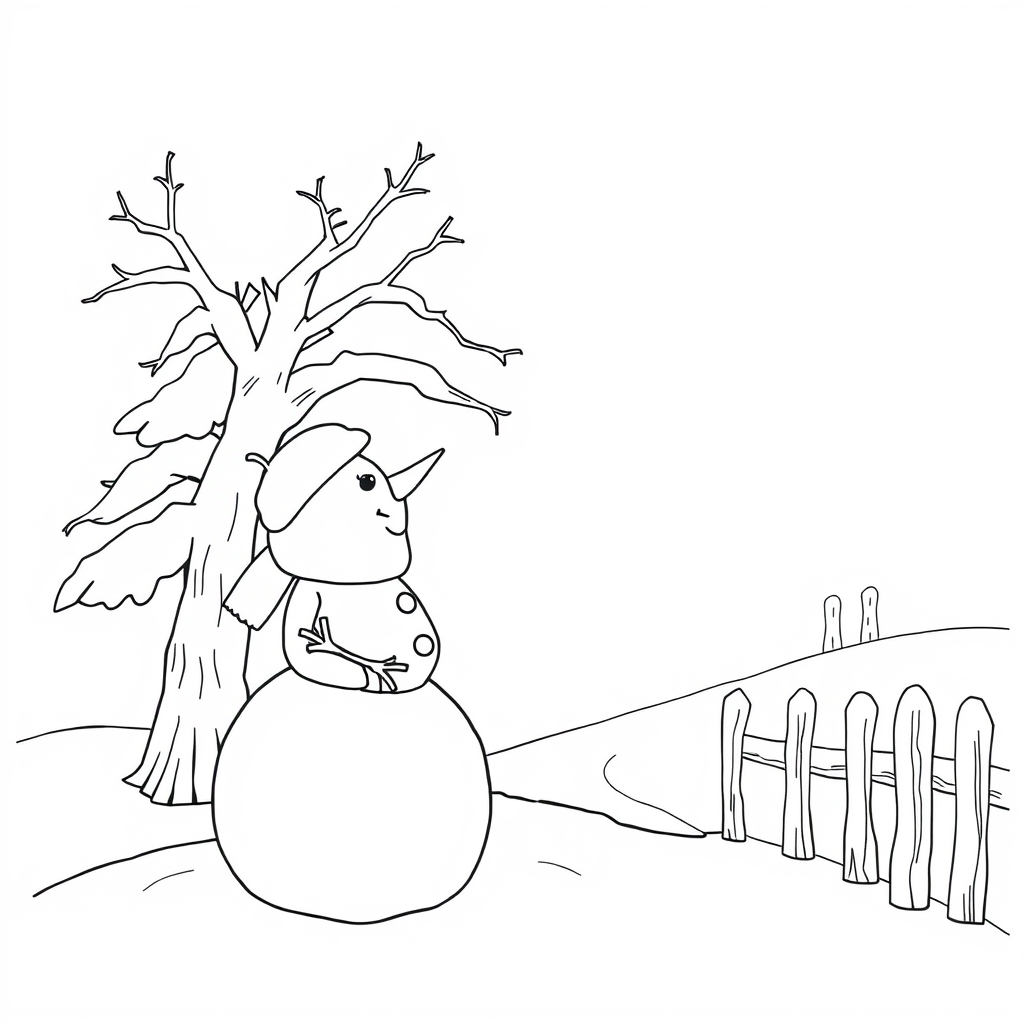
You can download the full-size PNG originals above when the miniature cards feel too detailed. The web previews are smaller files. The wreath and branches contain narrower spaces than the gingerbread character, so inspect the size before choosing coloring tools. A finished PDF arrangement does not establish an age range or suitability for a particular pen.
Prepare paper cards without revealing the answer
Keep each pair visually consistent
For a same-picture matching game, give both copies of a scene the same colors. For example, repeat the scarf color on both waving snowmen. If the two cards are colored very differently, explain that players should match the drawing rather than the palette. That is an alternative rule, not an error in the file. Leave the backs unmarked so a name or colored dot does not reveal a pair.
Check the backs before cutting
Print single-sided, using the whole two-page file. Before cutting a stack, see whether the picture is visible through the paper from the back. Opaque backing can help conceal a picture, but use material compatible with your printer and activity. There is no duplex back design in this PDF. We have not tested physical printing, backing, scissors or marker bleed-through.
Reduce the set when needed
You can start with three pairs rather than all six: keep both copies of the selected scenes and put the other cards aside. Place the cards face down, take turns revealing two, and keep a match face up. Decide together whether the player who finds a match takes another turn. This is a suggested family or classroom activity, with no claim about improving memory, concentration or a measured educational outcome. Adults should manage cutting where necessary.
Understand the digital version's limits
The on-page version shuffles twelve buttons, counts two-card turns and announces matches. It does not upload a photo, store a player profile, send the turn count to a server or preserve a game after a reload. Normal page hosting and any site analytics are separate from this game. If you start a new arrangement during an unmatched turn, the pending flip is cleared and a fresh board is created.
On screen, use Tab to move between available cards and Enter or Space to reveal one. After a pair matches, its buttons become inactive. The status announces progress without relying only on color. There is no time limit. The 1.8-second pause for different pictures is a UI choice, not a developmental recommendation.
Make a different set with your own permitted pictures
The AI coloring page generator below creates individual pictures; it does not automatically produce a matching deck. To prepare your own deck, save an approved result, arrange two copies in a document and check the print preview. Use pictures you have permission to use and inspect each result for complete subjects and sensible limbs before preparing cards. Our AI-generated coloring page review checklist explains that separate step.
For a simpler layout without pair rules, use the four-picture coloring sheet. For individual full-size winter activities, browse Christmas coloring pages, gingerbread coloring pages and snowman coloring pages. These prepared resources are supplied for personal and classroom activities; they are not a ready-to-sell manuscript or a commercial licensing guarantee.
Winter matching-card FAQ
How many cards are in one downloaded PDF?
Each PDF has two pages with six cards per page. The same six pictures appear on both pages, so printing the entire file once gives twelve cards and six pairs.
Does the digital game use my colored cards?
No. The browser game uses the six original uncolored previews. It does not accept uploaded or colored pictures and does not modify the artwork.
Are the A4 and Letter cards different sizes?
No. Both layouts use a 162-point square card box, equivalent to 2.25 inches at actual size. The outer paper margins differ. A Fit setting may reduce the printed size.
Can I start with fewer pairs?
For the paper activity, keep both copies of three chosen pictures and set the rest aside. The current on-page game always uses all six pairs.
Have these cards been tested on paper or with children?
No. We checked digital files and the browser activity, but have not tested physical printing or children's use. No age recommendation or learning outcome is claimed.