Space: open sheet
Keep the surrounding area clear for your own additions.
ORIGINAL PRINTABLE COLLECTION
Choose from 15 space coloring sheets: 13 reviewed AI-generated storybook illustrations in PNG and two simple vector exercises in SVG. Compare the actual previews, download your chosen file, and check its placement in print preview.
CHOOSE / DOWNLOAD / PRINT
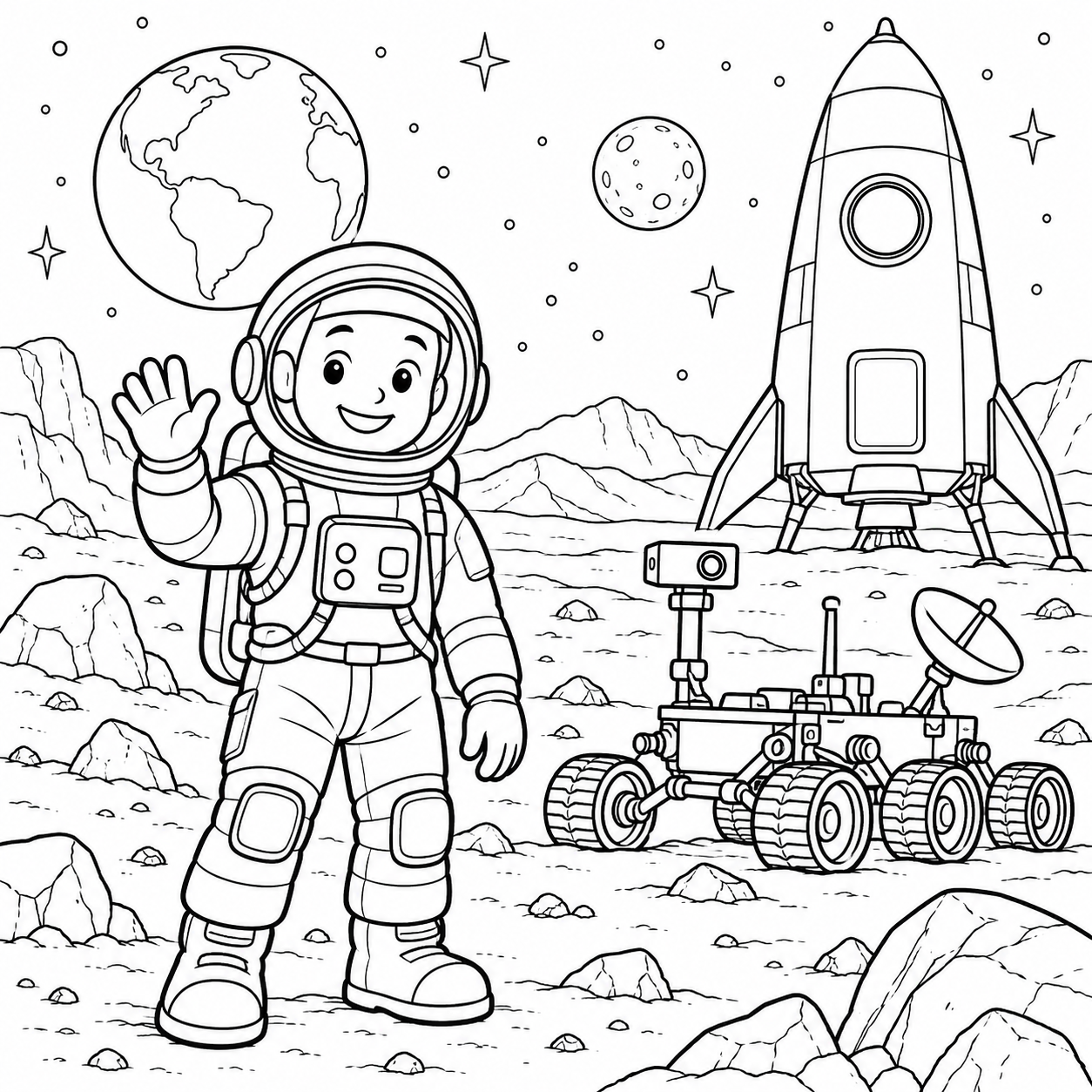
Selected: Astronaut wave
Download the original file, or print just the selected picture. Inspect paper size and scaling in the browser print preview. Save as PDF depends on your browser. Physical printing has not been tested.
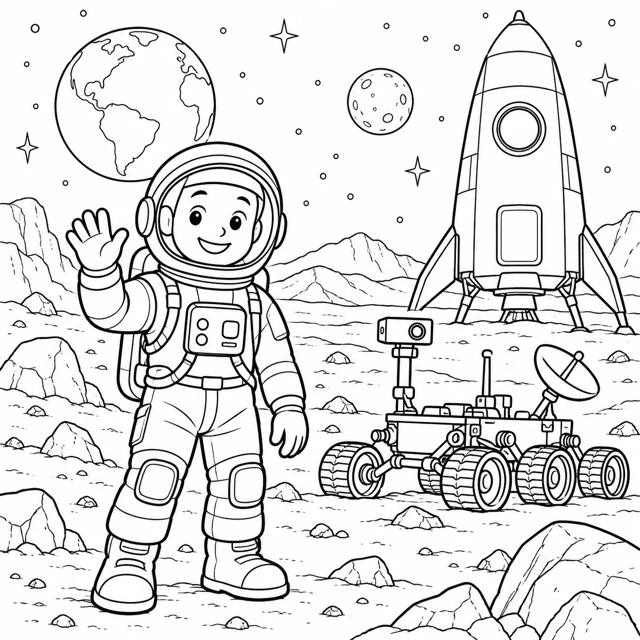
These 13 AI-generated illustrations were selected after a visual review. Each image has its own PNG download. The two simpler vector exercises below are a separate starting point for large coloring areas.
Separate the helmet, suit panels and boots.
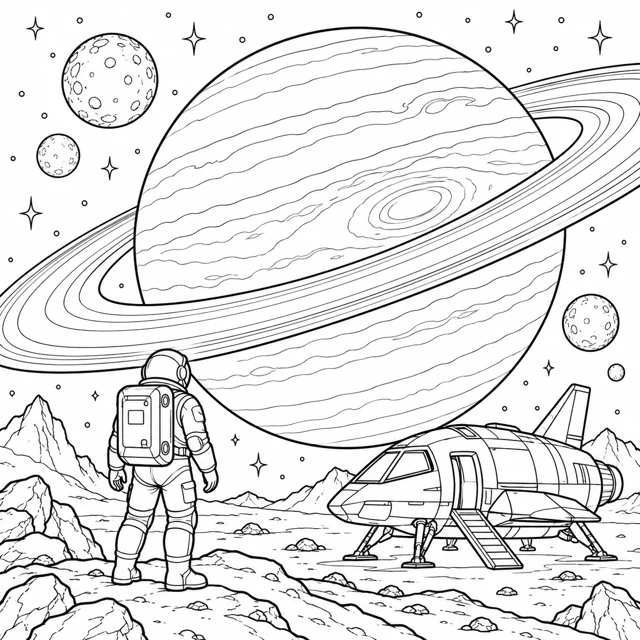
Try alternating ring bands around an imaginary planet.
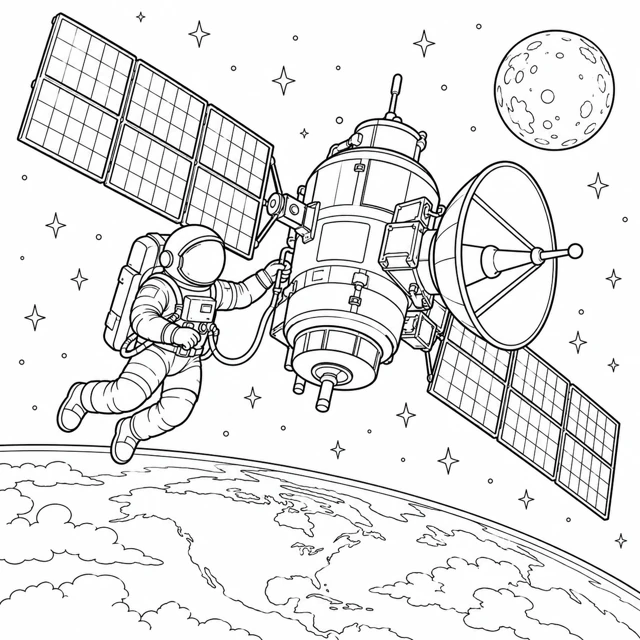
Give the solar panels a repeating grid palette.
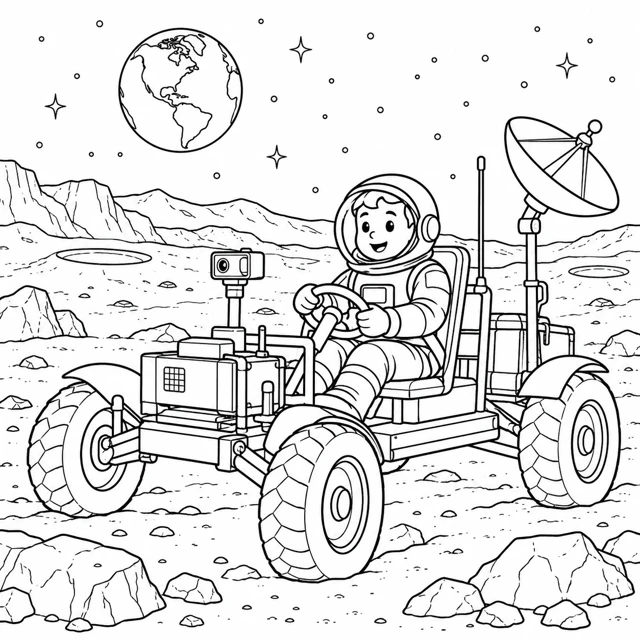
Color the chassis and wheels as different groups; this is an invented vehicle.
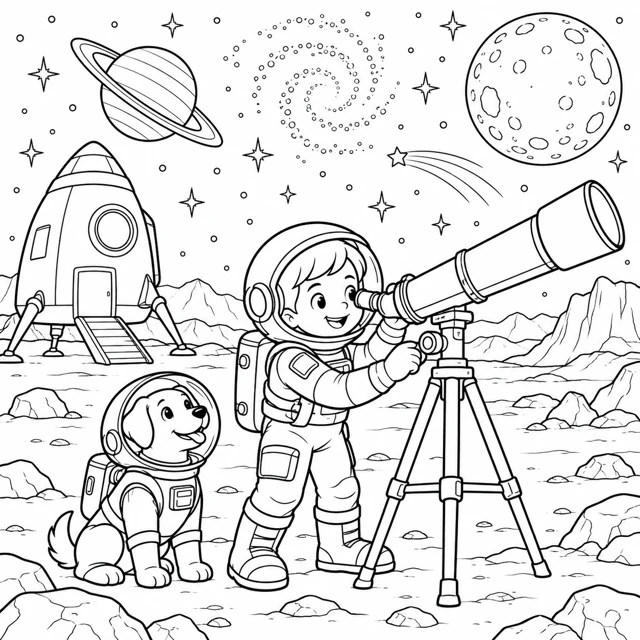
Keep the tripod lines distinct from the sky.
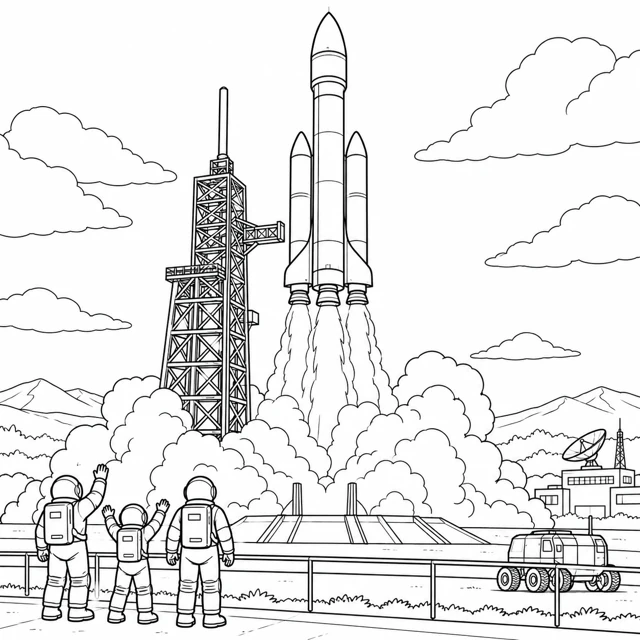
Color the nose and body panels before the launch clouds.
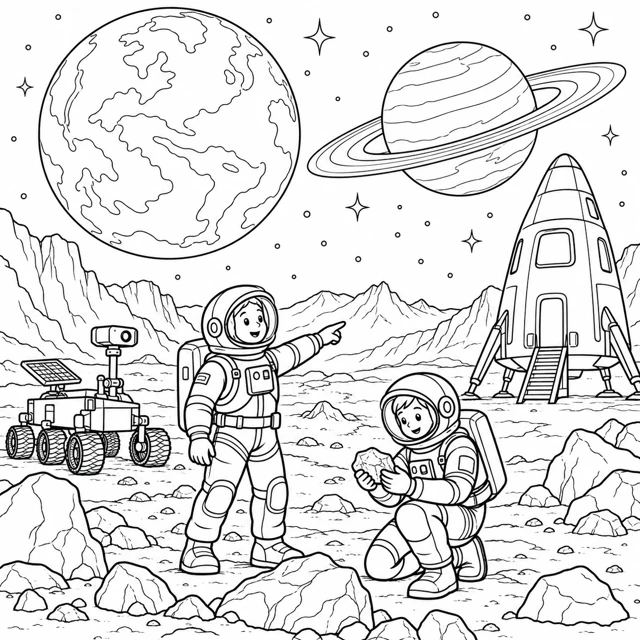
Invent different surface palettes for the two destinations.
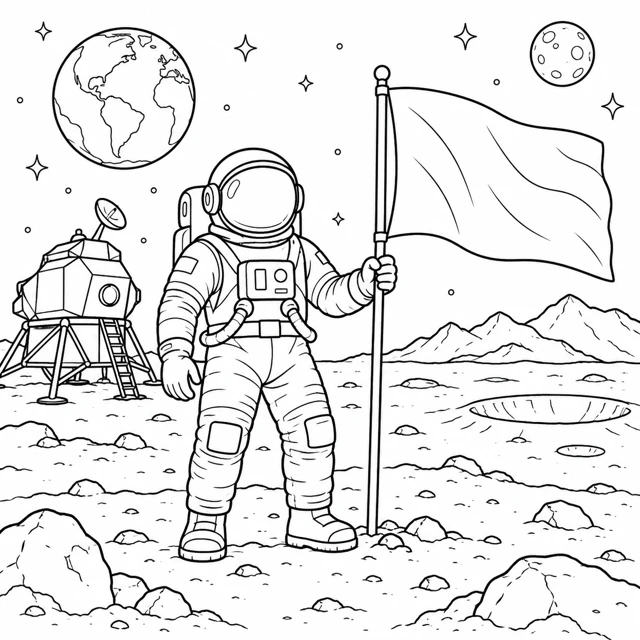
Design a generic flag without copying a national or company emblem.
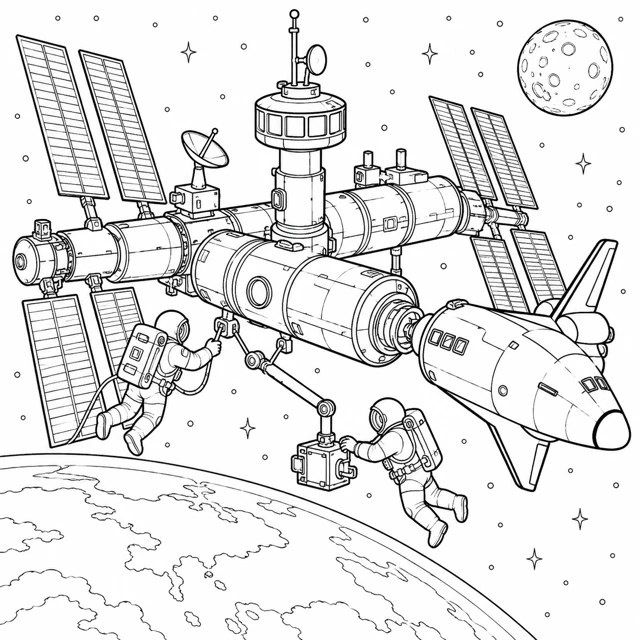
Alternate colors in the large panel rectangles.
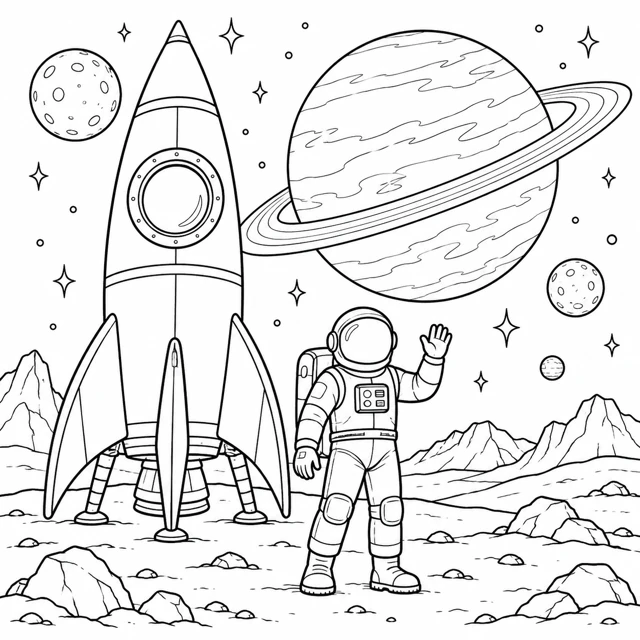
Use two distinct palettes for the traveler and destination.
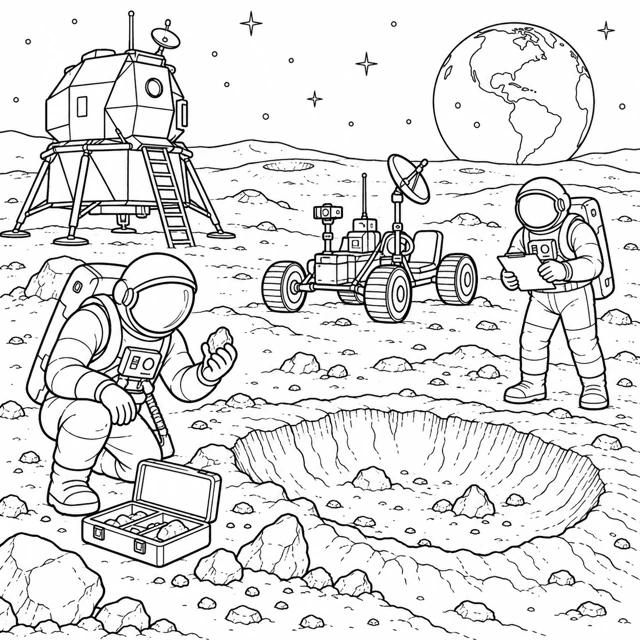
Color the broad crater shapes separately from the explorers; this is an imagined scene, not a measured lunar diagram.
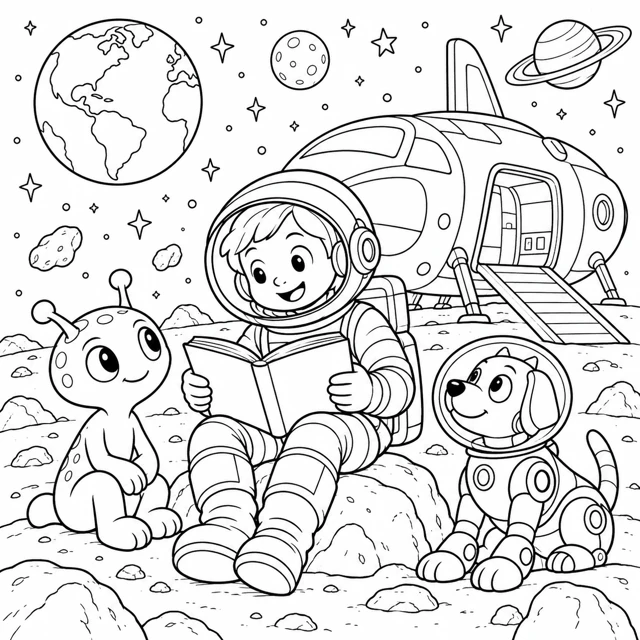
Give the astronaut and animal companions different palettes; leave the book pages blank or add your own marks.
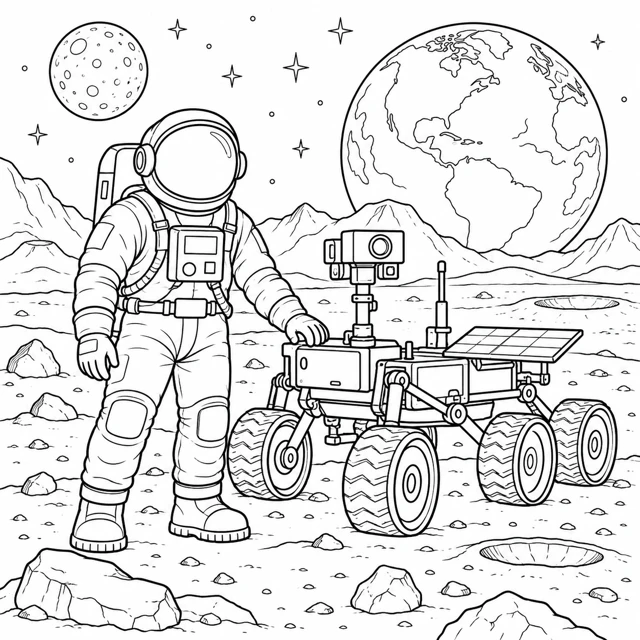
Choose suit accents that repeat one rover panel color.
Keep the surrounding area clear for your own additions.
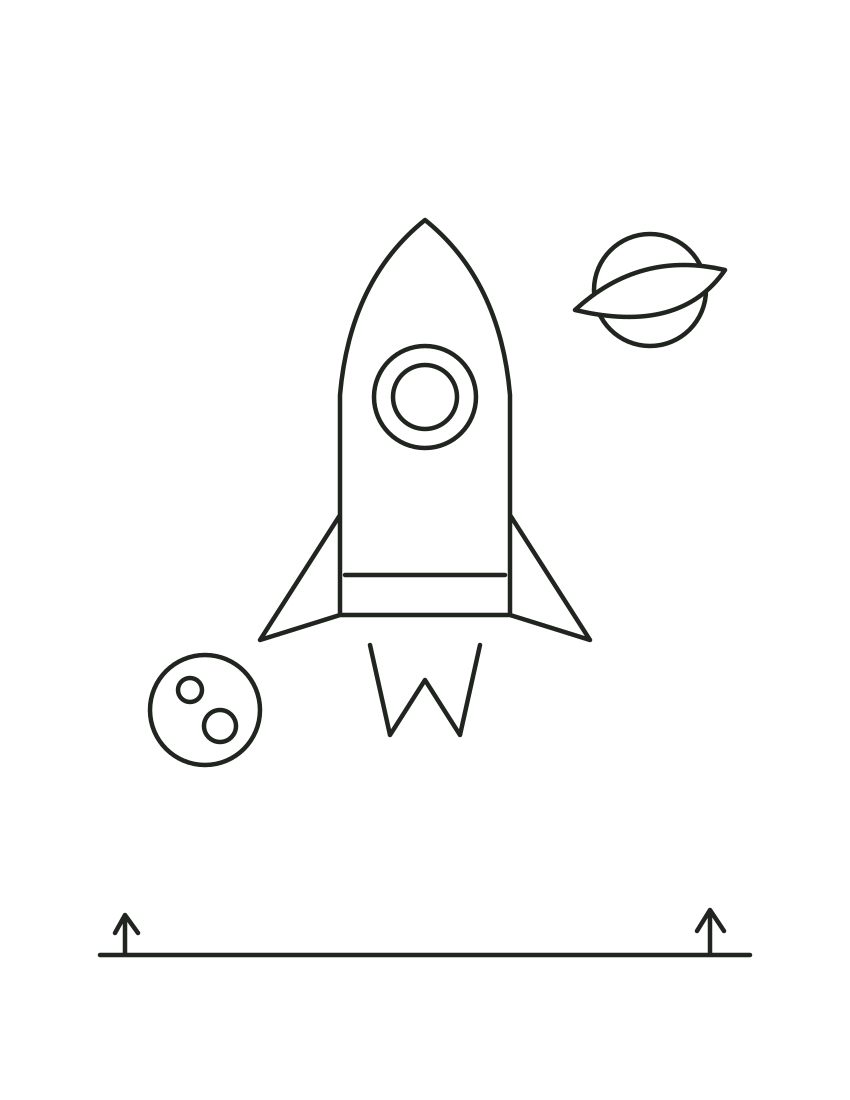
Use the ground line as a starting point for a setting.
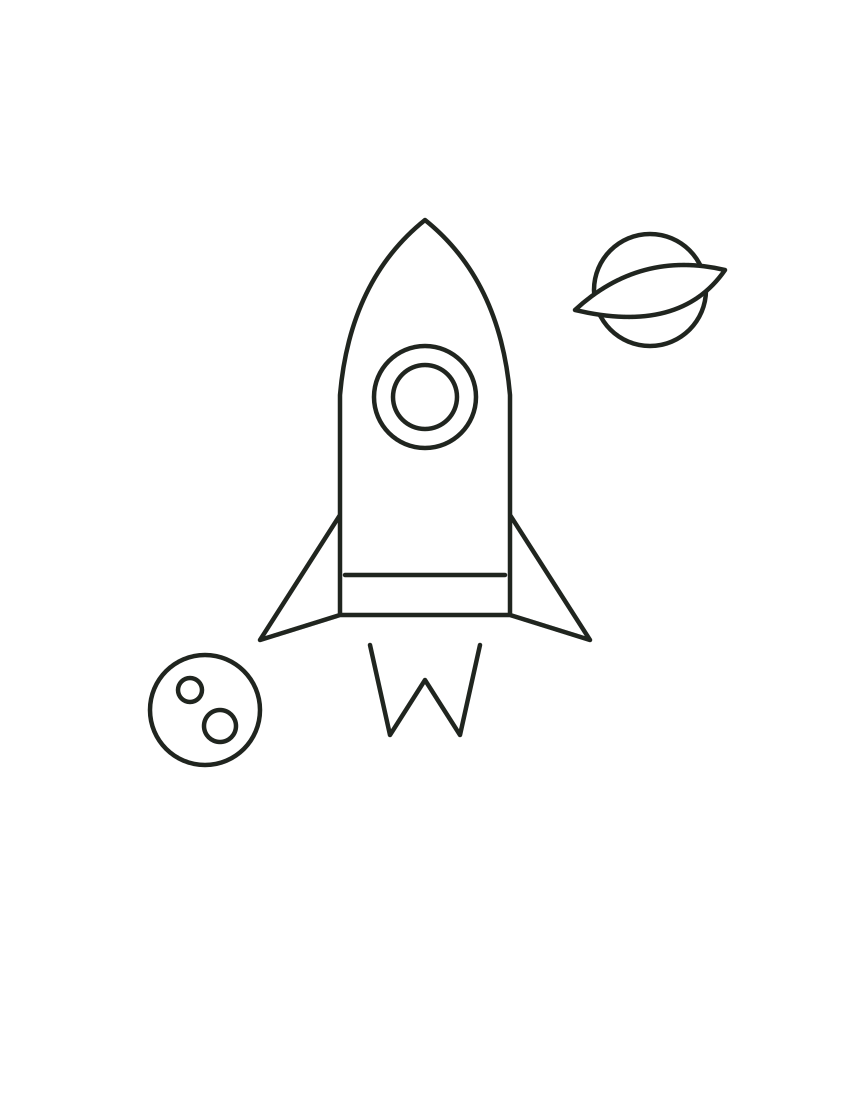
Draw a curved route from the rocket to the ringed planet without crossing their outlines. Decide where the traveler begins and lands, then use colors to distinguish destinations. These are imaginative symbols, not a scale diagram or technical spacecraft drawing. Keep the window clear if you want to add an astronaut by hand. The scene version adds a lower horizon that can become a landing place. Teachers can ask children to order three stops along a route. Each party guest can invent a destination and explain its colors. Leave some background white so the small window and crater details remain recognizable.
Use one sheet for a quiet activity at home, or let a small group compare poses, large subjects and more detailed settings in the collection. Explain the creative task before giving out the page. Children can leave areas uncolored, add their own marks or tell a story instead of completing every shape. There is no age score or tested classroom result attached to this collection.
For a party, place coloring materials within reach and let each guest choose their own palette. A teacher can compare a large-subject sheet with a scene and ask which leaves more space for additional ideas. Avoid judging the activity only by how closely a child stays inside the lines.
Use the rocket or planet close-up for large color blocks, and the satellite, rover or astronaut pages for smaller panel patterns. Check the helmet window and rover wheels at the intended scale. These are imaginary space illustrations, not engineering drawings or a scale model of the solar system.
Keep open space white or add a pale pencil sky after printing instead of a solid black background. Make a proof to check star points and solar-panel divisions before copying a classroom set. Invent destinations on the blank spaces without treating the pictures as factual astronomy charts.
At home, choose one visible space picture and begin with a few broad shapes. For a class or small party, compare two previews and let people choose their own palette. Use the selected-sheet panel to download or print the chosen picture without printing the gallery. Select the paper loaded in your printer, inspect fit and margins, and use black-and-white or grayscale if available. A single-sided sheet leaves the back clear for a message or invented story;
Yes. Each preview shows the image linked by its own download button; the reviewed scenes use PNG and the two simple exercises use SVG. They are prepared illustrations, not examples promised from a future generator run.
You can add details by hand after printing or edit your copy in a compatible SVG editor for your personal or classroom activity. The fixed download does not have an online editing panel.
Use the separate photo-to-coloring-page workflow for your own permitted image. It creates a raster outline and is different from downloading these prepared vectors.
Want another subject? Create a new page in the AI coloring page generator, or start with your own photo.
If you save your chosen picture as a PDF, Adobe’s guide to PDF page size and fit settings explains the print-dialog options. Settings differ in other viewers and printer drivers.
For a separate drawing activity, explore the National Gallery of Art’s lesson on drawing everyday objects. It offers mark-making ideas rather than instructions or an endorsement for this generator.