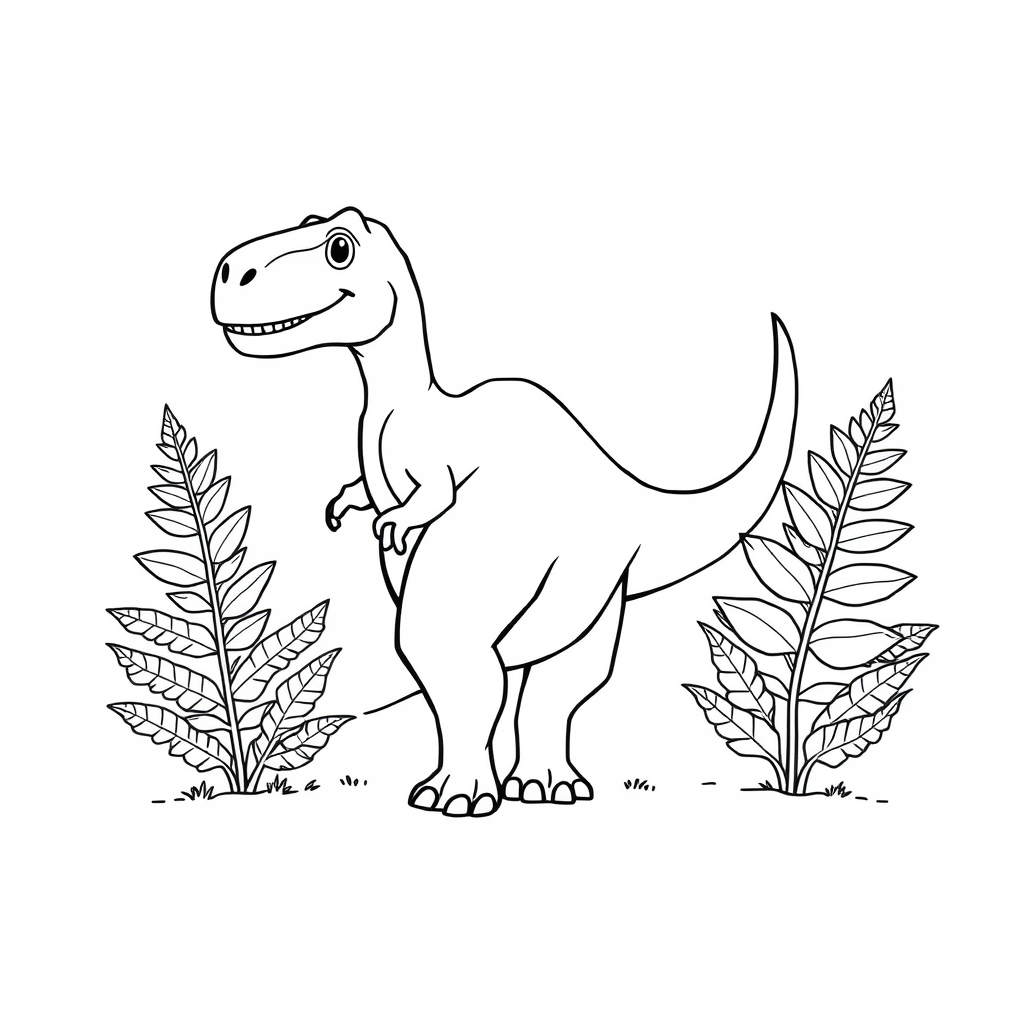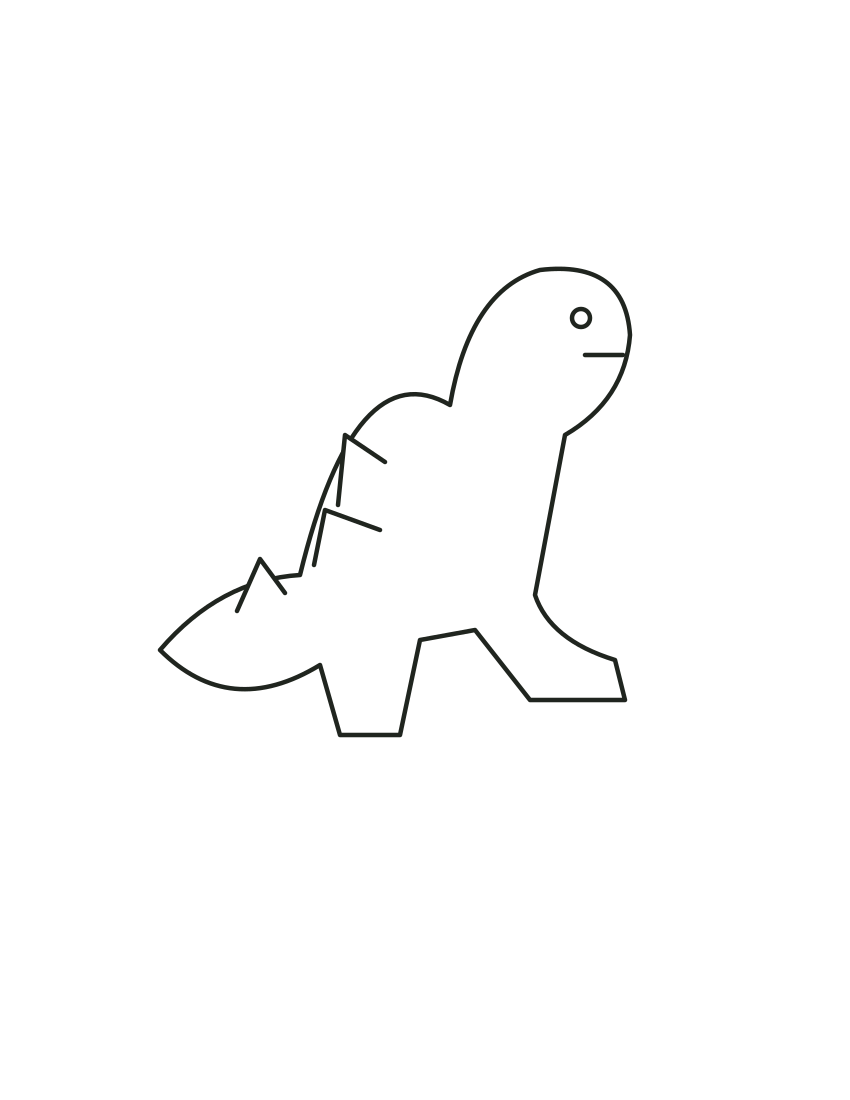
Dinosaur: open sheet
Keep the surrounding area clear for your own additions.
ORIGINAL PRINTABLE COLLECTION
Choose from 15 dinosaur coloring sheets: 13 reviewed AI-generated storybook illustrations in PNG and two simple vector exercises in SVG. Compare the actual previews, download your chosen file, and check its placement in print preview.
CHOOSE / DOWNLOAD / PRINT
Selected: Small armed dinosaur
Download the original file, or print just the selected picture. Inspect paper size and scaling in the browser print preview. Save as PDF depends on your browser. Physical printing has not been tested.
These 13 AI-generated illustrations were selected after a visual review. Each image has its own PNG download. The two simpler vector exercises below are a separate starting point for large coloring areas.
Keep the small arms readable when adding body patterns.
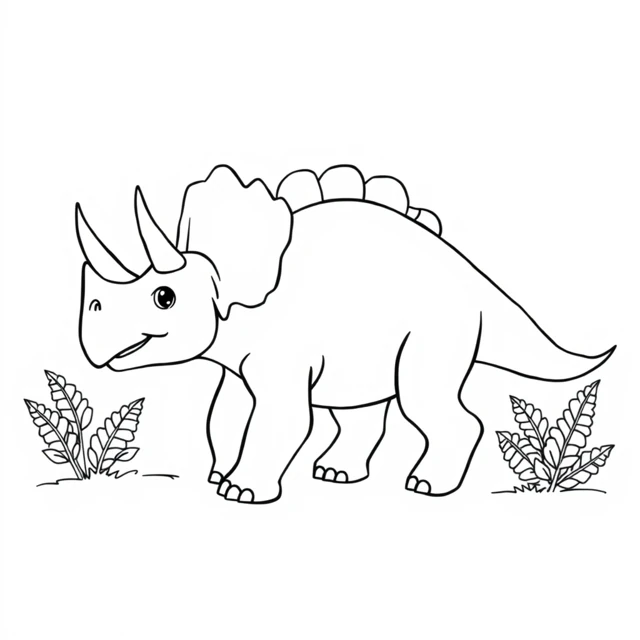
Use separate colors on the horns and broad back; the species is imaginary.
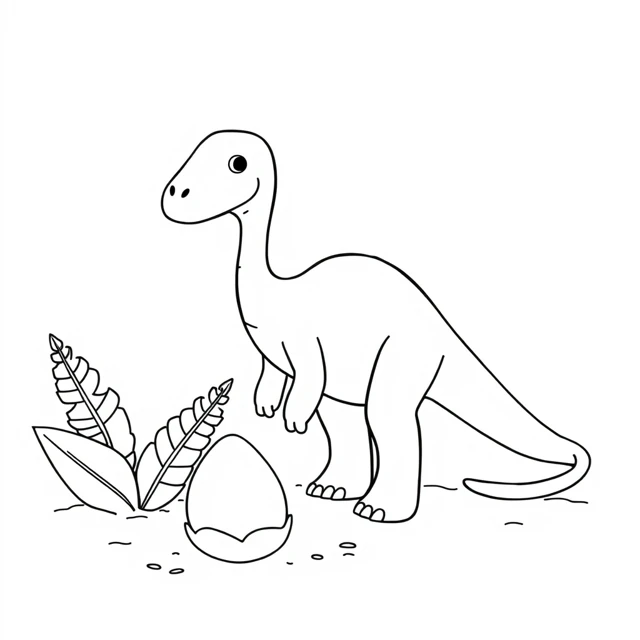
Invent an egg pattern without treating the drawing as a fossil reconstruction.
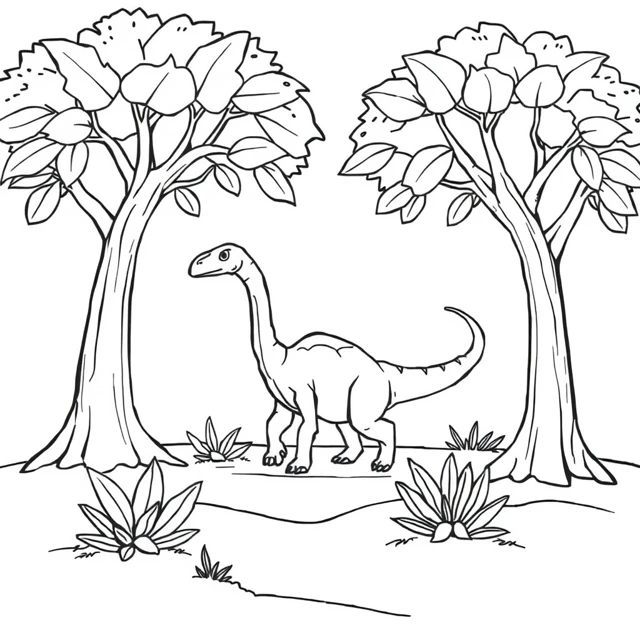
Use large leaf shapes as an imagined habitat.
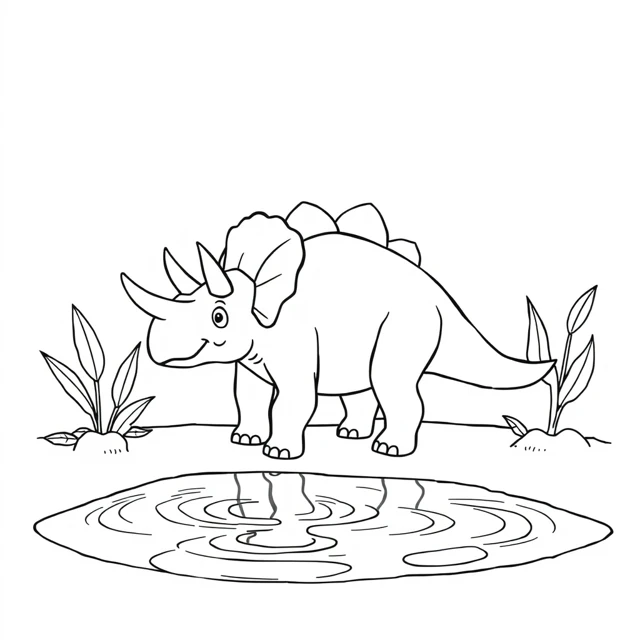
Keep the water pale so the feet remain visible.
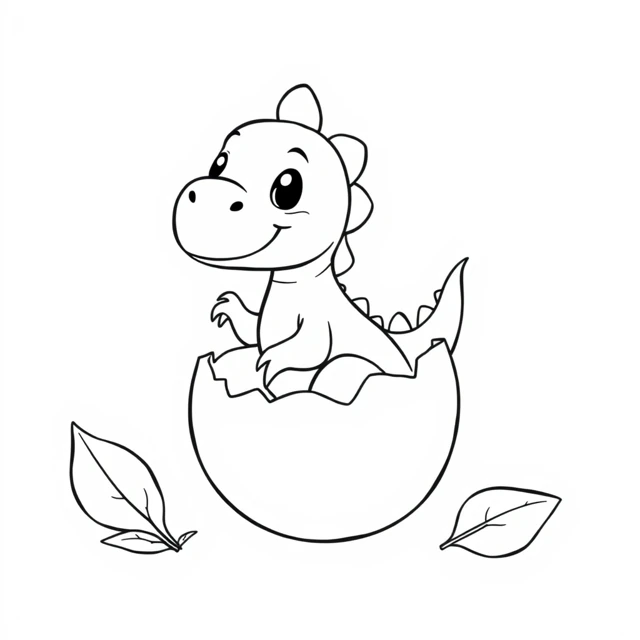
Invent a shell palette around the small dinosaur.
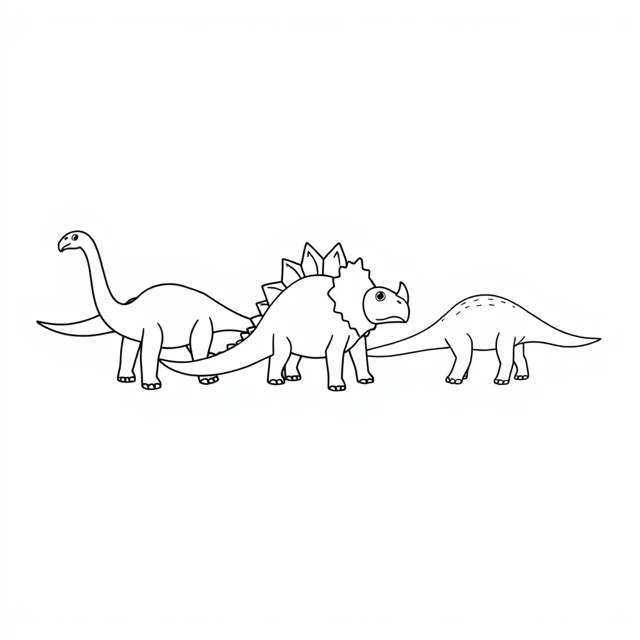
Try three palettes on three different imaginary body shapes.
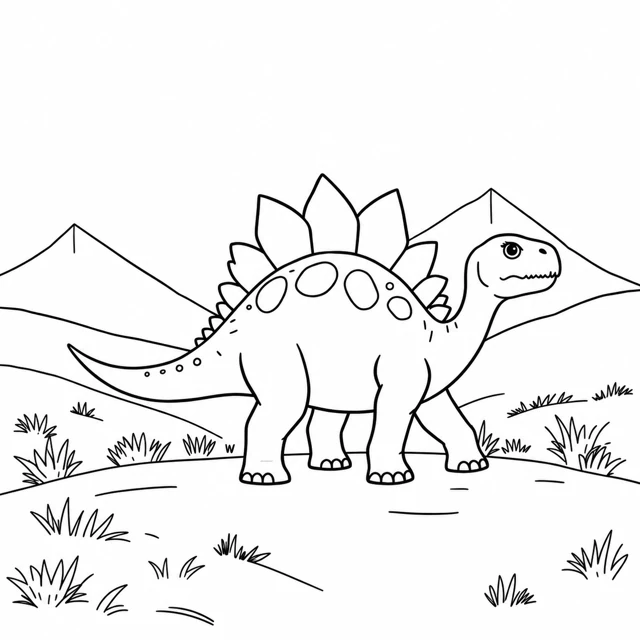
Choose a broad body color and a separate palette for the path and distant mountains.
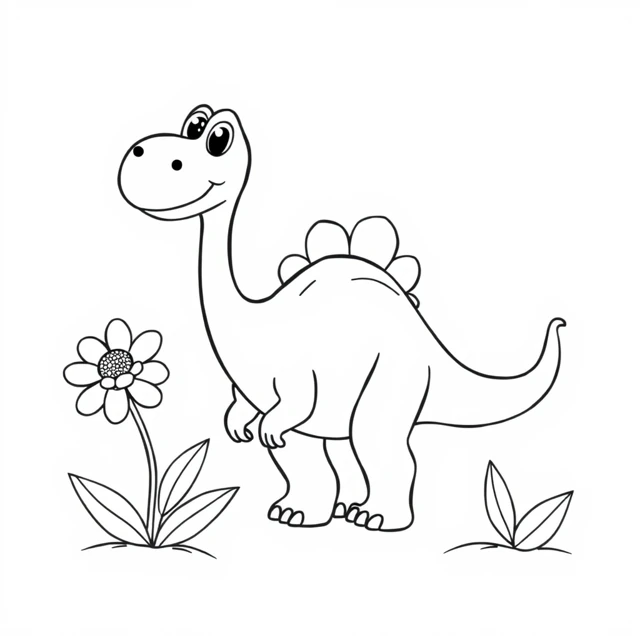
Use invented plants rather than treating the scene as historical evidence.
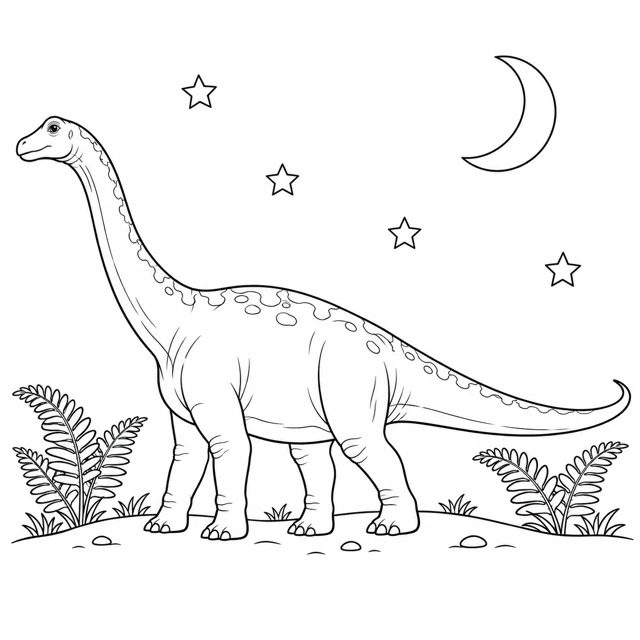
Keep the sky white and use separate palettes for the body patterns and fern leaves.
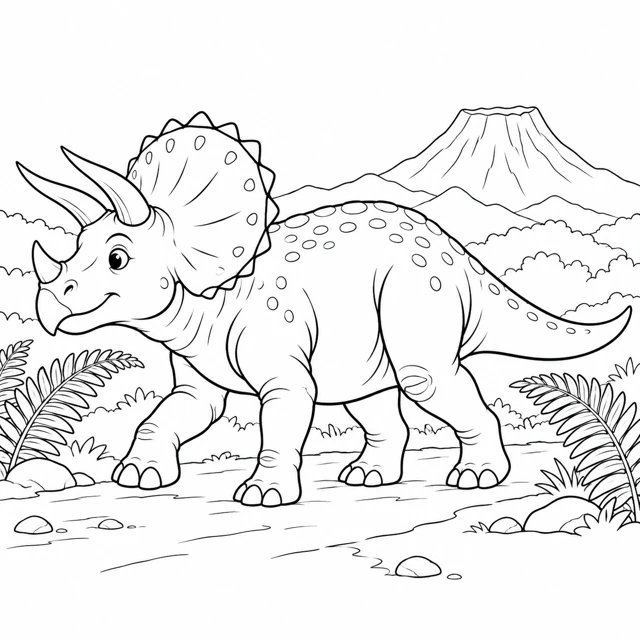
Color the broad dinosaur body and the distant landform separately.
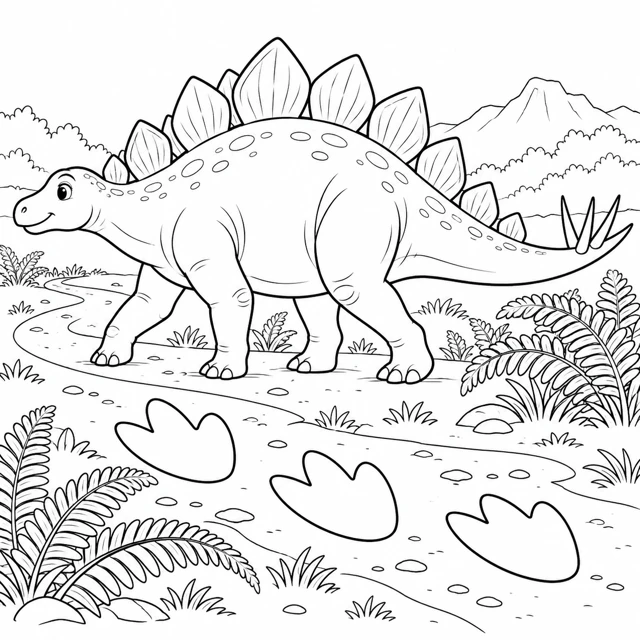
Follow the imaginary three-print trail; it is not a scientific track diagram.
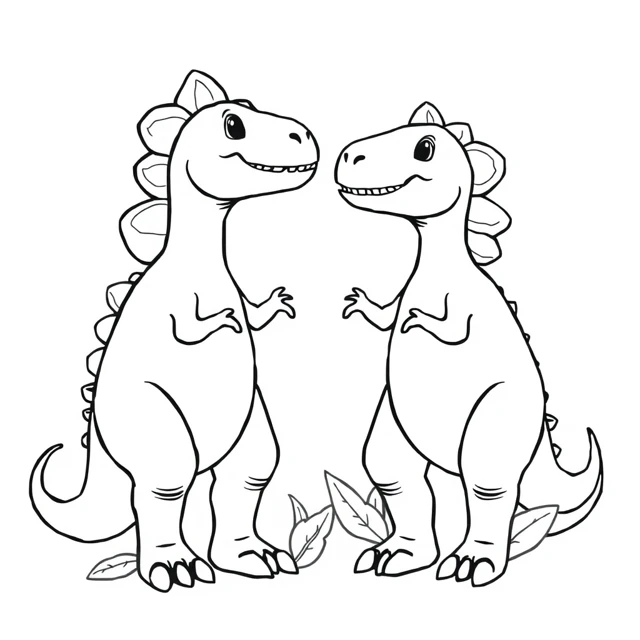
Give the two distinct characters different palettes.
Keep the surrounding area clear for your own additions.
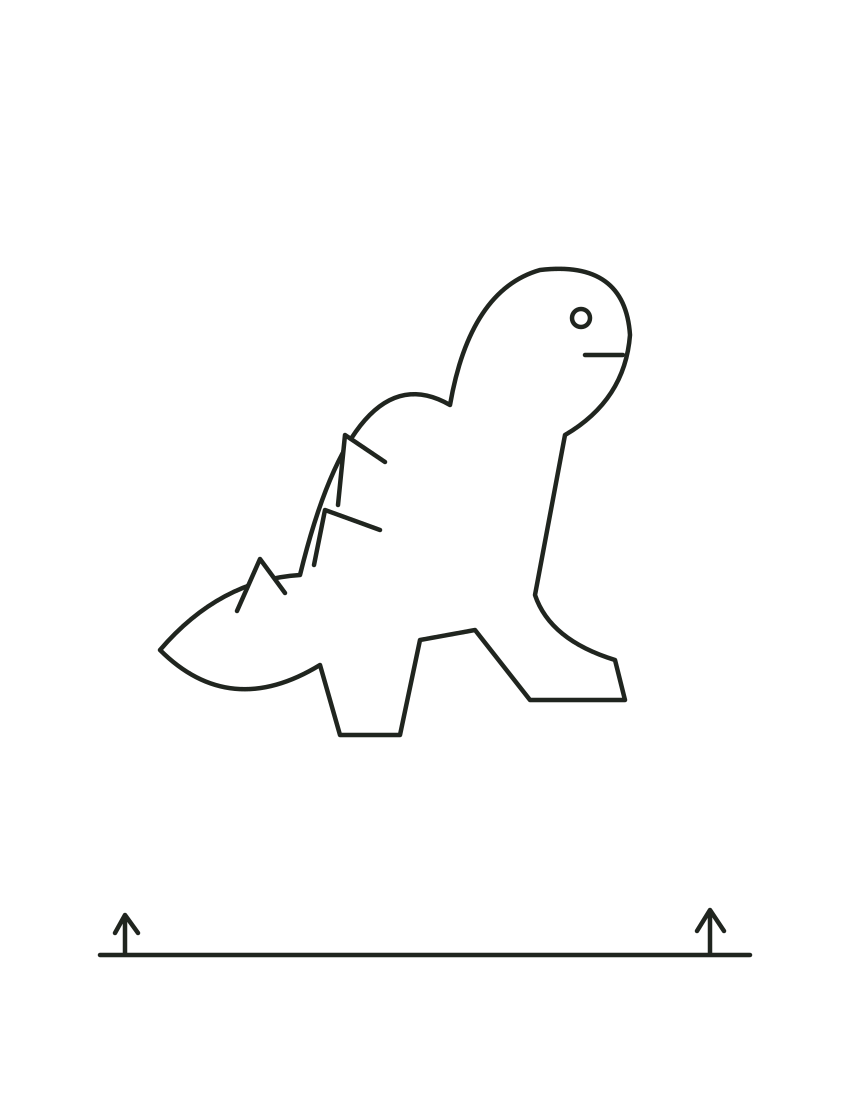
Use the ground line as a starting point for a setting.
Start with Baby dinosaur if you want a large character and very little scenery. Choose Horned dinosaur for a broad body with separate horns and frill sections. Pick Dinosaur palm grove when you want to color a setting as well as the animal. These choices come from the actual pictures above, not age testing: compare the preview with the width of the pencil or marker you plan to use.
Baby dinosaur has a large eggshell, an open body and two leaves. You can color those main areas without filling every small mark. Horned dinosaur has a broad flank and separate shapes around the face; leave the smallest eye details as they are. The grove picture includes overlapping leaves and tree branches, so it asks for more decisions about where one shape ends and another begins. The mountain scene adds back plates, a path and small plants. More scenery is a choice, not a better result.
To compare fairly, select each picture in the panel before downloading. Keep the same intended print size when you inspect the two files. Shrinking a square picture makes its small spaces smaller too. If the foliage feels crowded, return to a single-character sheet rather than trying to color every gap. These are visual observations of the supplied artwork; we have not measured completion times or tested an age range.
For a shared session, let each person choose broad shapes or scenery independently. Do not turn the number of filled spaces into a score. Add new plants or a message in the open margin only if you want them. This is a suggested creative routine, not a classroom-tested lesson or evidence about real dinosaur colors.
Want to review a newly generated picture rather than choose a prepared sheet? Our AI-generated coloring page checklist shows accepted and rejected outputs and a manual before-print review list.
The reviewed illustrations download as square PNG images, not book pages or prepared PDFs. The simple vector exercises download as SVG. Use the selected-sheet panel to choose the actual file, then inspect placement on the paper size loaded in your printer. A square image can leave blank space on portrait paper; that space can hold a handwritten title. Save as PDF, if offered by your browser, is a separate print-dialog choice. We have not tested a physical printer.
Decide whether this creature lives near water, under trees or on a rocky plain. Draw two plants around the broad body before choosing its colors. This is a playful invented animal, not a scientific reconstruction or species identification sheet. Explain how the setting changes your color choices. Give the dinosaur a pattern that blends into the imagined leaves, or one that makes it stand out. The scene version marks a place for distant scenery. Keep additional objects away from the feet so the animal remains recognizable. Compare different habitats rather than choosing a single correct dinosaur color.
Use one sheet for a quiet activity at home, or let a small group compare poses, large subjects and more detailed settings in the collection. Explain the creative task before giving out the page. Children can leave areas uncolored, add their own marks or tell a story instead of completing every shape. There is no age score or tested classroom result attached to this collection.
For a party, place coloring materials within reach and let each guest choose their own palette. A teacher can compare a large-subject sheet with a scene and ask which leaves more space for additional ideas. Avoid judging the activity only by how closely a child stays inside the lines.
These dinosaur drawings are playful interpretations, not scientific species charts. Print a large animal when the activity is mainly a body-pattern exercise; choose the pond, trail or mountain scene when children want to color a setting as well. Check horns, small arms and egg-shell divisions before shrinking a page.
For a shared habitat display, keep separate sheets at a consistent scale and let each child explain their invented setting. Leave sky and water light so the feet stay readable. Make one proof on your printer; the footprints and egg shapes are decorative and are not fossil evidence or measured diagrams.
At home, choose one visible dinosaur picture and begin with a few broad shapes. For a class or small party, compare two previews and let people choose their own palette. Use the selected-sheet panel to download or print the chosen picture without printing the gallery. Select the paper loaded in your printer, inspect fit and margins, and use black-and-white or grayscale if available. A single-sided sheet leaves the back clear for a message or invented story;
Save one A4 PDF with ten different reviewed illustrations, each on its own page, plus a short instruction page. This is a selected pack from the existing collection; it does not contain every picture below.
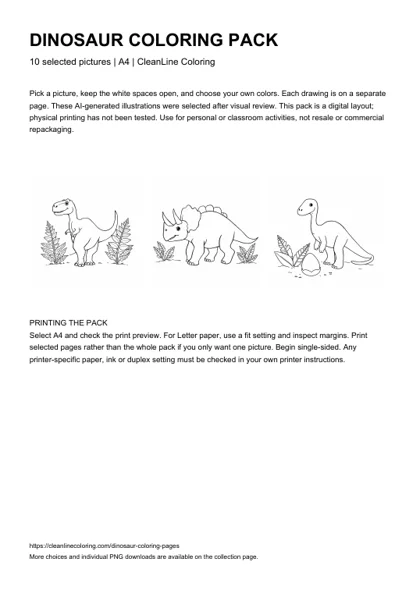
Download the dinosaur A4 PDF pack
Choose only the pages you want in the PDF print dialog. Match A4 paper, inspect the preview and use fit-to-page when needed; if you use Letter paper, check scaling rather than assuming the paper sizes match. These are prepared coloring sheets, not a bound book. Use for personal or classroom activities; this download does not grant resale rights. Digital PDF layout was checked. See the physical-printing limitations noted on this page.
Baby dinosaur has a large shell and body with little scenery. Horned dinosaur also offers a broad body, with smaller horn and frill sections. Compare the actual preview at your intended print size; these are visual choices, not tested age recommendations.
No. You can leave small leaves, marks or background areas white. For a less detailed activity, select Baby dinosaur or Horned dinosaur instead of the grove scene. The three-color activity uses a body color, an accent and a leaf color without requiring every space to be filled.
Yes. Each preview shows the image linked by its own download button; the reviewed scenes use PNG and the two simple exercises use SVG. They are prepared illustrations, not examples promised from a future generator run.
You can add details by hand after printing or edit the PNG in an image editor or the SVG in a vector editor for your personal or classroom activity. The fixed download does not have an online editing panel.
Use the separate photo-to-coloring-page workflow for your own permitted image. It creates a raster outline and is different from downloading these prepared PNG and SVG illustrations.
Want another subject? Create a new page in the AI coloring page generator, or start with your own photo.
If you save your chosen picture as a PDF, Adobe’s guide to PDF page size and fit settings explains the print-dialog options. Settings differ in other viewers and printer drivers.
For a separate drawing activity, explore the National Gallery of Art’s lesson on drawing everyday objects. It offers mark-making ideas rather than instructions or an endorsement for this generator.