ONE DRAWING · THREE COLOR PLANS
Custom coloring sheets for a three-palette study
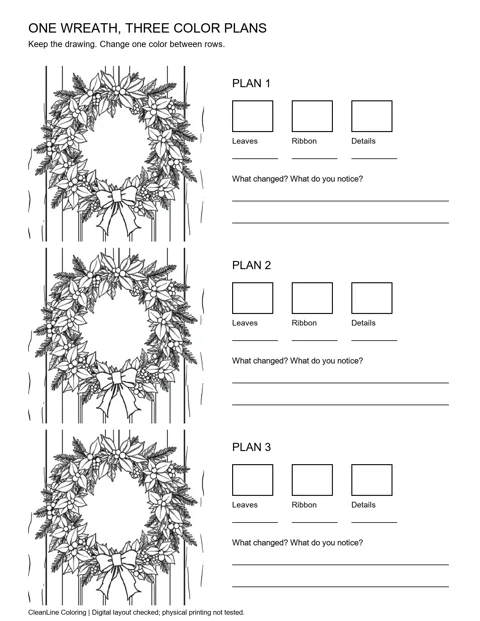
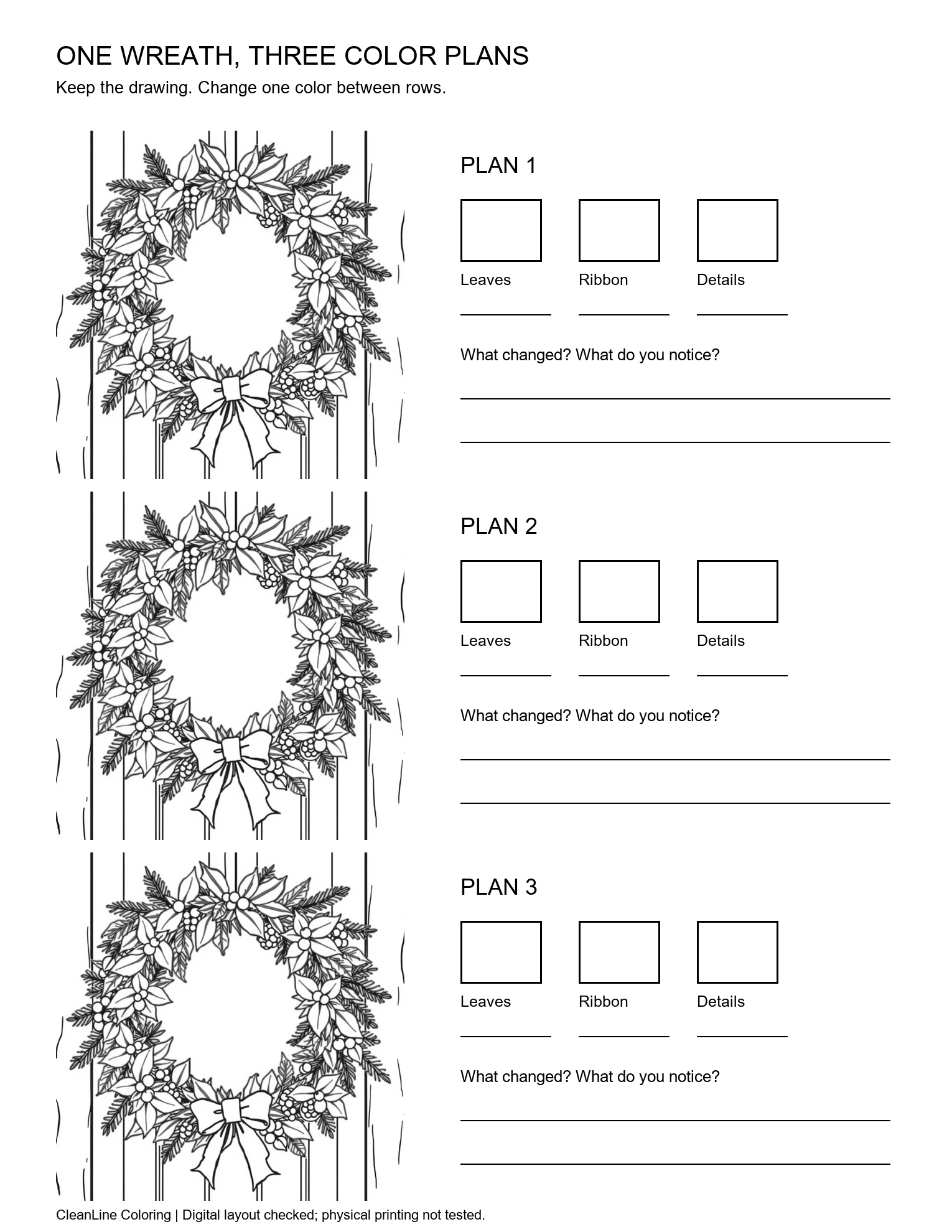
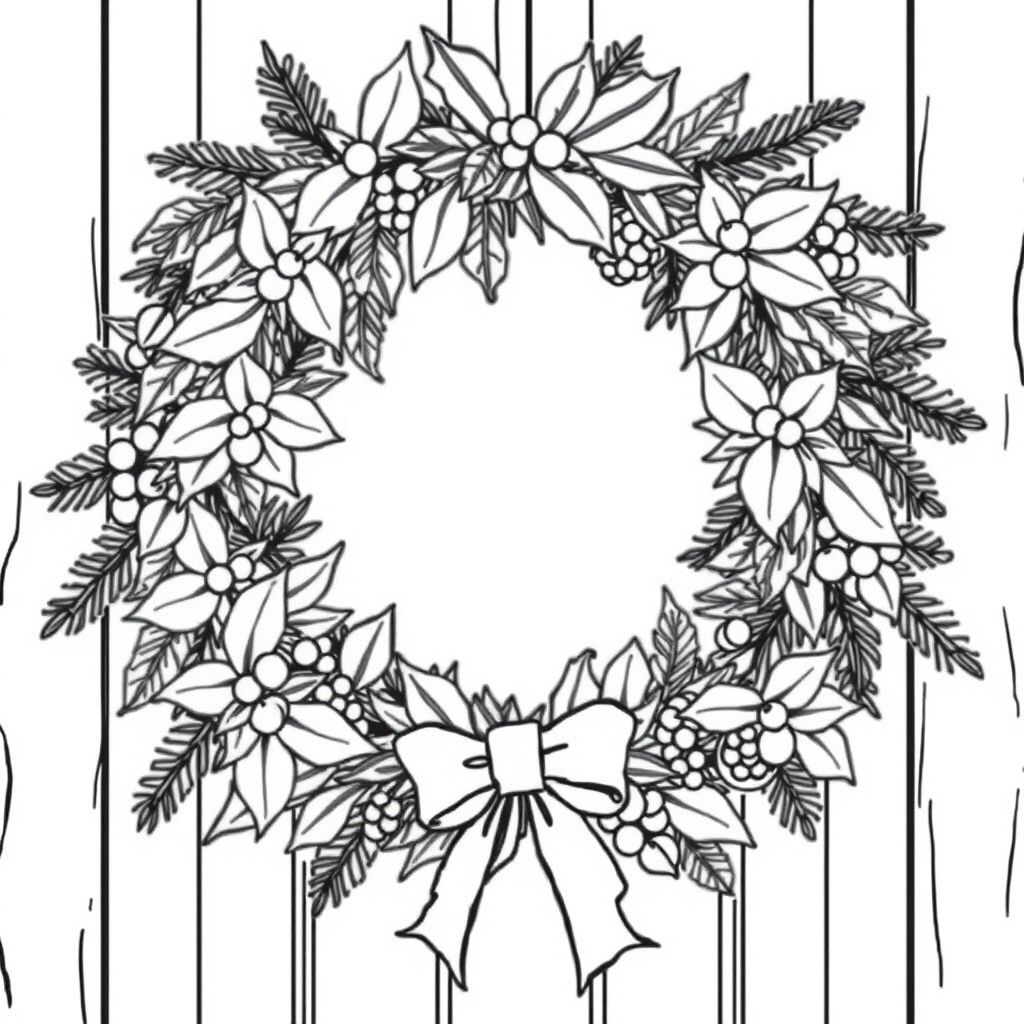
Use the same wreath three times, write down three colors for each version, and change one color between rows. The worksheet below keeps the drawing constant so you can compare your own choices instead of comparing different pictures. Download the portrait PNG here; the outlines are still blank for you to color.
Set up a comparison you can actually repeat
Start with three pencils or crayons that you already have. Assign one to the leaves, one to the ribbon, and one to small details. Fill the three sample boxes beside the first wreath and write the color names on the lines below them. The boxes are a record of your materials, not a promise that a screen preview will match a printed or hand-colored result. You can leave the white background and tiny spaces untouched.
For the second wreath, keep the leaf and detail colors but replace the ribbon color. Repeat the original choices in the first and third sample boxes, and put the new ribbon color in the middle box. In the third row, keep the ribbon and detail colors from row two and change the leaf color. This sequence makes each neighboring pair a one-change comparison. Changing all three colors at once is also possible, but then the difference cannot be attributed to one choice.
Use a consistent material and coloring pressure while comparing. A pale pencil applied lightly and a dark marker applied heavily differ in more than hue. If you want to compare materials, do that as a separate experiment and label it. This page does not measure pigments, lightfastness, accessibility of a palette, or how particular tools behave on your paper.
Use the printable study sheet
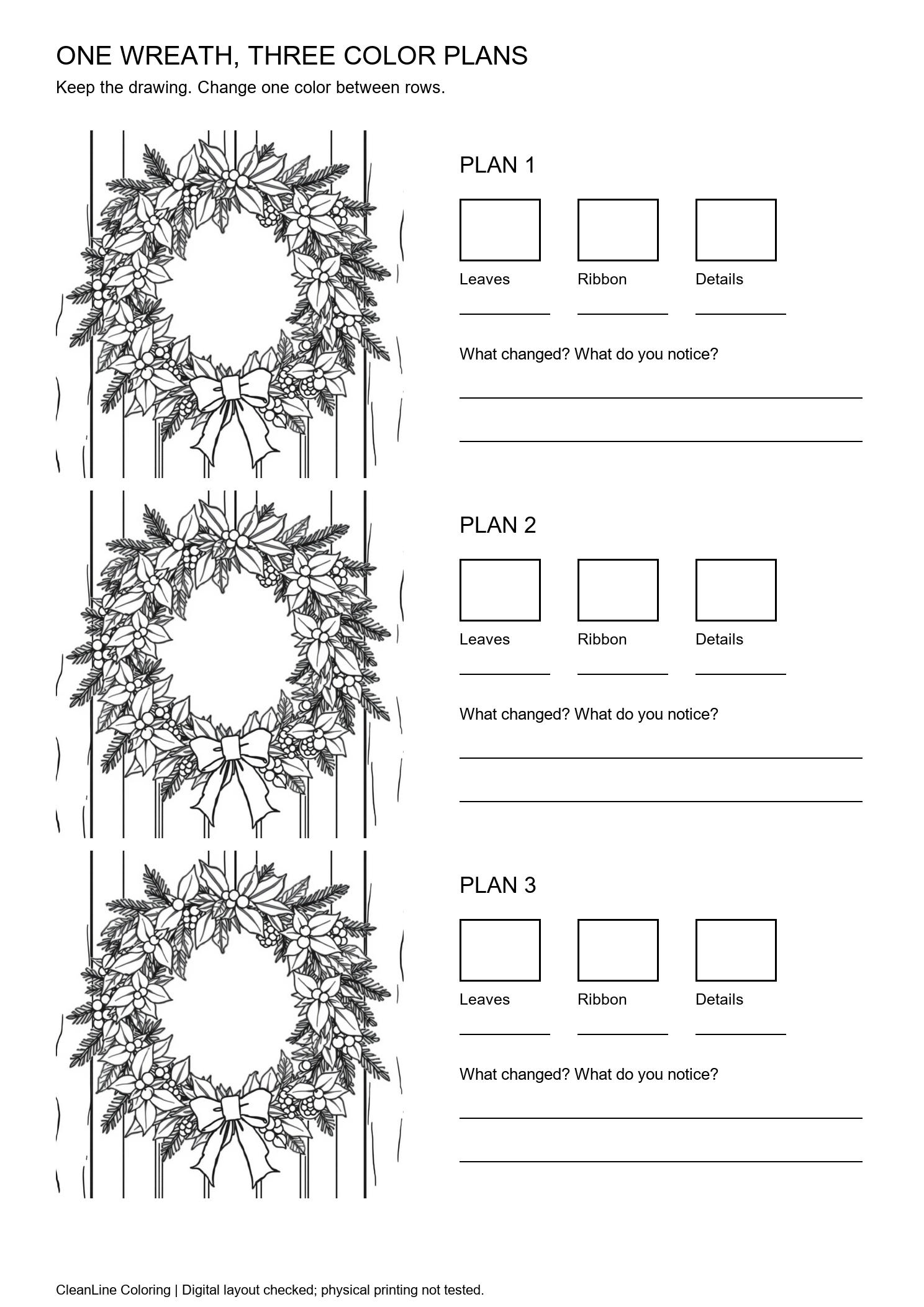
Each file contains three copies of one reviewed original wreath, three blank sample boxes beside each copy, and writing space for observations. The drawing is deliberately smaller than a standalone coloring page. Work through broad leaf and ribbon shapes first; small details can stay white. If the small spaces do not suit your tools, use the full-size Christmas coloring pages instead and keep a separate handwritten palette record.
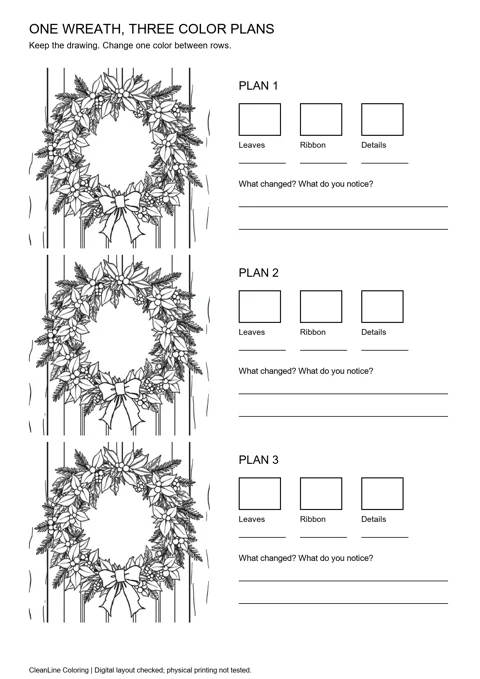
The Letter file is 1530 × 1980 pixels. The A4 file is 1488 × 2105 pixels, a rounded approximation to the A4 page ratio. Both use a 560 × 560-pixel picture box for each row. These are measured digital file dimensions, not physical paper measurements. Scaling the 1024-pixel source down does not add detail; the original square PNG is also available above if you need a larger drawing.
Open the downloaded PNG in your usual image or document application. Select the paper size that matches the file, use portrait orientation, and inspect the preview before printing. Choose a fit-to-printable-area option if your printer requires additional margins. Avoid filling the page by stretching the image independently in each direction. The worksheet already includes a white border, but that border does not guarantee compatibility with every printer.
We have not tested physical printing. Check one sheet before preparing a stack, especially if you will use markers or fold the paper afterward. This download is a PNG worksheet, not a PDF, bound coloring book, or automatic multi-page export. For a larger single-picture layout, use the A4 and Letter picture-fit helper.
Compare the results without inventing a best palette
Describe where your attention goes
After coloring two neighboring rows, place them in the same light. Ask which part you notice first: leaves, ribbon, or small accents. Write a short observation such as “the ribbon stands out more in row two” rather than a universal rule about which colors are better. A different person may prefer a different version. The worksheet is for making your choices inspectable, not for scoring artistic ability.
Keep a usable recipe
Record the actual color names or pencil numbers that you used. “Green” alone may be too vague if your set has several greens. A numbered pencil and a quick swatch are more useful when returning to a project later. If your materials have no names, label them A, B, and C on a separate scrap of paper. Do not write on the tools or alter someone else's materials without asking.
Choose the next step from what you observed
If one version suits a greeting card, repeat that palette on a larger wreath and use the separate folded-card activity for the layout. If you want a shared group activity, give each person the same worksheet and let them choose their own three materials. Compare the records afterward without treating preference as a test result or claiming an educational benefit that we have not measured.
What this activity changes—and what it leaves alone
This is a color-planning activity using an existing illustration. It does not run an AI colorizer, fill regions on screen, recolor an uploaded photo, or generate three new drawings. The downloadable artwork remains black outlines on white. The worksheet layout and observation sequence are our own; the wreath is reused unchanged from our reviewed collection. We have checked the digital files, not run a workshop or measured outcomes with children.
For a different subject, start with the original printable coloring-page library and make the same three-color record on spare paper. You do not need to download several unrelated drawings to perform the comparison. If you need a new subject, the AI coloring page generator on this page remains a separate tool; review its output before using it. It does not promise to reproduce this wreath or its composition.
Questions about the three-palette worksheet
Are the three wreaths different generated pictures?
No. They are three placements of the same reviewed wreath. Keeping the outline constant lets you compare your own coloring choices.
Does this page color the drawing for me?
No. It supplies a blank PNG worksheet and a repeatable color-planning sequence. There is no online region-fill or AI colorizer in this activity.
Can I download it as a PDF?
This activity provides Letter and A4 PNG files, not PDFs. Your usual document application may offer its own PDF export; that is separate from this download.
What if the wreath is too small for my crayons?
Use the full-size original PNG or the Christmas collection, and write your three-color notes on spare paper. The study sheet intentionally fits three small copies on one page.
Has the worksheet been tested on a printer?
We have not tested physical printing. We checked the file dimensions and digital layout. Preview your own print settings and try one sheet before making copies.
Do I have to use traditional Christmas colors?
No. Choose materials you already have and record the choices. The aim is a controlled comparison, not a prescribed red-and-green palette.
Continue with your own coloring project
Keep your completed study next to the larger picture you plan to color. Use the notes as a starting point, then adapt them if the new drawing has different regions or detail. Our coloring-page guide explains the existing text and photo modes; the generated-art checklist helps inspect outlines before you spend time on a result.